

Overview
Microsites and landing pages are crucial tools in partner marketing, enabling partners to have dedicated, branded web presences without needing to build them from scratch. These co-branded assets allow partners to promote vendor products and services effectively, capture leads directly, and maintain a consistent brand message. The platform facilitates this by providing pre-approved templates and customization options, ensuring that all partner-facing web content adheres to brand guidelines while still allowing for partner-specific messaging and contact information.
For administrators, this feature streamlines the process of enabling partners with essential marketing infrastructure. It allows for quick deployment of new microsites, provides visibility into which partners are using which assets, and ensures that lead generation efforts are properly attributed. This capability is vital for scaling marketing efforts across a partner ecosystem and empowering partners to drive demand effectively.
Accessing Microsite Management
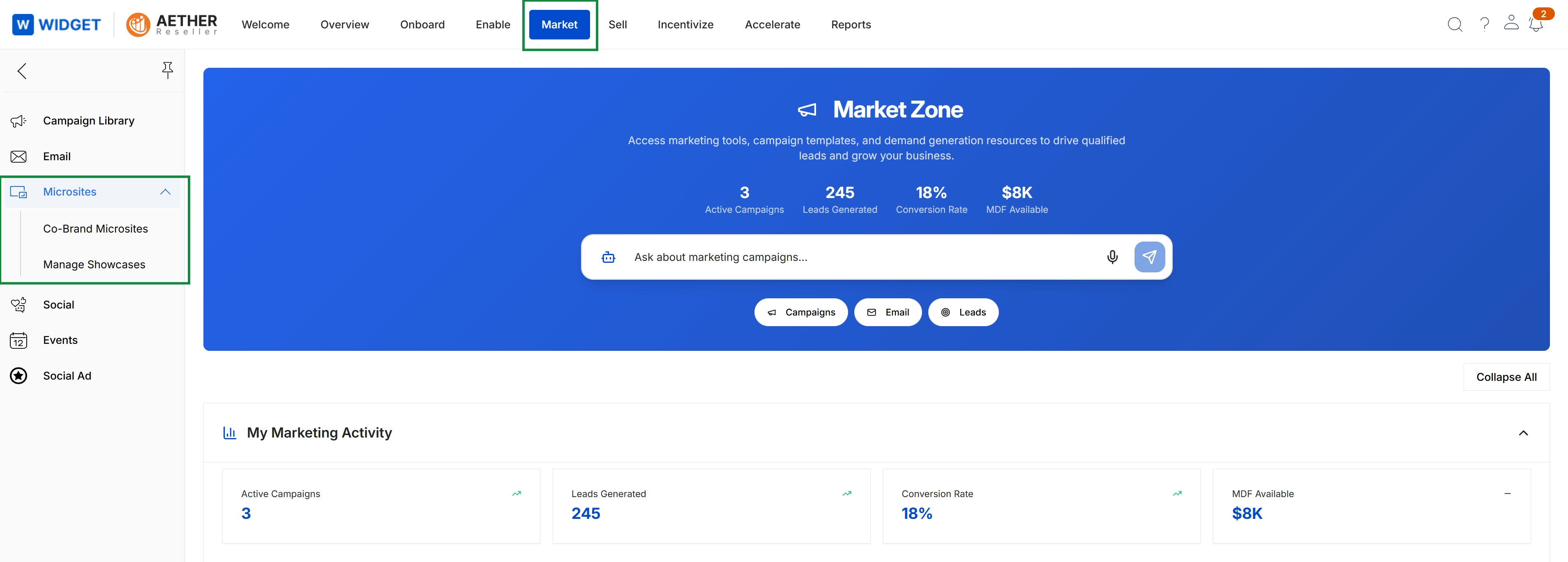
Click Market in the top navigation bar, then click Microsites in the left navigation menu to expand it.
Viewing Co-Brand Microsites
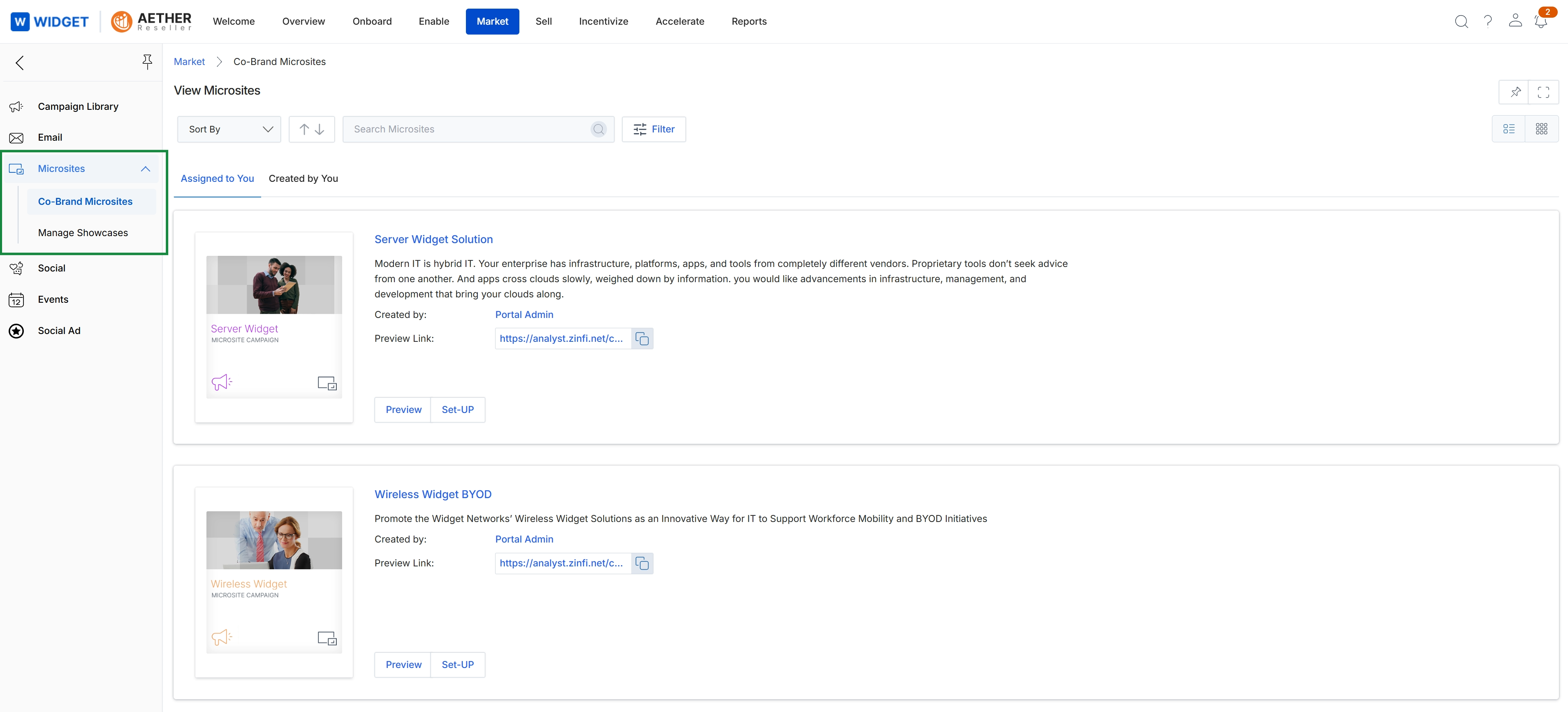
This screen displays a list of co-branded microsite templates available within the Market module, enabling partners to view and manage their personalized landing pages. It provides an overview of each microsite, including its title, a brief description, the creator, and a preview link. Partners can use this interface to either preview existing microsites or initiate the setup process for a new one, which allows them to customize vendor-approved templates for their marketing efforts.