

CMS Page Templates
Related Application(s)
CMS
Feature Description
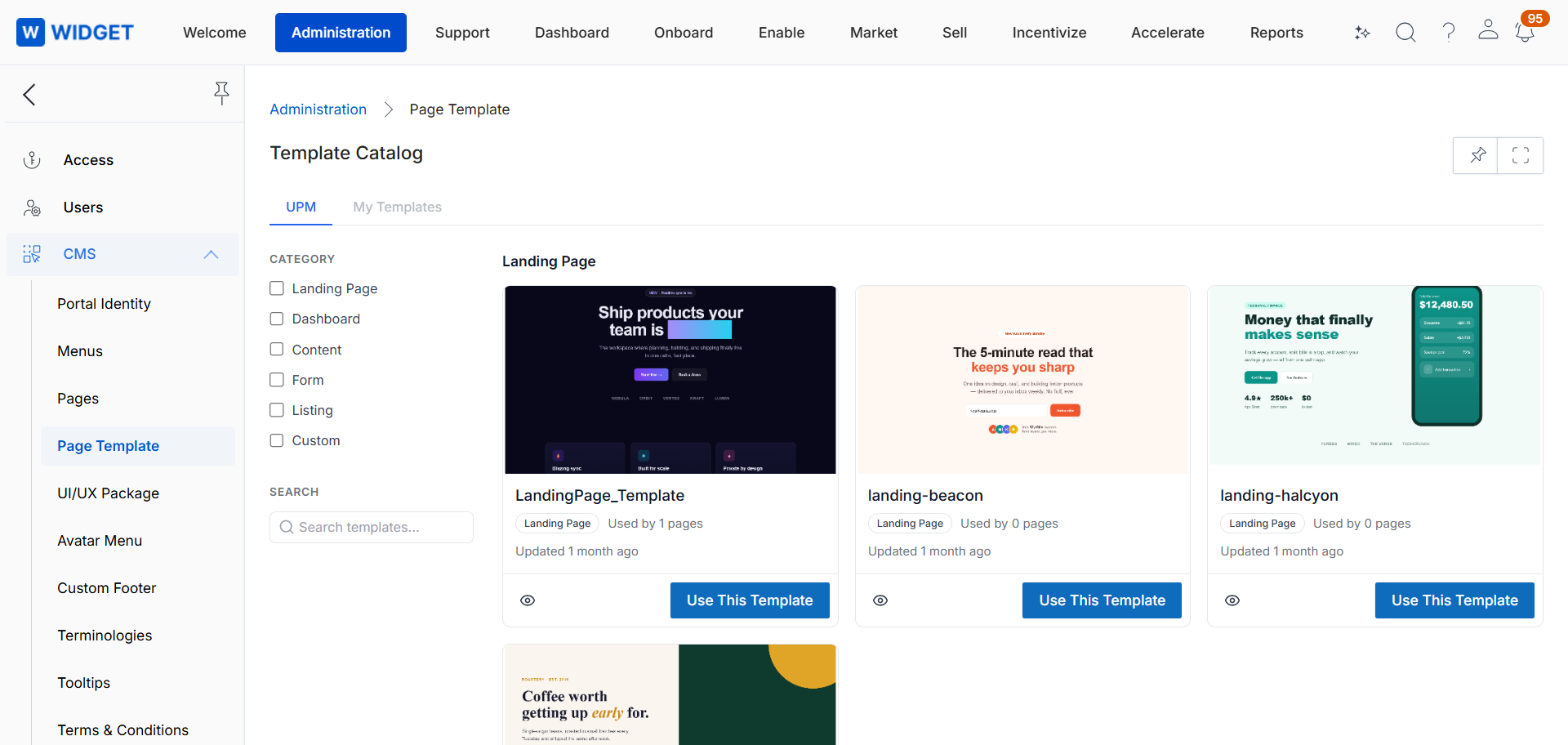
The CMS Page Templates enhancement introduces a new Page Templates menu that provides a template gallery organized into two sections: UPM, which contains generic, ready-to-use templates, and My Templates, which contains templates created by your organization in its own brand. Templates can be searched, filtered by category, and previewed. Each template belongs to one category.
Pages created from a template stay linked to it. When a template design is updated, the change is applied to all linked pages while each page retains its own content. A page can be detached from its template at any time to become standalone.
Log in to the UPM portal as an administrator.
Navigate to CMS > Pages and click Add.
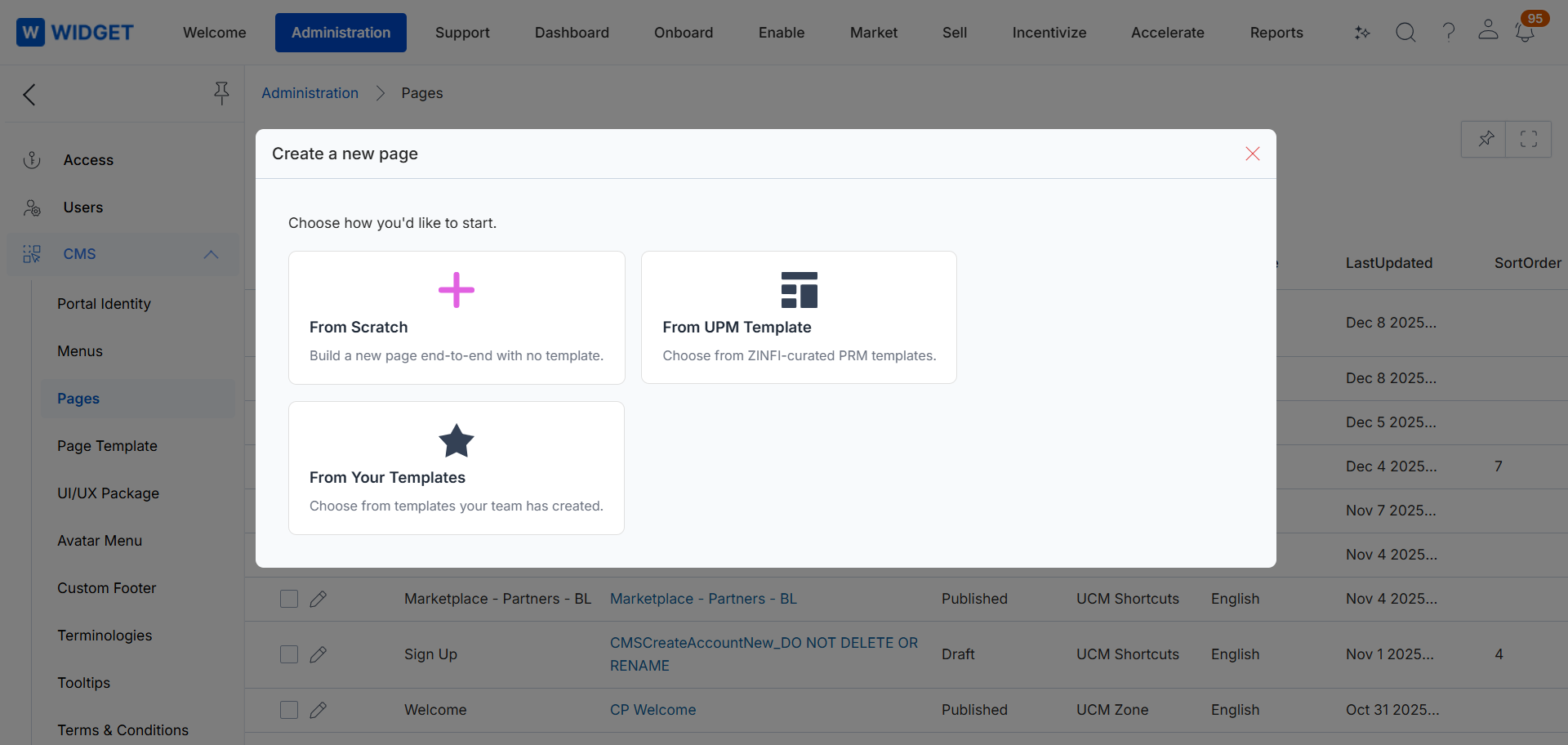
Select From Scratch, UPM Templates, or My Templates. Once a source is selected, you cannot switch to the other source.
Select a template and click Use this template. The complete page is created and can be saved as a draft.
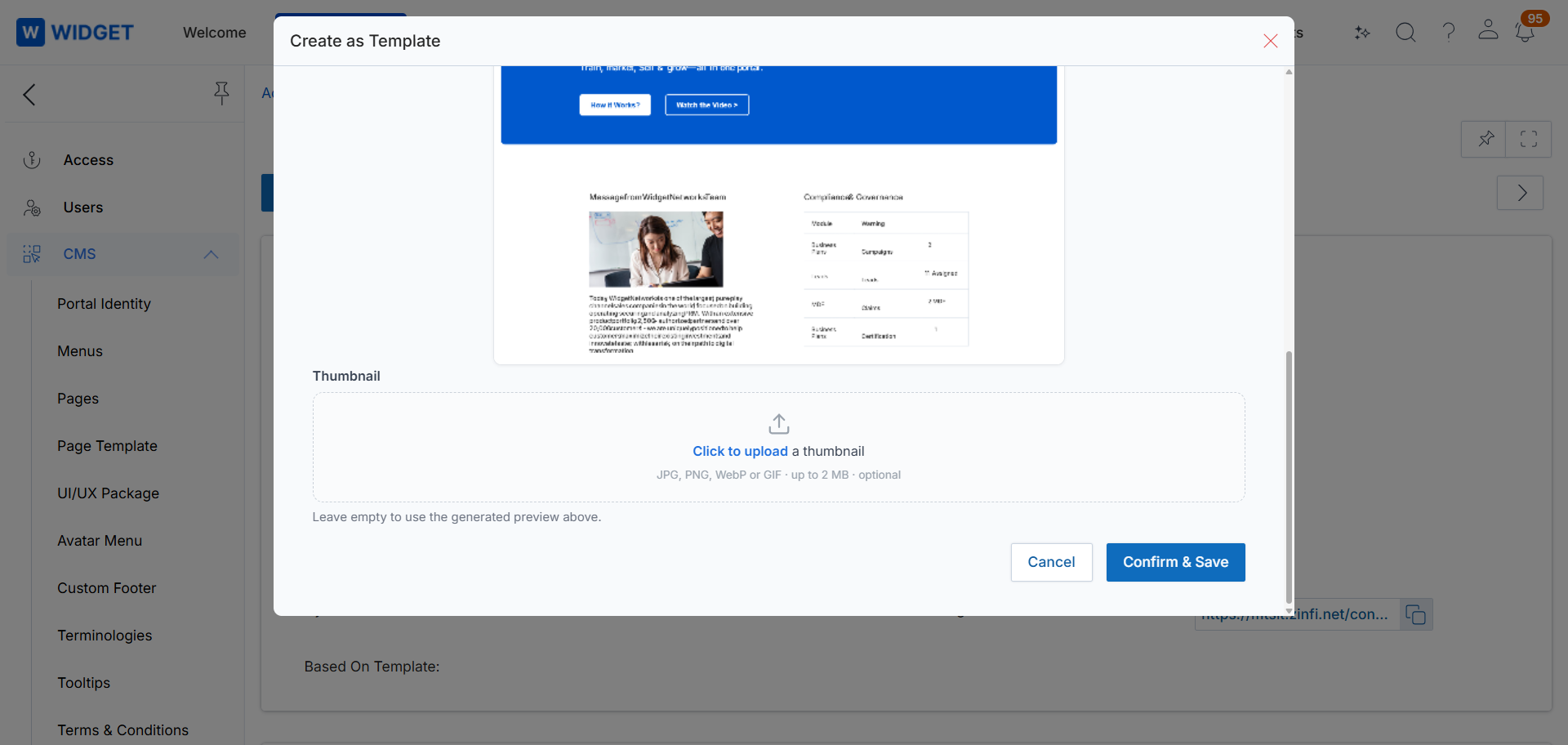
To reuse an existing page design, open the page and select Create as Template. Enter the name, category, and description. A thumbnail is generated automatically, or you can upload your own.
Manage Content
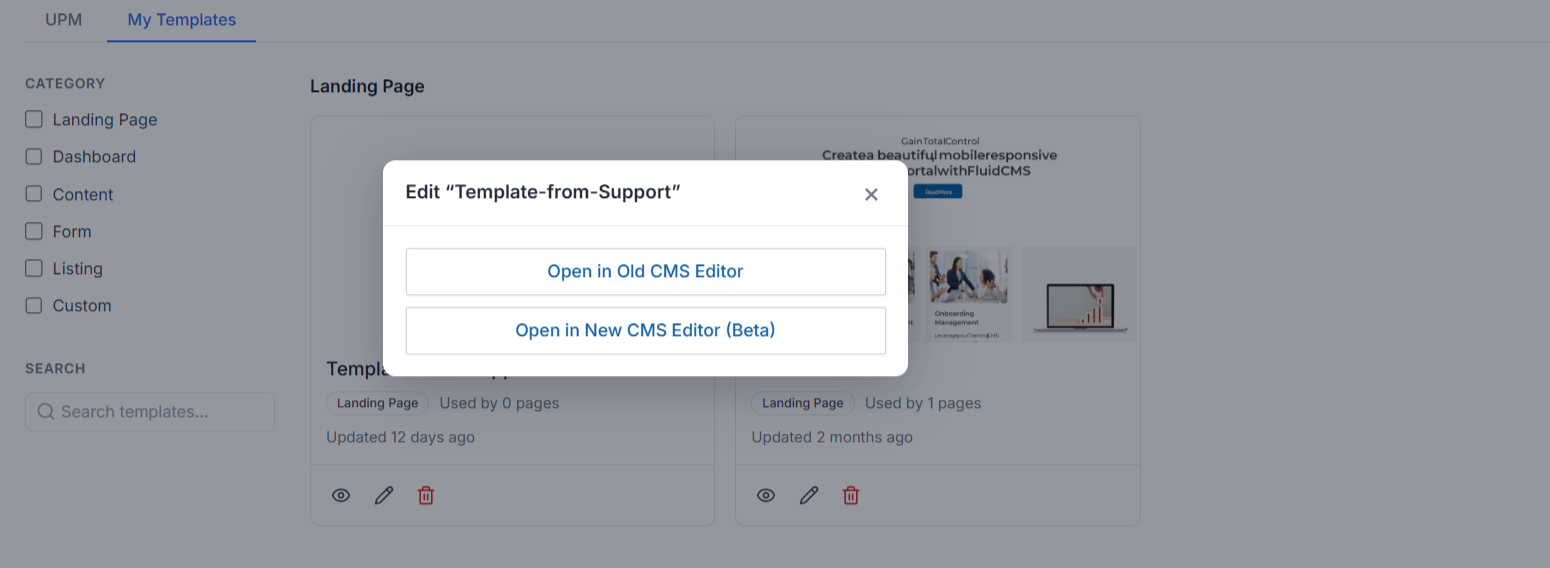
Edit a template. The system displays the number of pages that use it and applies design changes to all linked pages on save.
To stop a page from following its template, select Detach. The page becomes standalone and retains its current styles.
Origin of Feature
Customer request. This feature was introduced to enable faster, consistent page creation and centralized design updates.
CX Strategy Relation (6 S’s)
 Scalability
Portal User-Facing Benefits
This feature allows organizations to build pages faster, maintain consistent branding, and update many pages with a single template change.