

Overview
Sales commissions are a critical component of partner incentive programs, directly linking partner performance to financial rewards. The ability to accurately track and manage these commissions is essential for maintaining partner trust, ensuring timely payouts, and evaluating the effectiveness of commission structures. This module provides administrators with the tools to gain comprehensive visibility into all sales commissions generated by their partner ecosystem, supporting financial reconciliation and performance analysis.
Accessing the Sales Commissions List
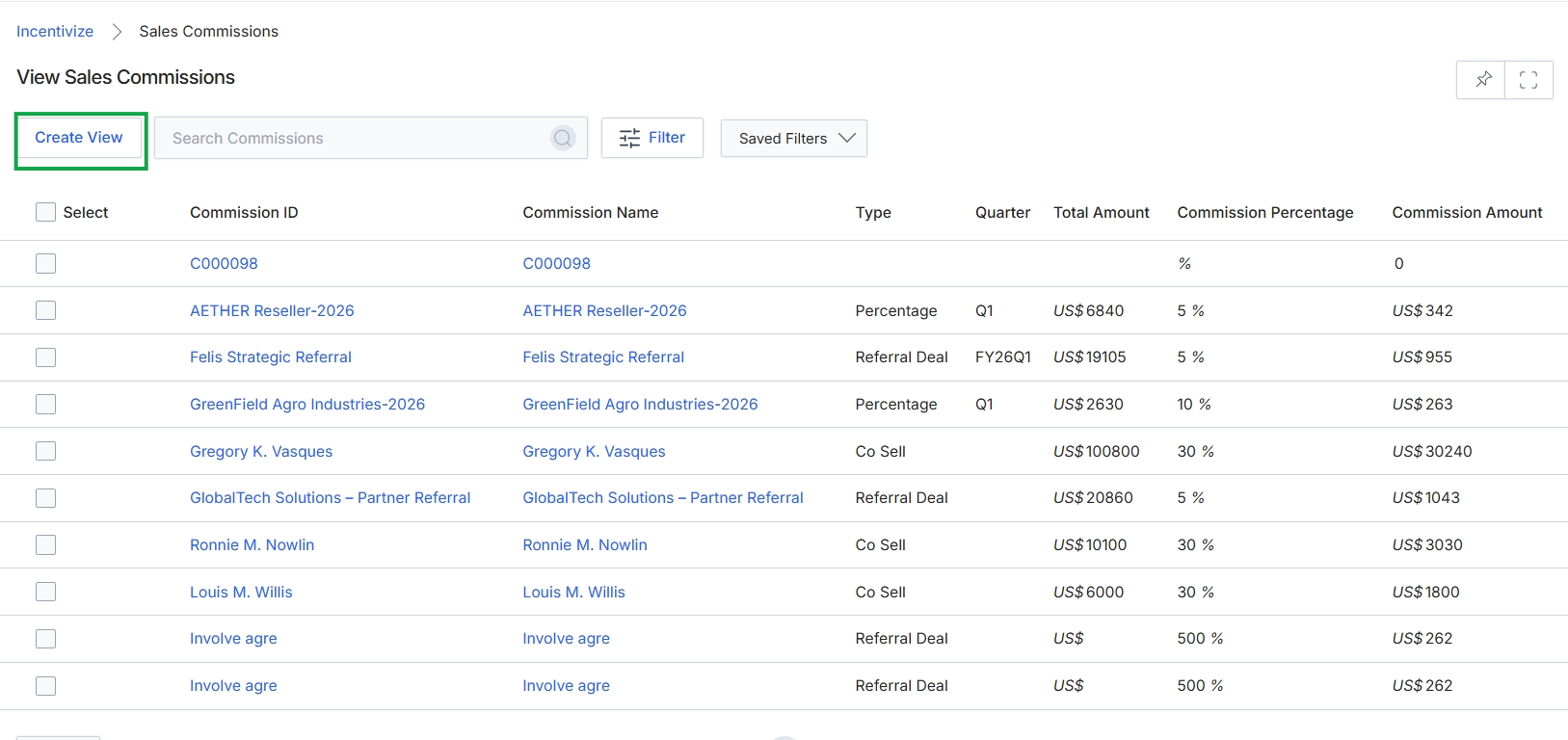
Click the Create View button.
Customizing the Commission View
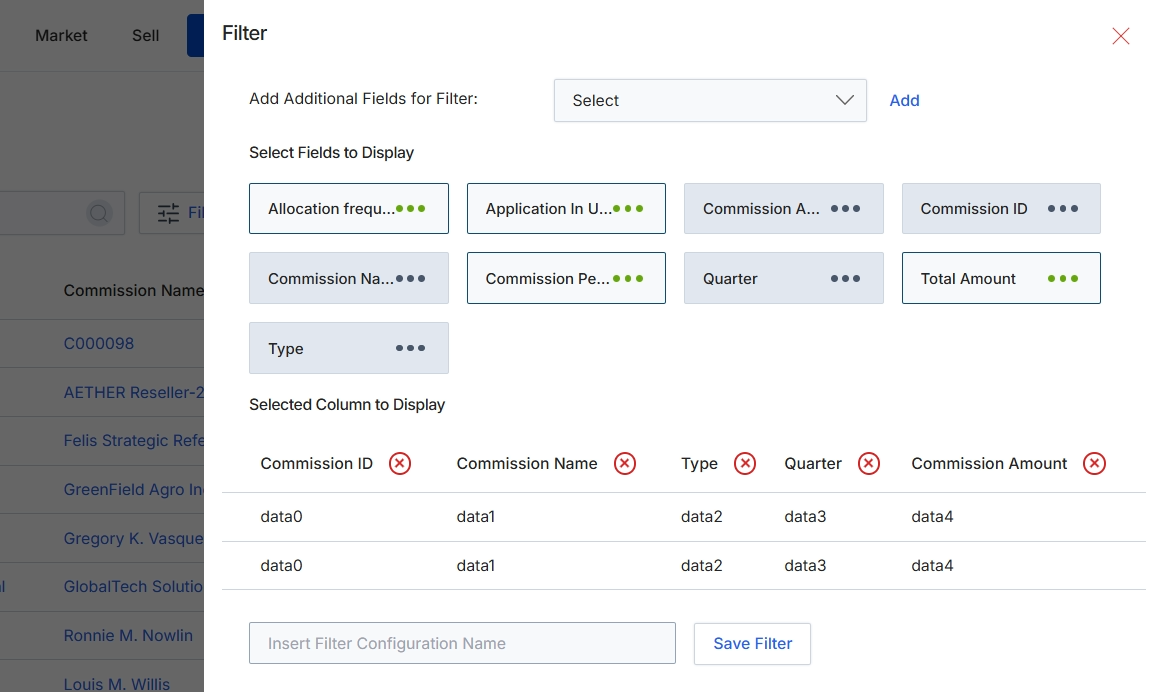
This filter configuration dialog allows users to customize the data displayed in a list view by selecting specific fields to include as columns and defining additional filter criteria. It provides flexibility for users to tailor their view of commission data, enabling them to focus on relevant information such as commission IDs, names, types, and amounts. Users can add new fields to the filter, select which fields appear as columns in the main data table, and save their custom filter configurations for future use. This functionality is crucial for administrators and program managers who need to analyze commission data efficiently, review specific commission types, or track performance based on customized views.
Enter a name for the custom filter configuration to save it for future use.
Buttons
| Button | Description |
|---|---|
| Add | A button to add the selected field to the filter criteria. |
| Type | A button representing a field that can be selected or deselected for display. The three dots indicate it is currently deselected. |
| Save Filter | A button to save the current filter configuration with the provided name. |
Applying Filters to Commission Data
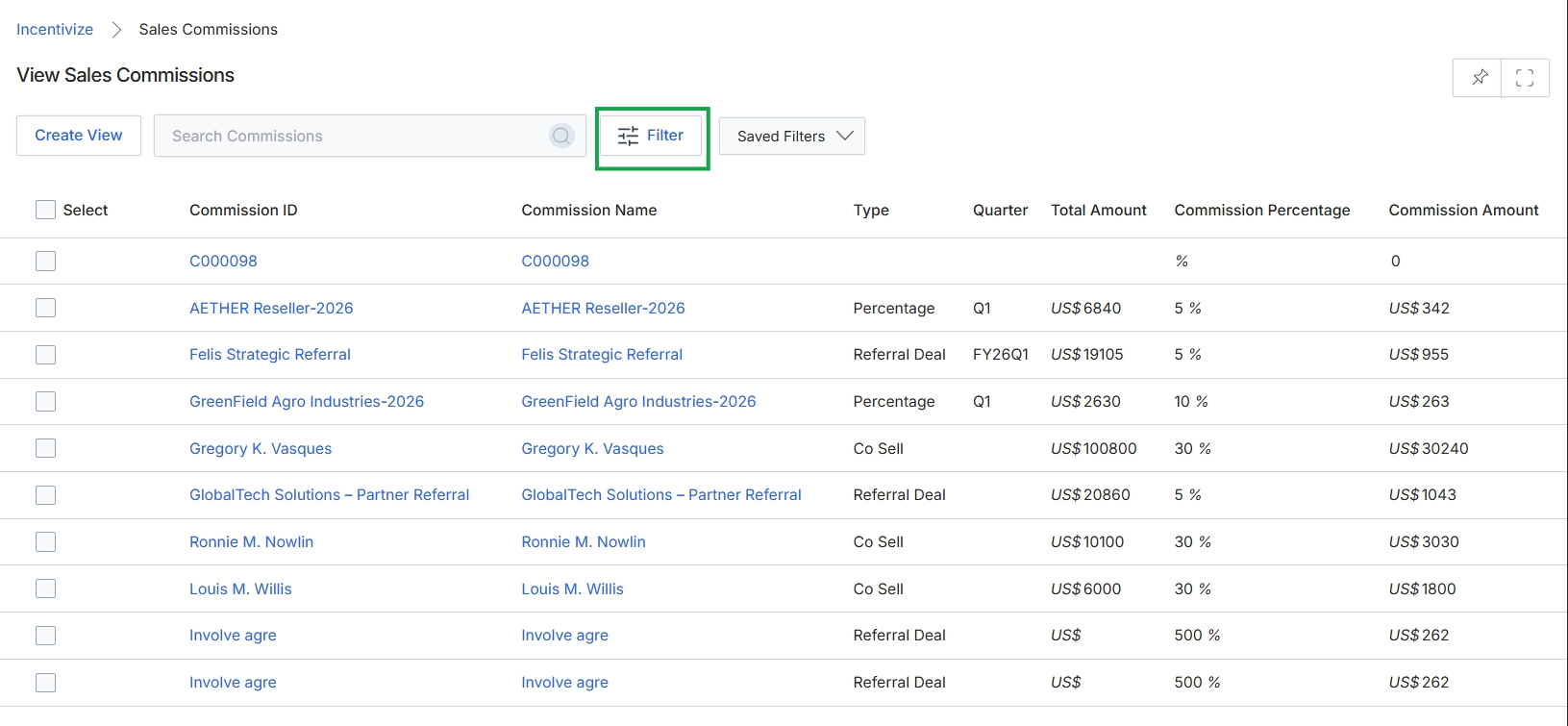
Click the Filter button.
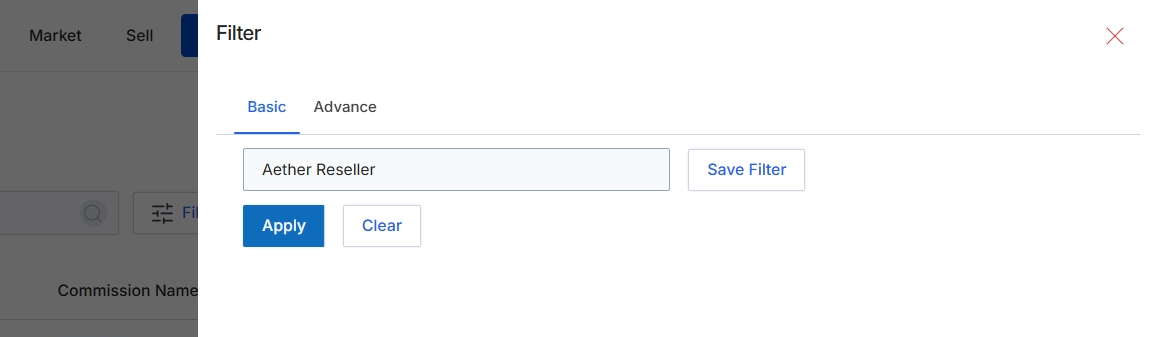
This filter dialog provides options to refine the list of sales commissions displayed in the main view. Users can apply basic or advanced filtering criteria to narrow down the commission records based on various attributes, such as the partner associated with the commission. This functionality is crucial for administrators and finance users who need to review, approve, or manage specific sets of commission accruals within the Incentivize module, ensuring they can efficiently locate and process relevant data.
Enter or select the desired filter criteria in the provided fields and click 'Apply' to filter the list of sales commissions.
Buttons
| Button | Description |
|---|---|
| Basic | A tab to access basic filtering options, typically for common search criteria. |
| Advance | A tab to access advanced filtering options, allowing for more complex or granular search parameters. |
| Save Filter | A button to save the currently configured filter settings for future use. |
| Apply | A button to apply the selected filter criteria to the commission list. |
| Clear | A button to clear all applied filter criteria, resetting the list view to its default, unfiltered state. |
| X | An icon to close the filter dialog without applying any changes. |
Fields
| Field | Description |
|---|---|
| Aether Reseller | A text input field, currently pre-filled with 'Aether Reseller', used to filter commissions by a specific partner or reseller name. |
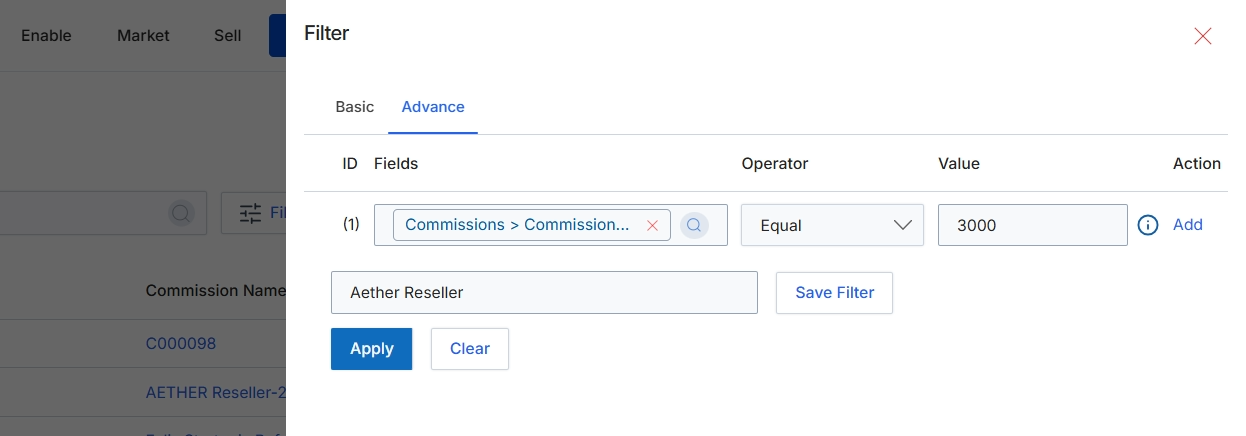
This screen displays the advanced filter configuration dialog, which allows users to define precise criteria for narrowing down lists of data, such as commission records. By specifying a combination of fields, operators, and values, users can create complex queries to isolate specific records that meet their requirements. This advanced filtering capability is essential for data analysis, reporting, and managing large datasets efficiently. Users can also save frequently used filter configurations for quick access and reuse, streamlining their workflow.
Configure the advanced filter by selecting the desired field, operator, and value, then click 'Apply' to filter the records.
Buttons
| Button | Description |
|---|---|
| Basic | Switches to the basic filter options, typically for simpler, single-criterion filtering. |
| Advance | Switches to the advanced filter options, allowing for complex, multi-criterion rule-based filtering. |
| Add | Adds a new rule row to the advanced filter configuration. |
| Save Filter | Saves the currently configured filter with the specified name. |
| Apply | Applies the configured filter rules to the data set, displaying only the matching records. |
| Clear | Clears all active filter rules, resetting the view to show all records. |
Fields
| Field | Description |
|---|---|
| Commissions > Commission... | A dropdown field to select the specific commission attribute to filter by, such as commission amount or type. |
| Equal | A dropdown field to select the comparison operator for the filter rule, such as 'Equal', 'Greater Than', 'Less Than', etc. |
| 3000 | An input field to enter the value against which the selected field will be compared. |
| Aether Reseller | An input field to name and save the current filter configuration for future use. |
Column Headings
| Column | Description |
|---|---|
| ID | The column header for the rule identifier. |
| Fields | The column header for the data field to be filtered. |
| Operator | The column header for the comparison operator. |
| Value | The column header for the value to compare against. |
| Action | The column header for actions related to the filter rule. |