

Overview
Communities provide a vital space within the platform for fostering collaboration and knowledge exchange among partners. By offering dedicated forums tailored to specific topics, such as product training or marketing strategies, the platform enables partners to engage in peer-to-peer support, ask questions, and share insights directly with each other and with vendor representatives. This collaborative environment is crucial for building a stronger, more connected partner network, ensuring partners have access to relevant information, and facilitating problem-solving.
Accessing and Managing Communities
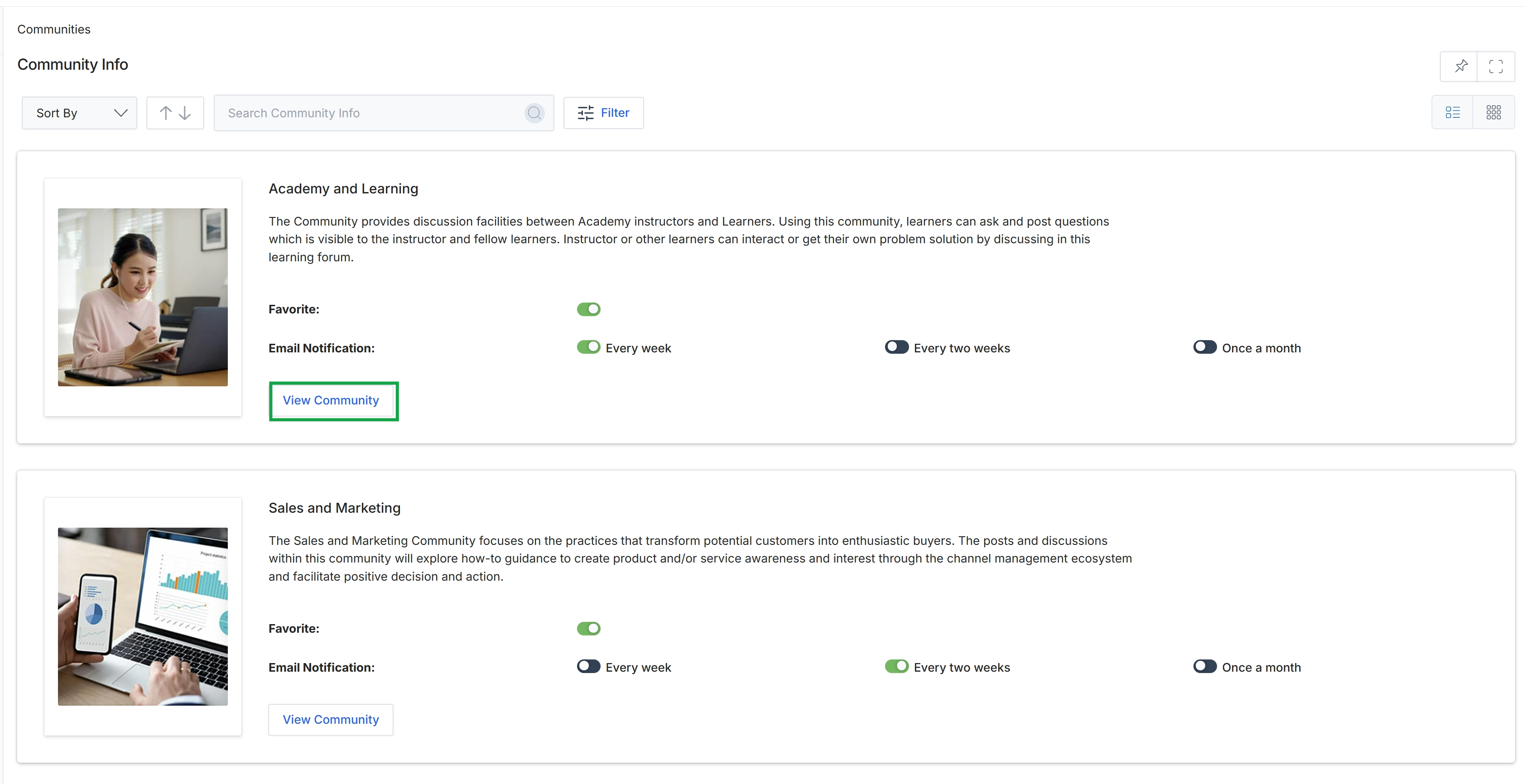
Click the View Community button for the "Academy and Learning" community.
Viewing Community Discussions
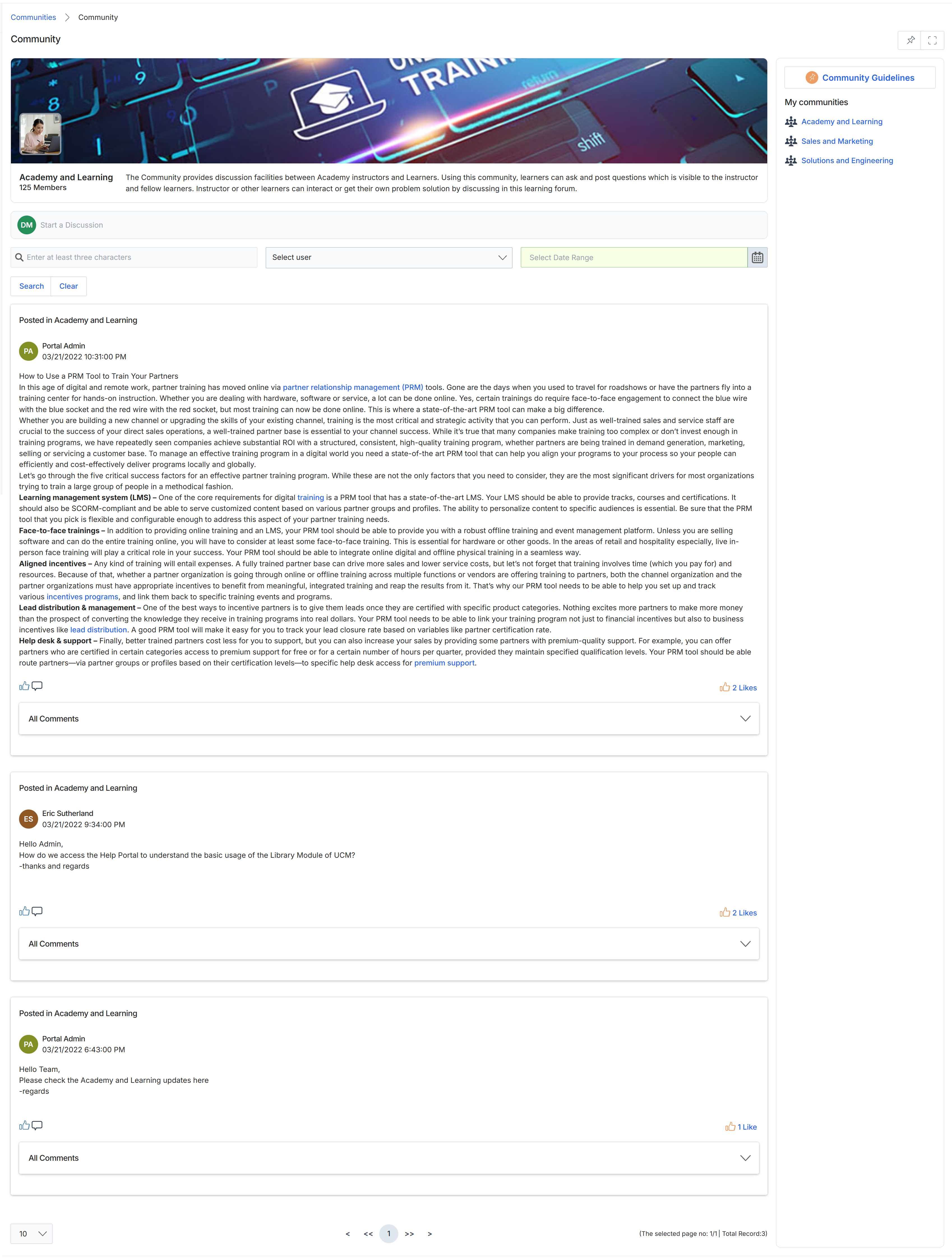
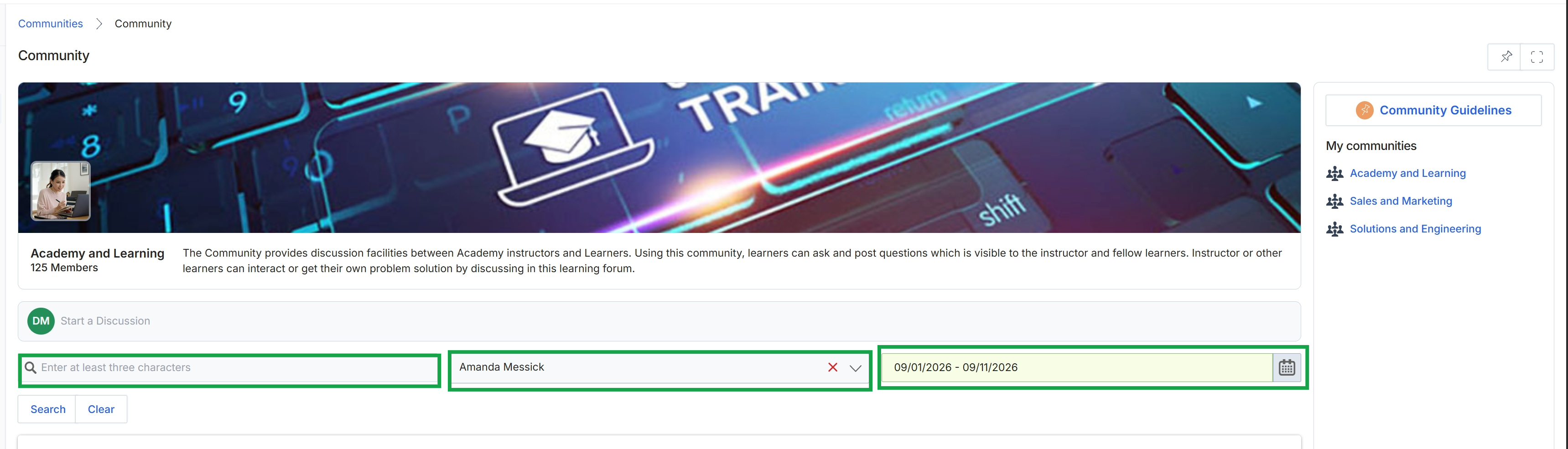
This screen displays the content of a specific community within the platform, presenting a feed of discussion posts. Users can view individual posts, including the author, date, and content, and interact with them by liking or commenting. The interface also provides functionality to initiate new discussions and to search or filter existing posts by keywords, user, or date range, facilitating collaborative information exchange among community members.
Initiating a New Discussion
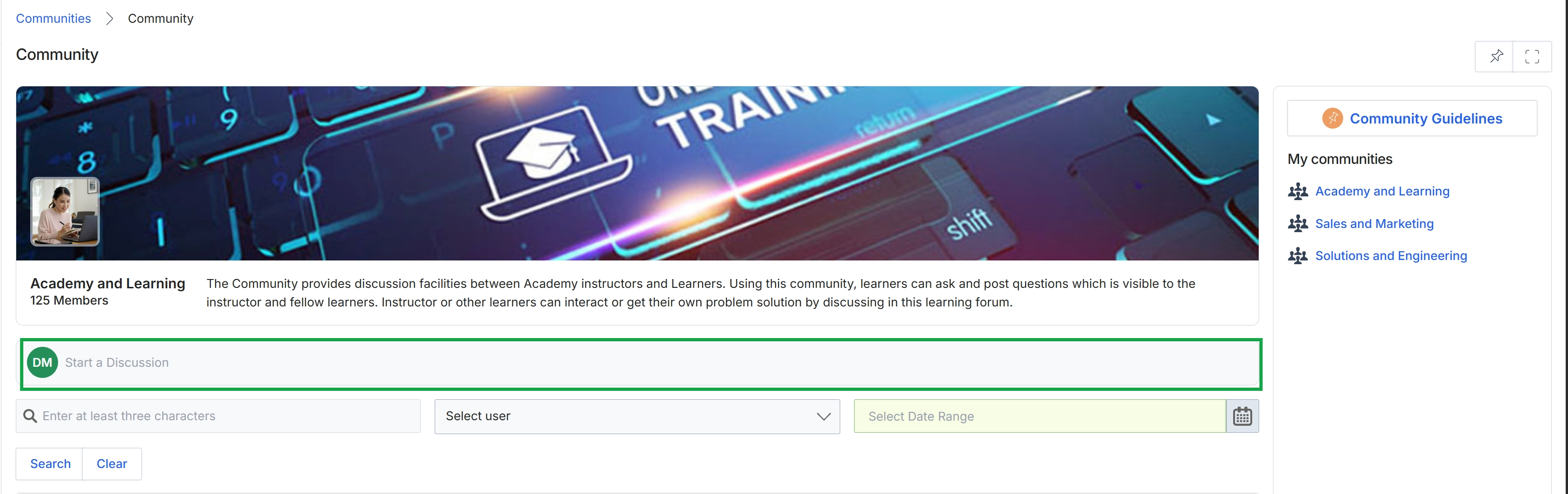
Click the Community breadcrumb.
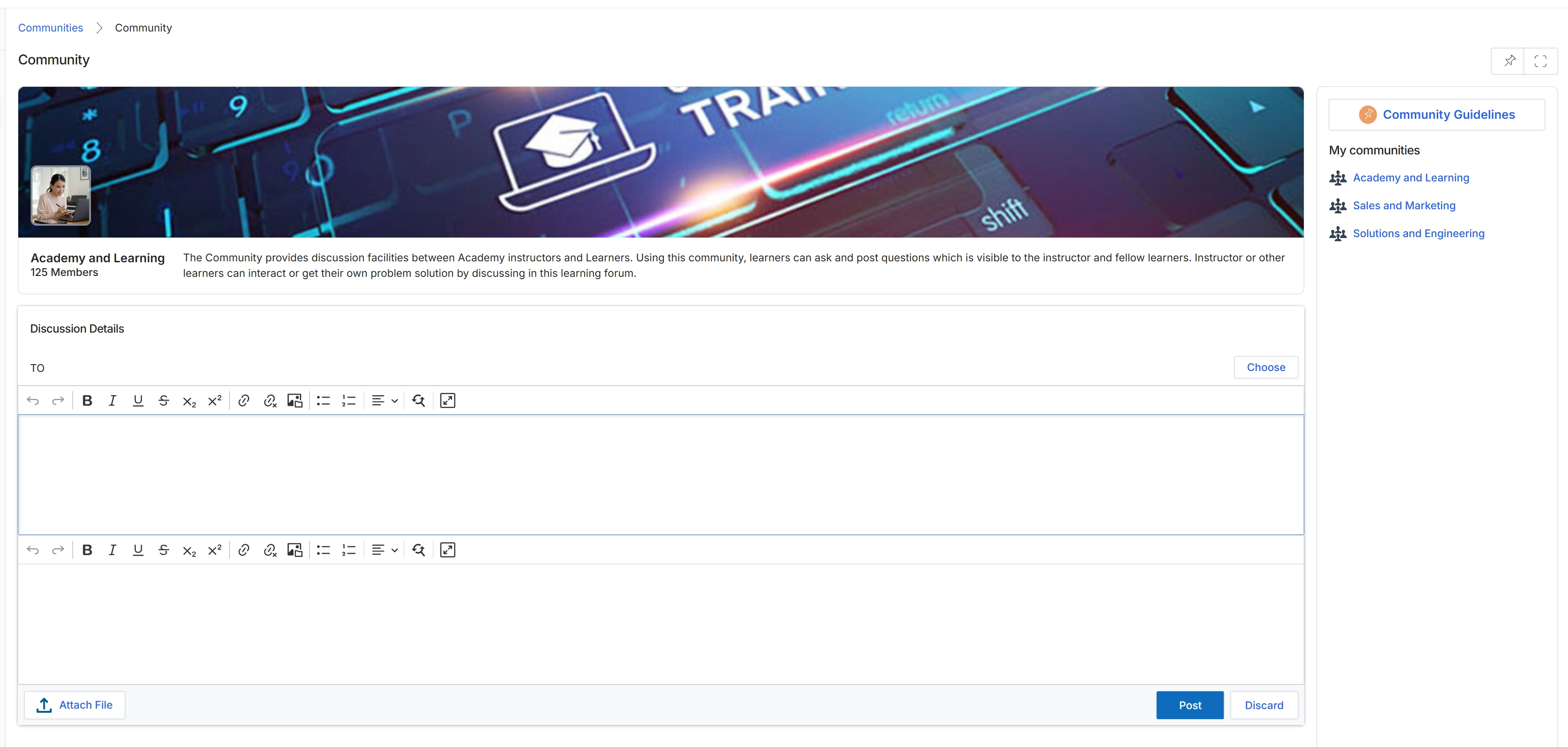
This screen presents the detail view for a specific community, in this instance, the 'Academy and Learning' community, within the platform. It provides an overview of the community's purpose, indicating it serves as a discussion forum for instructors and learners, along with the current member count. Users can initiate new discussions by composing a message in the provided editor, facilitating collaborative problem-solving and knowledge sharing among community members. The right-hand panel lists other communities available to the user, allowing for easy navigation between different discussion groups.
Filtering Community Posts
Click the Choose button next to the 'TO' field.
Navigating Communities and Guidelines
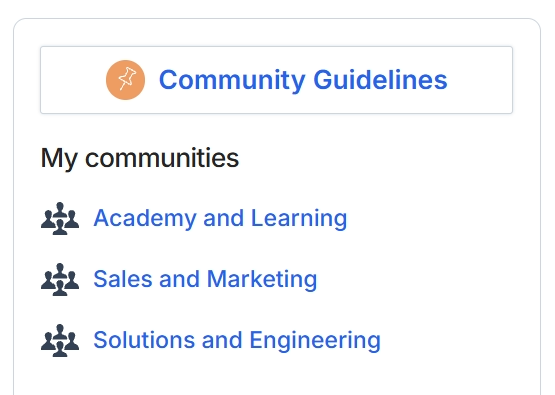
This screen displays a list of communities available to the user within the platform, categorized under 'My communities'. It serves as a central point for accessing various discussion and collaboration groups, fostering engagement and information exchange among partners or between partners and the vendor. A prominent link to 'Community Guidelines' is also visible, providing access to rules or best practices for participation within these communities.