

Overview
Effective partner enablement relies heavily on providing partners with easy access to the right information at the right time. The Content Library addresses this need by serving as the single source of truth for all partner-facing materials. This includes everything from product datasheets and battle cards to brand guidelines and sales presentations, ensuring consistency and accuracy across the partner ecosystem. By centralizing these resources, vendors can streamline content updates and distribution, reducing the administrative burden and improving partner efficiency.
Accessing the Content Library
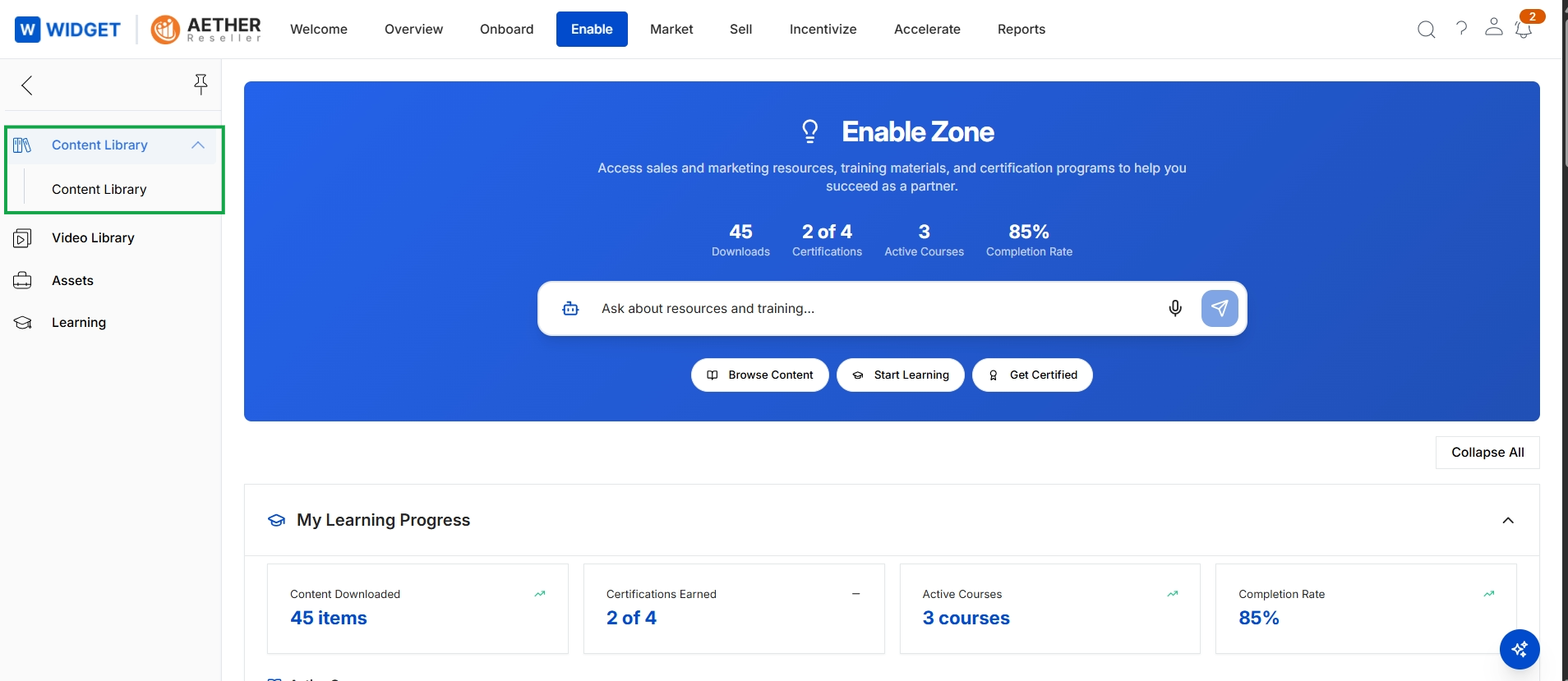
Click Content Library → Content Library.
Browsing and Managing Content
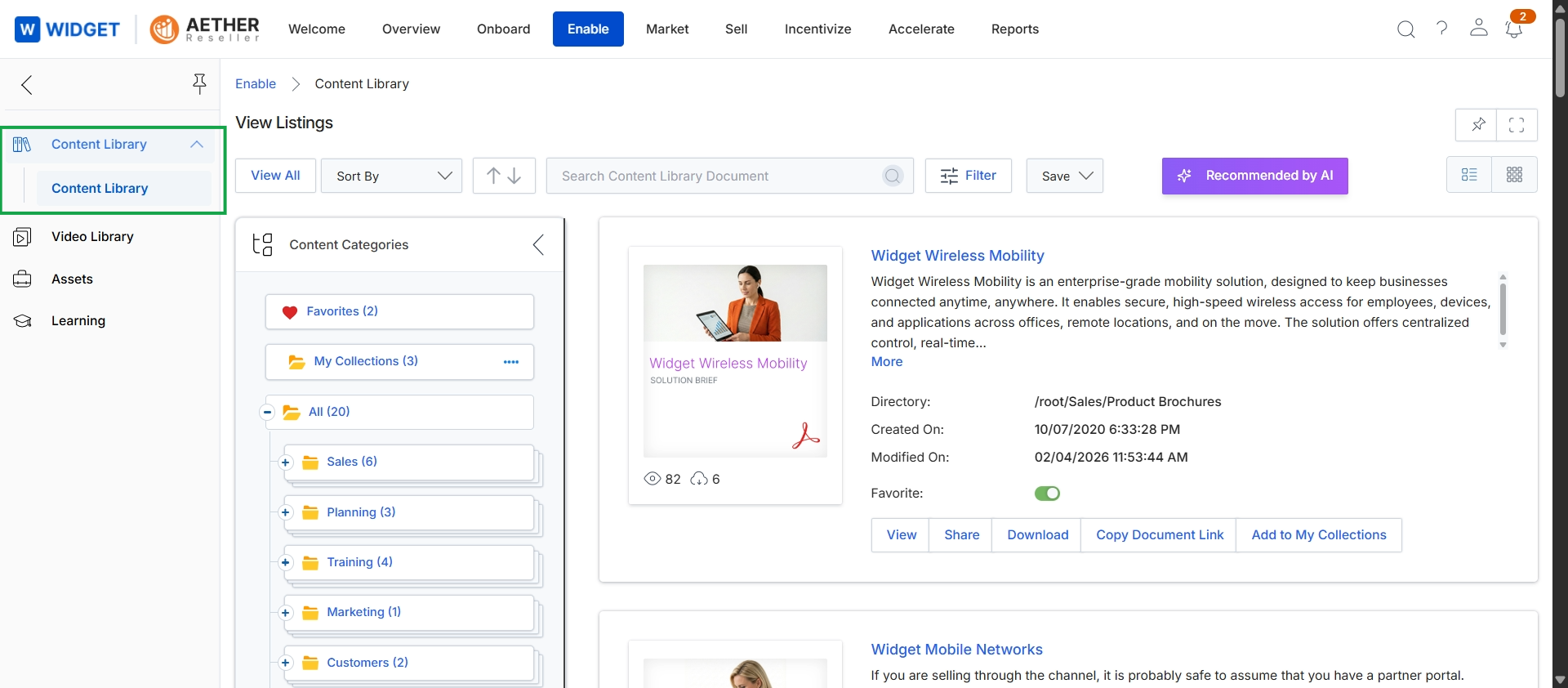
This screen presents the Content Library within the Enable module, which serves as a central repository for various types of assets and documents that partners can access. It displays a categorized listing of content, allowing users to browse, search, and filter documents based on categories like Sales, Planning, Training, and Marketing. Each content item shows details such as its title, description, directory path, creation and modification dates, and options to view, share, download, or add it to personal collections.