

Overview
Effective partner enablement often relies on rich media, and video content plays a crucial role in delivering engaging and digestible information. The Video Library provides administrators with a dedicated space to host and organize all video assets that support partner training, marketing, and sales efforts. This ensures that partners can easily find and consume video tutorials, product demonstrations, and recorded webinars directly within their portal.
By centralizing video management, administrators can maintain consistency, track usage, and update content efficiently. The ability to categorize videos and configure their visibility allows for tailored content delivery, ensuring that specific partner types or tiers receive access to the most relevant video resources, thereby enhancing their learning experience and overall program engagement.
Accessing the Video Library
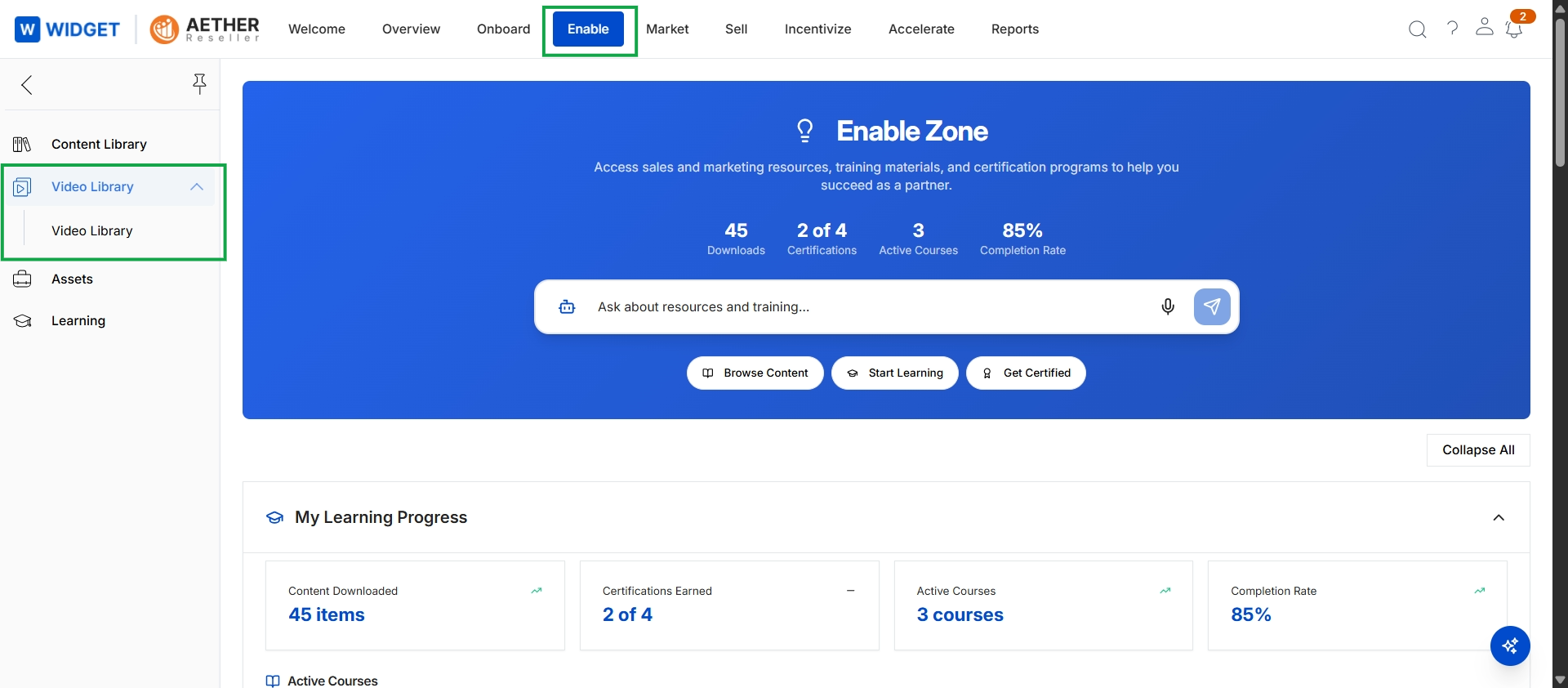
Click Enable in the top navigation bar, then click Video Library in the left navigation menu, and finally click Video Library in the expanded submenu.
Viewing Video Content
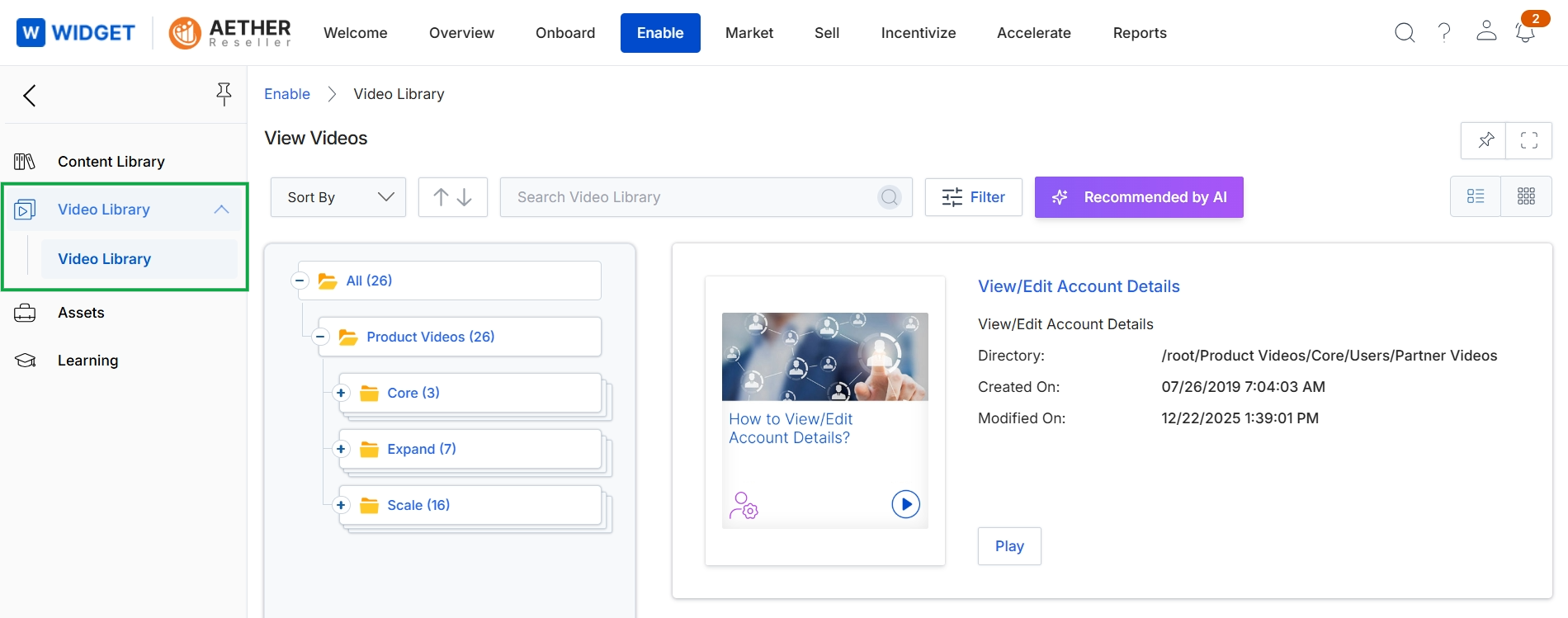
This screen displays the Video Library within the Enable module, providing administrators with a centralized view of all video content available to partners. The left panel shows the hierarchical organization of video categories, allowing for structured content management. The main content area presents a searchable and filterable list of videos, with a detailed preview panel for a selected video, showing its metadata such as directory path, creation date, and last modification date. This interface supports the vendor's ability to manage and organize video assets for partner enablement and training.