

Overview
In a partner ecosystem, providing partners with ready-to-use, customizable marketing and sales assets is crucial for enabling their success. This feature serves as a centralized repository where vendors can upload a variety of content, such as brochures, datasheets, and presentations, and designate them for co-branding. Partners can then easily find, personalize, and download these assets directly from their portal, ensuring brand consistency while allowing for local market adaptation. This streamlines the marketing process for partners and accelerates their ability to promote the vendor's products and services effectively.
Accessing the Asset Library
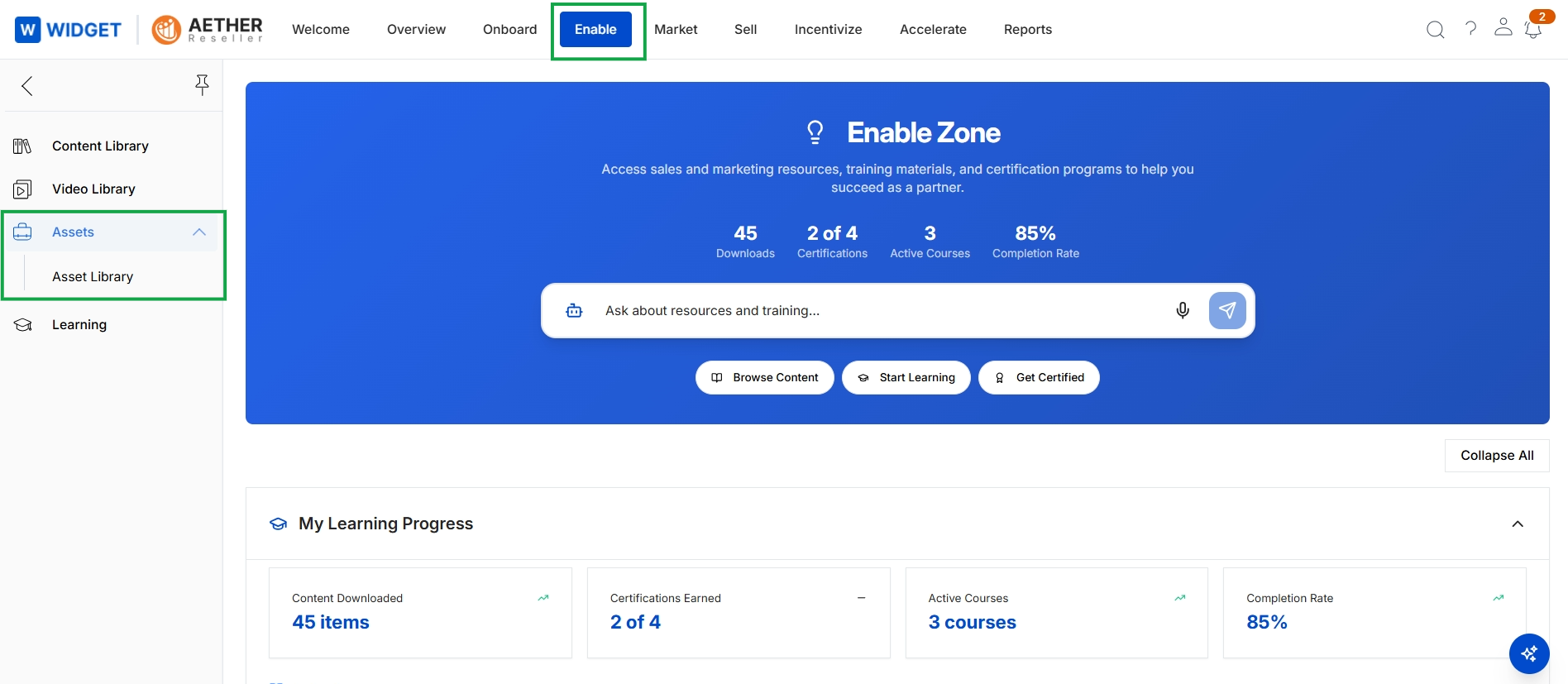
Click Enable in the top navigation bar, then click Assets → Asset Library in the left navigation menu.
Viewing and Customizing Assets
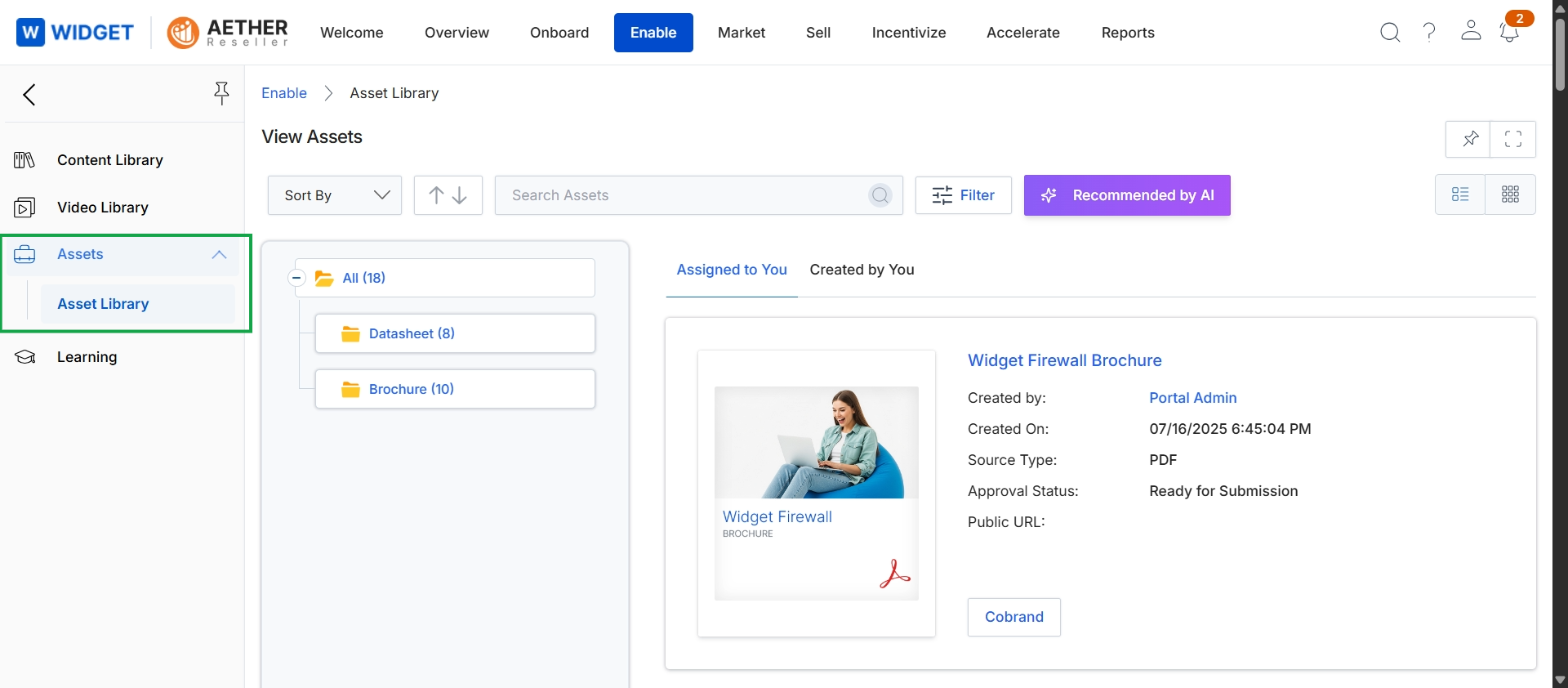
This screen displays the Asset Library within the Enable module, providing a centralized repository for partners to access various marketing and sales collateral. It allows partners to browse, search, and filter assets, which are organized into categories like Datasheet and Brochure. The main content area shows a detailed view of a selected asset, including its title, creation details, source type, and approval status, along with a "Cobrand" button, indicating that this asset can be customized by the partner.