

Overview
Event marketing is a crucial component of a comprehensive marketing strategy, allowing vendors and partners to engage directly with prospects and customers. The platform's Event Marketing Management feature facilitates collaborative event efforts by providing a structured way for vendors to announce and manage co-branded events. This ensures brand consistency and streamlined execution across the partner ecosystem.
Partners can easily access event information, review associated campaign materials, and initiate their participation, such as launching event-specific email campaigns. This capability empowers partners to leverage vendor-driven events to generate leads and drive engagement, while vendors maintain oversight and control over the event branding and messaging.
Key Features
- Co-Branded Event Management
- Event Campaign Setup
- Event Detail Preview
- Partner Event Participation
Accessing Co-Branded Events
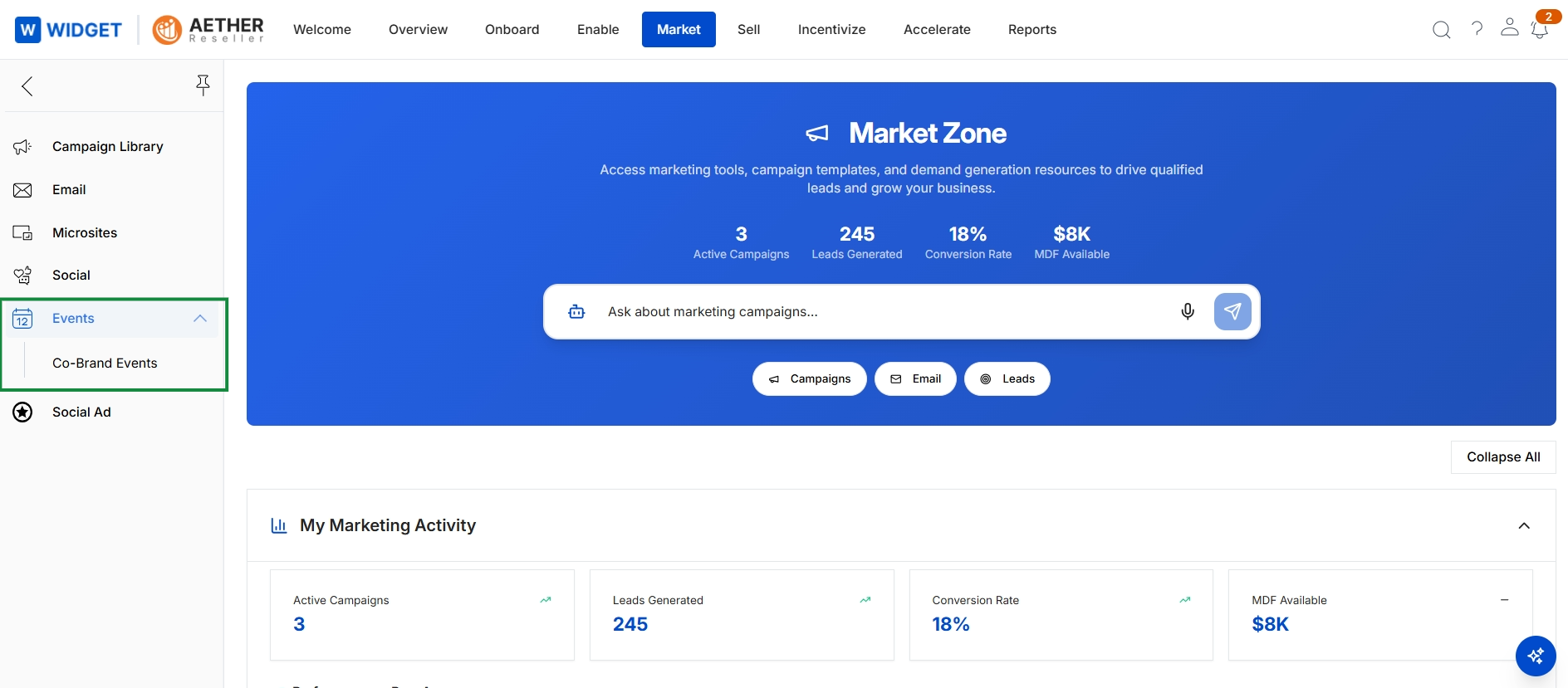
Click Events → Co-Brand Events.
Viewing Available Events
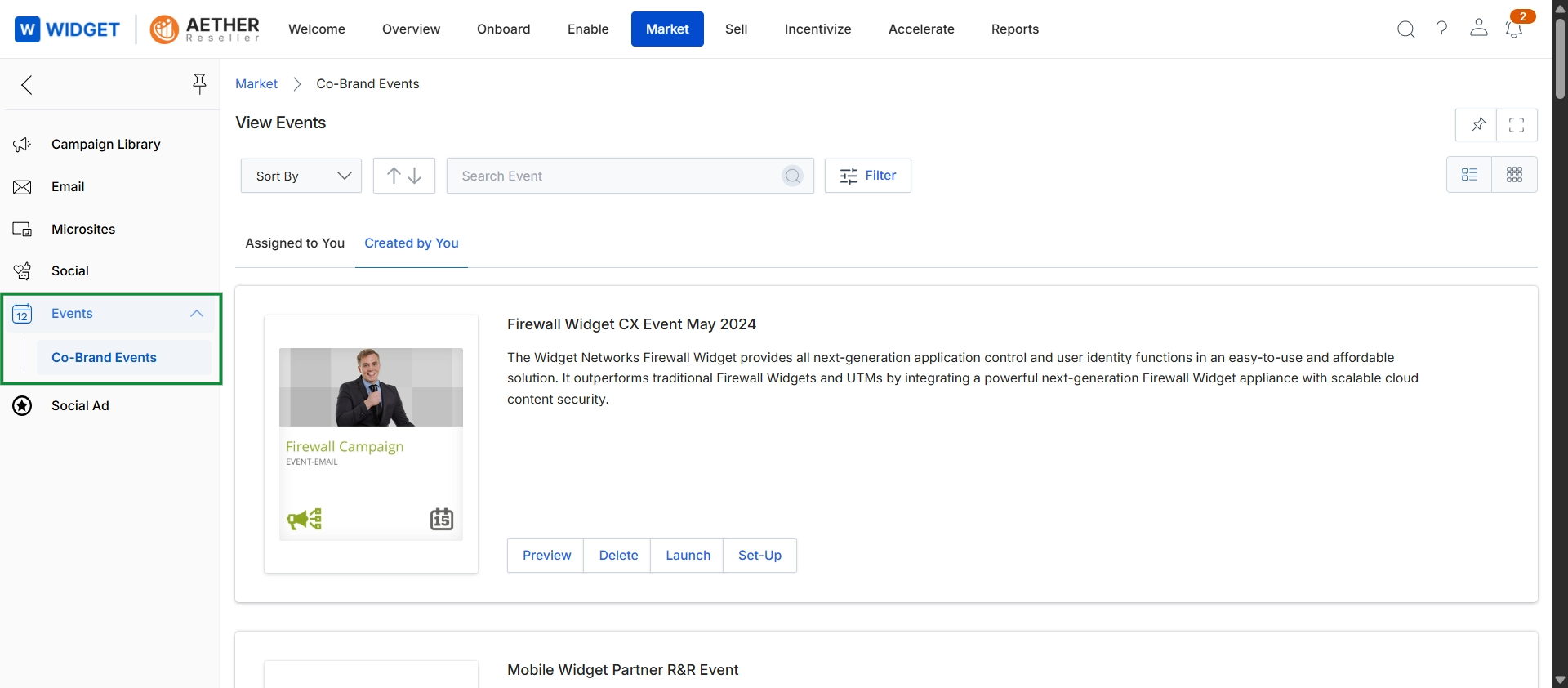
This screen displays a list of co-brandable events that partners can leverage for their marketing efforts. It provides an overview of each event, including its name, a brief description, and options to preview, delete, launch, or set up the event. Partners can use this view to identify relevant events, understand their details, and initiate the process of co-branding and promoting them to their audience.
Frequently asked questions
- What is the purpose of the Event Marketing Management feature?
This feature provides a centralized repository for managing and participating in co-branded marketing events. It facilitates collaborative event efforts between vendors and partners.
- Who uses this feature and how?
Administrators use it to create and publish event details. Partners can view, set up, and launch event-related campaigns to generate leads and drive engagement.
- How do partners access co-branded events?
Partners access events by navigating to Events, then selecting Co-Brand Events from the Market Zone menu.
- What information is displayed for available events?
The events listing shows each event's name, a brief description, and options to preview, delete, launch, or set up the event.