

Overview
The Social Syndication Management feature within the Market module empowers partners to easily share vendor-approved marketing content across their social media channels. This capability is crucial for extending the reach of marketing campaigns, ensuring brand consistency, and providing partners with ready-to-use materials that align with vendor messaging. By leveraging this tool, partners can maintain an active and relevant social presence without the overhead of creating original content, while vendors benefit from broader exposure and increased brand advocacy.
Accessing Social Syndication Management
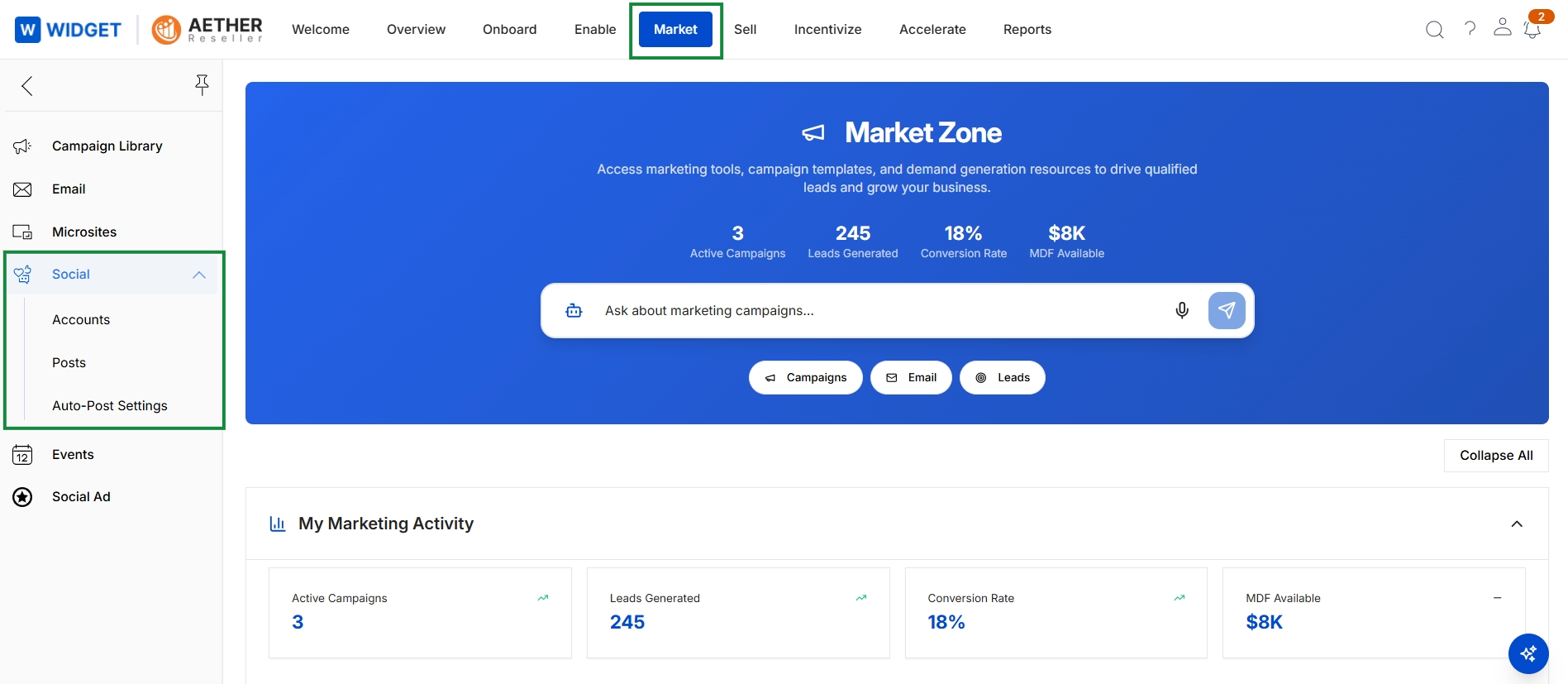
Click Market in the top navigation, then click Social → Auto-Post Settings in the left navigation.
Managing Social Accounts
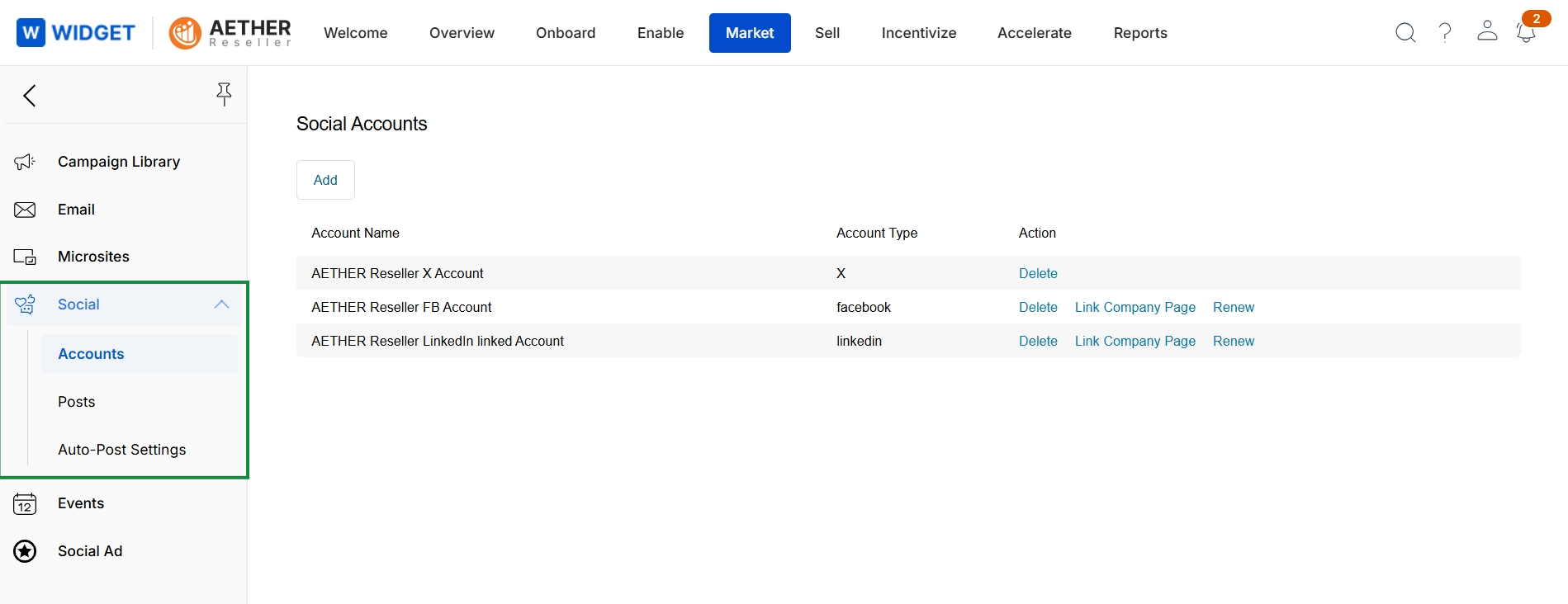
This screen displays a list of social media accounts that have been connected to the platform for social syndication activities. It provides an overview of the integrated social profiles, including their names and types, allowing users to manage these connections. This view is part of the Market module's Social section, which enables partners to syndicate vendor-provided content to their social channels.