

Overview
The Social Syndication Management module within UPM enables vendors to empower their partners with pre-approved social media content for co-marketing. For this to work seamlessly, partners need to connect their social media accounts (e.g., LinkedIn, Facebook, X) to the platform. This feature provides the administrative tools to manage these connections, ensuring partners can leverage vendor-provided social content directly from their portal.
Administrators use this section to oversee the social accounts linked by partners. This includes facilitating the linking of specific company pages on platforms like LinkedIn, renewing expired connections, and removing accounts when necessary. Proper management of these connections is crucial for maintaining an active and compliant social syndication program, allowing partners to amplify marketing messages efficiently while adhering to brand guidelines.
Viewing and Managing Social Accounts
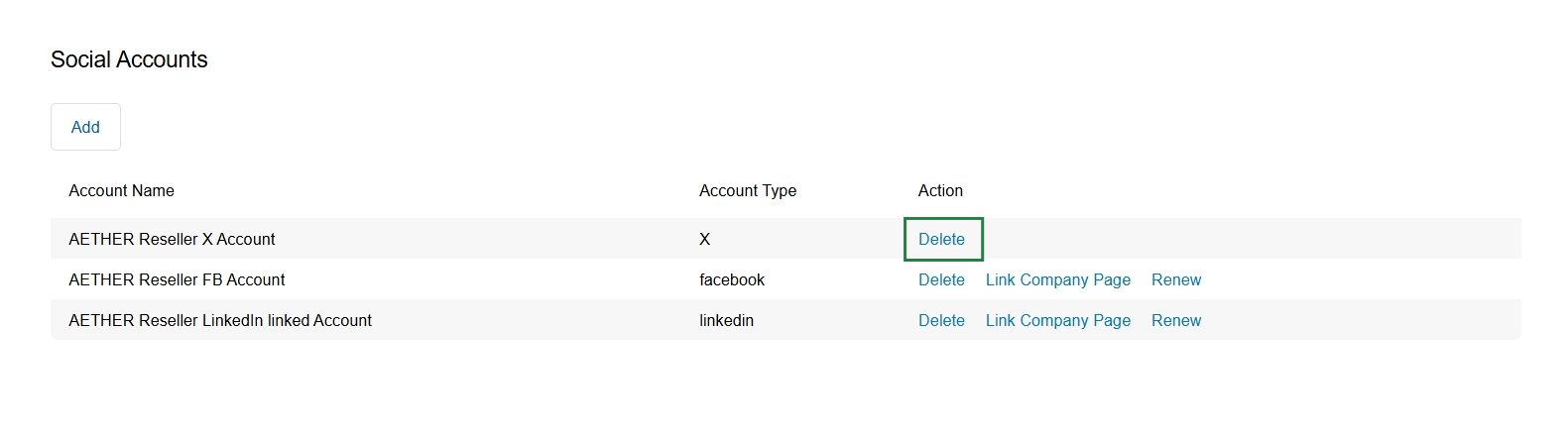
Click Delete in the row for 'AETHER Reseller X Account'.
Linking a Company Page
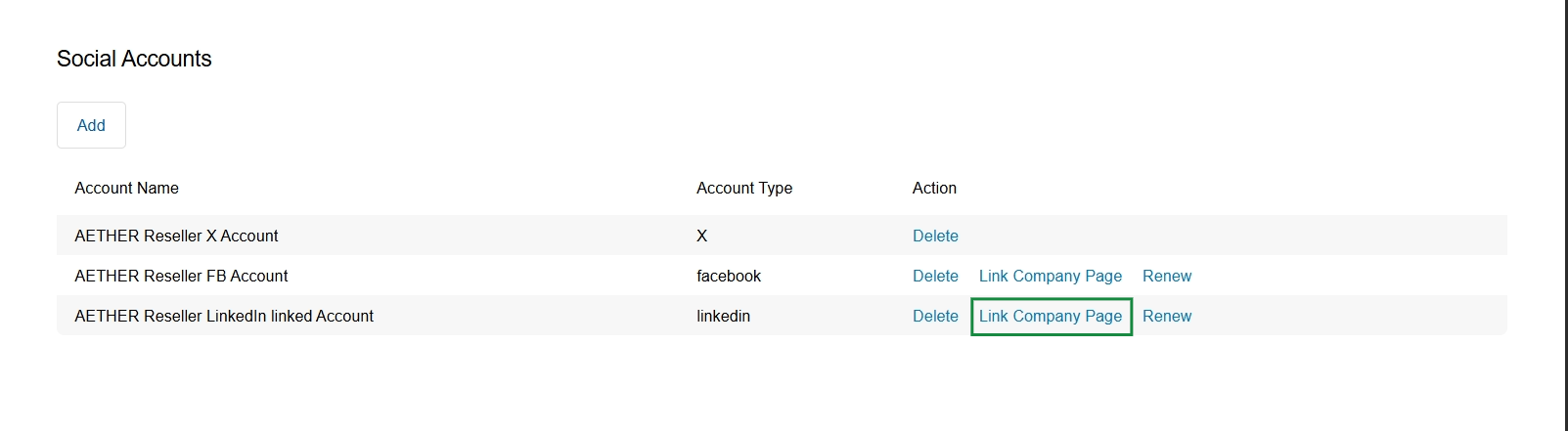
Click the Link Company Page link in the row for the "AETHER Reseller LinkedIn Linked Account".
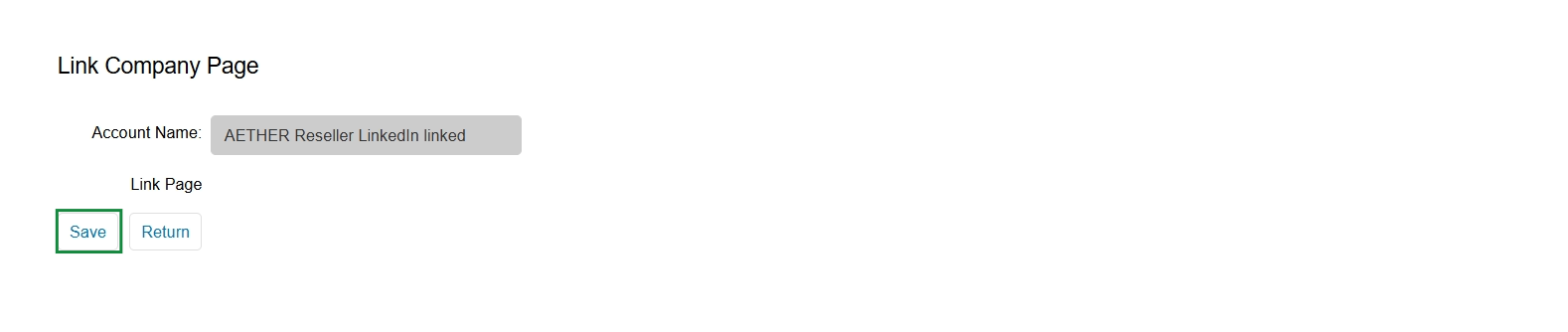
This screen facilitates the final step in linking a social media account, specifically a company page, to the UPM platform. It displays the name of the social account that has been successfully connected, allowing the user to confirm the association before saving. This process is part of the Social Syndication Management feature within the Market module, enabling partners to integrate their social media presence for content distribution and tracking.
Click Save to confirm the linked social account and complete the process.
Buttons
| Button | Description |
|---|---|
| Save | Confirms the linking of the social account and saves the configuration. |
| Return | Discards any changes and returns to the previous screen without saving the linked account. |
Fields
| Field | Description |
|---|---|
| Account Name | Displays the name of the social media account that has been linked, in this case, a LinkedIn account for 'AETHER Reseller'. |
| Link Page | This label indicates the type of social entity being linked, specifically a company page. |
Renewing Social Account Connections
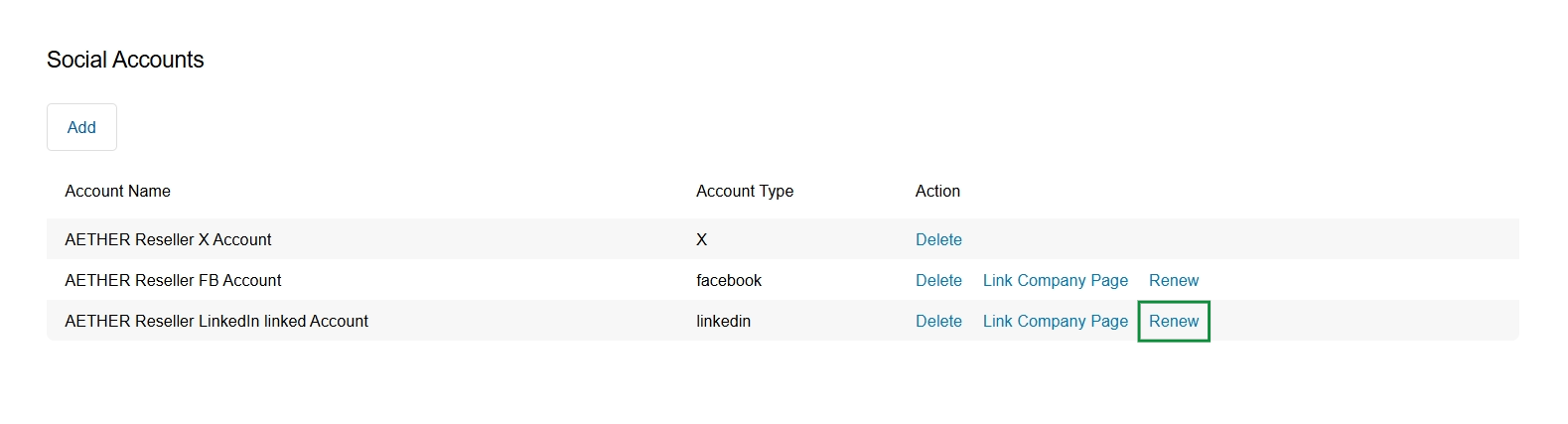
Click Save.
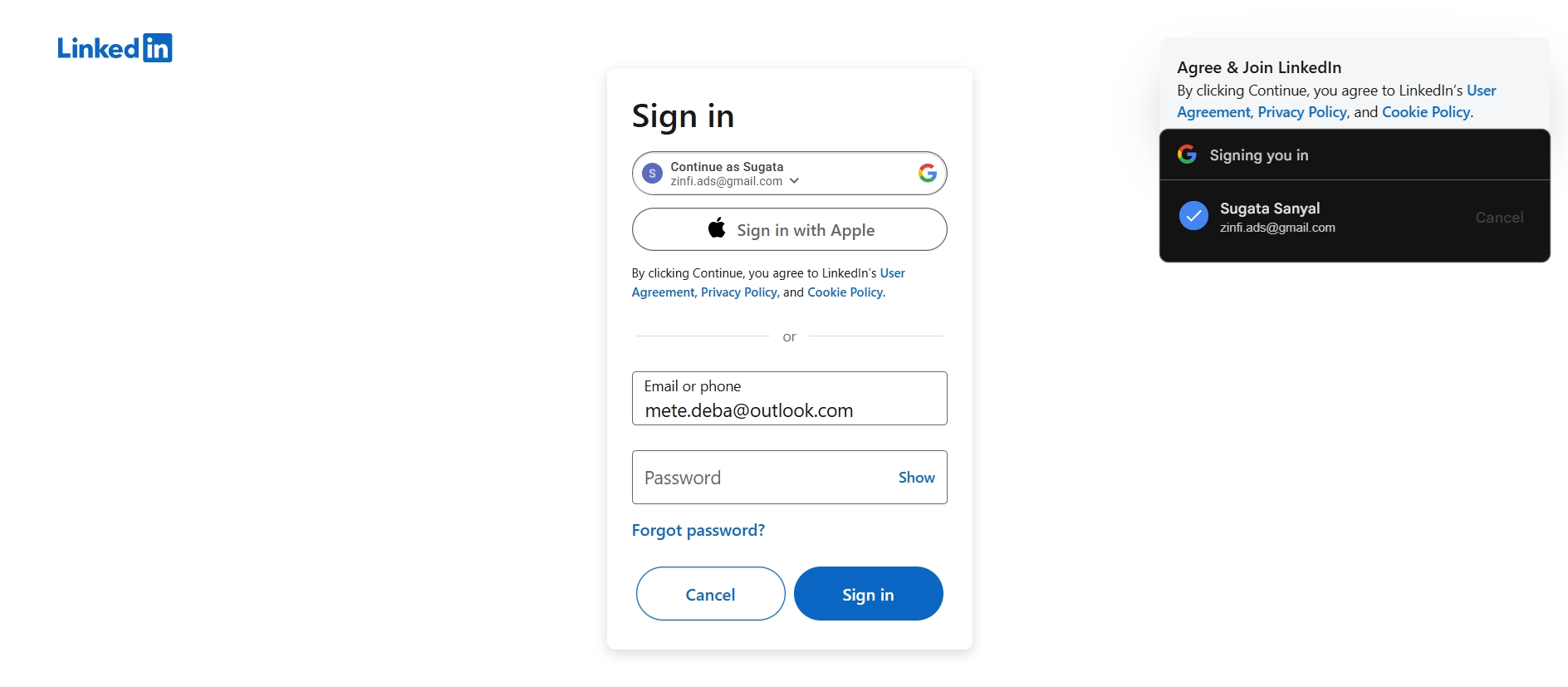
This screen displays the LinkedIn sign-in interface, which appears when a user attempts to connect their LinkedIn account to the platform for social syndication purposes. It presents options for authentication, including continuing with a Google account, signing in with Apple, or entering email/phone and password credentials directly. The presence of a Google sign-in pop-up indicates an active authentication flow, confirming the user's identity to establish the connection between their social media profile and the UPM's social syndication features.