

Overview
Effective partner program management requires precise control over who accesses the partner portal and what permissions they have. The User Management module provides administrators with a centralized tool to oversee all individual users within their partner ecosystem. This capability is crucial for maintaining data integrity, ensuring compliance, and facilitating smooth communication with partner organizations.
Accessing User Management
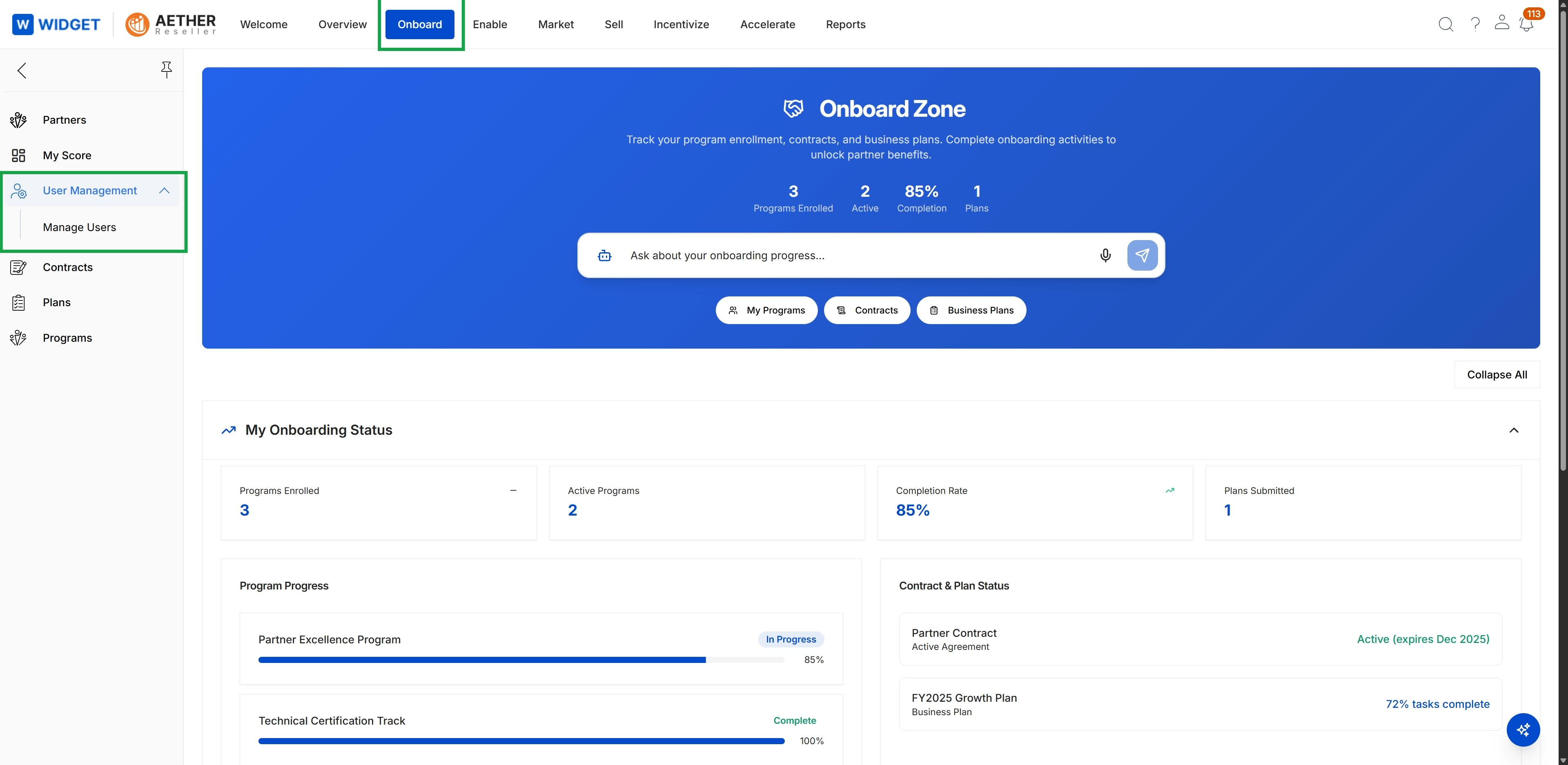
Click Onboard → User Management → Manage Users.
Viewing Partner Users
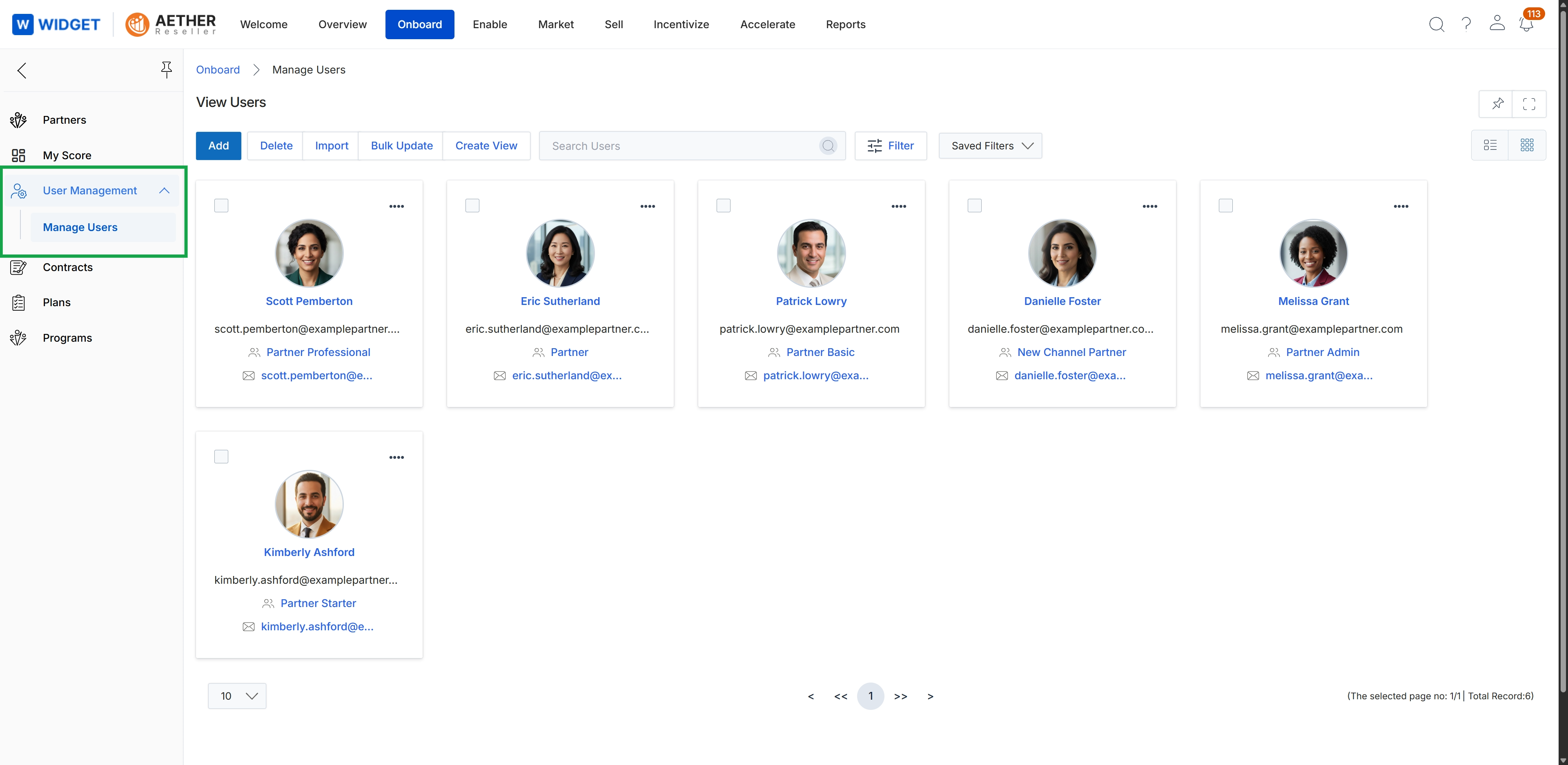
This screen presents the 'Manage Users' interface within the Onboard module, providing a centralized view of all individual users associated with partner organizations. Each user is represented by a card displaying their name, email, and assigned role, allowing administrators to review essential contact information and their specific function within the partner ecosystem. This view supports the management of partner contacts, which is a key entity in the Onboard module for tracking individuals at partner companies.
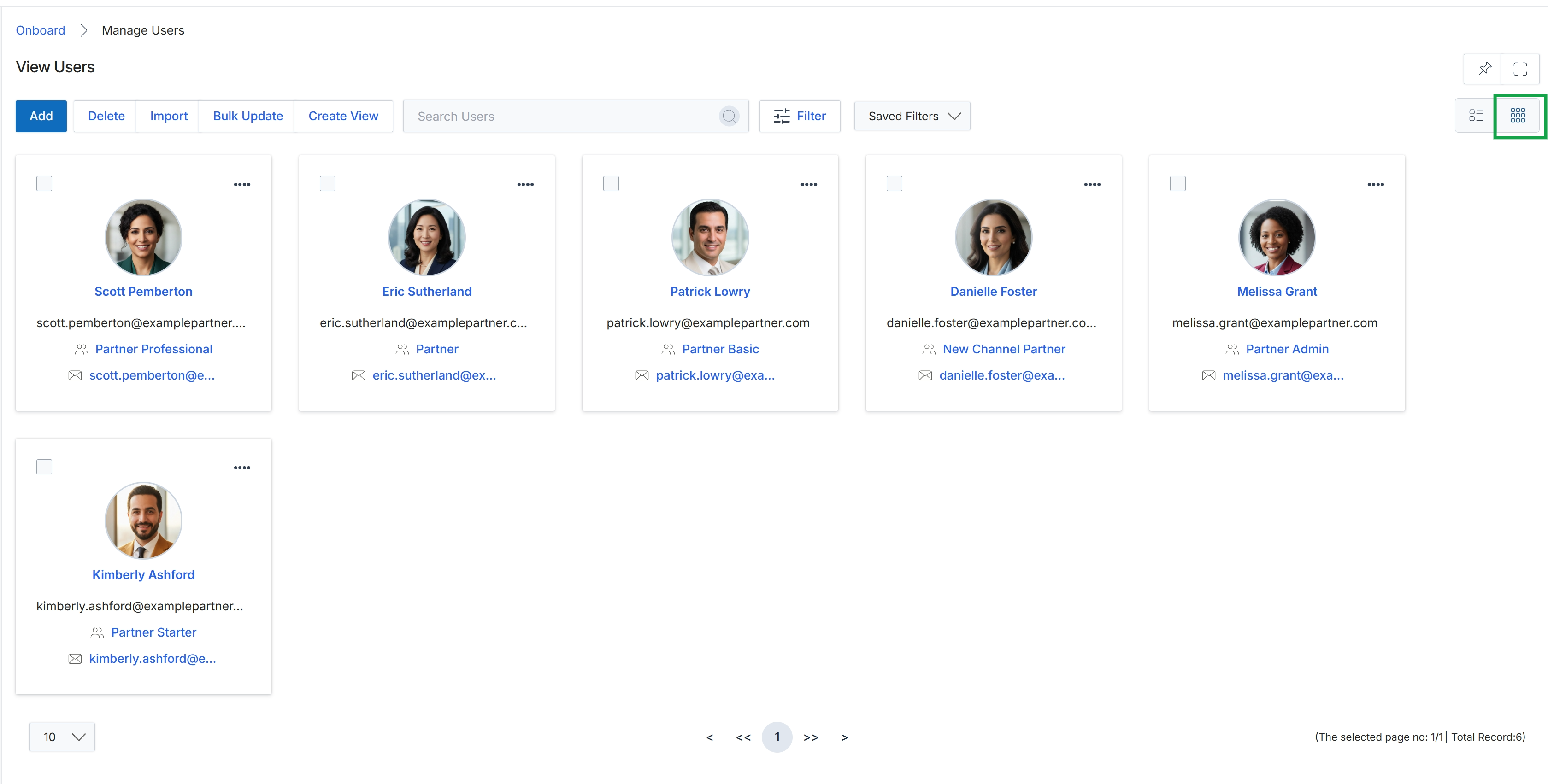
Click the Grid View icon.
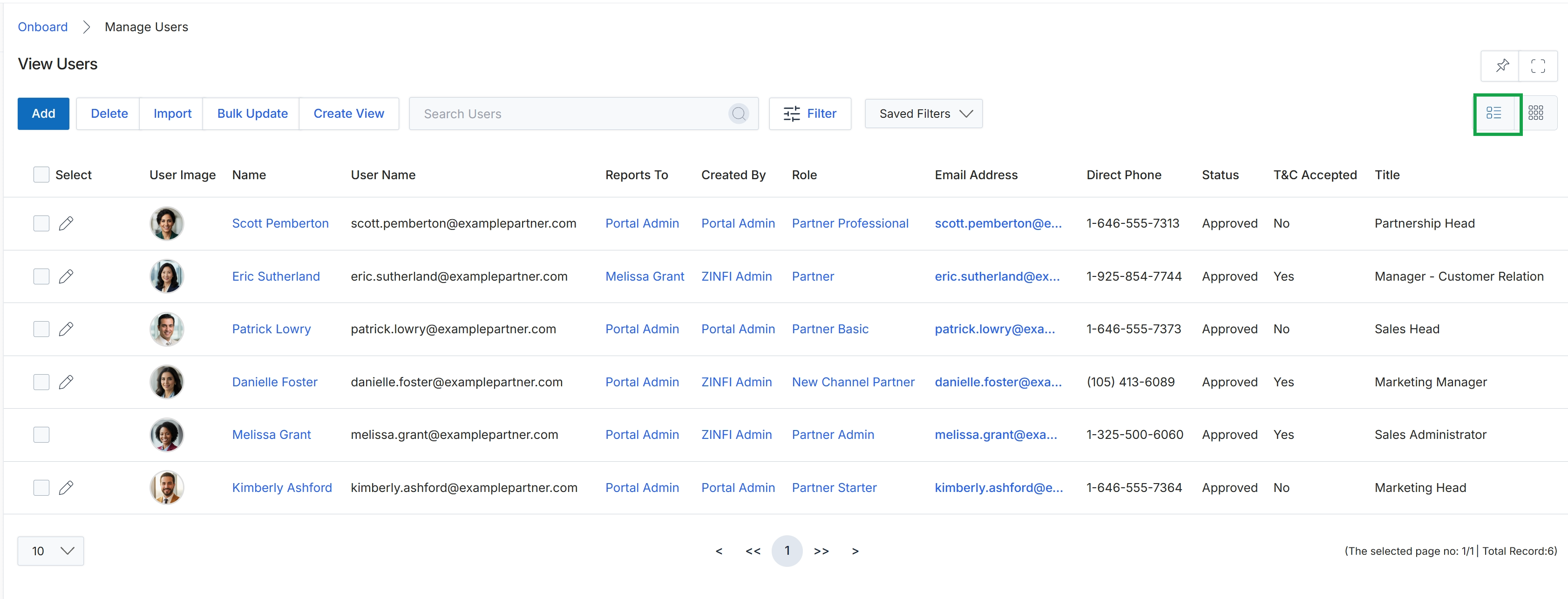
Click the List View icon.