

Overview
Effective partner management often requires coordinating numerous activities, from QBRs and training sessions to marketing events and task deadlines. The Calendar feature within the Accelerate module serves as a central hub for visualizing these time-sensitive elements. It helps administrators maintain an organized schedule, ensuring that critical program milestones and partner engagements are not missed. By providing various viewing options and filtering capabilities, the calendar supports efficient planning and oversight of all scheduled activities across the partner program.
Key Features
- Month
- Week
- Day Views
- List View
- Navigate Dates
- Filter by Tasks
- Filter by Events
- Today's Date Quick Access
Accessing the Calendar
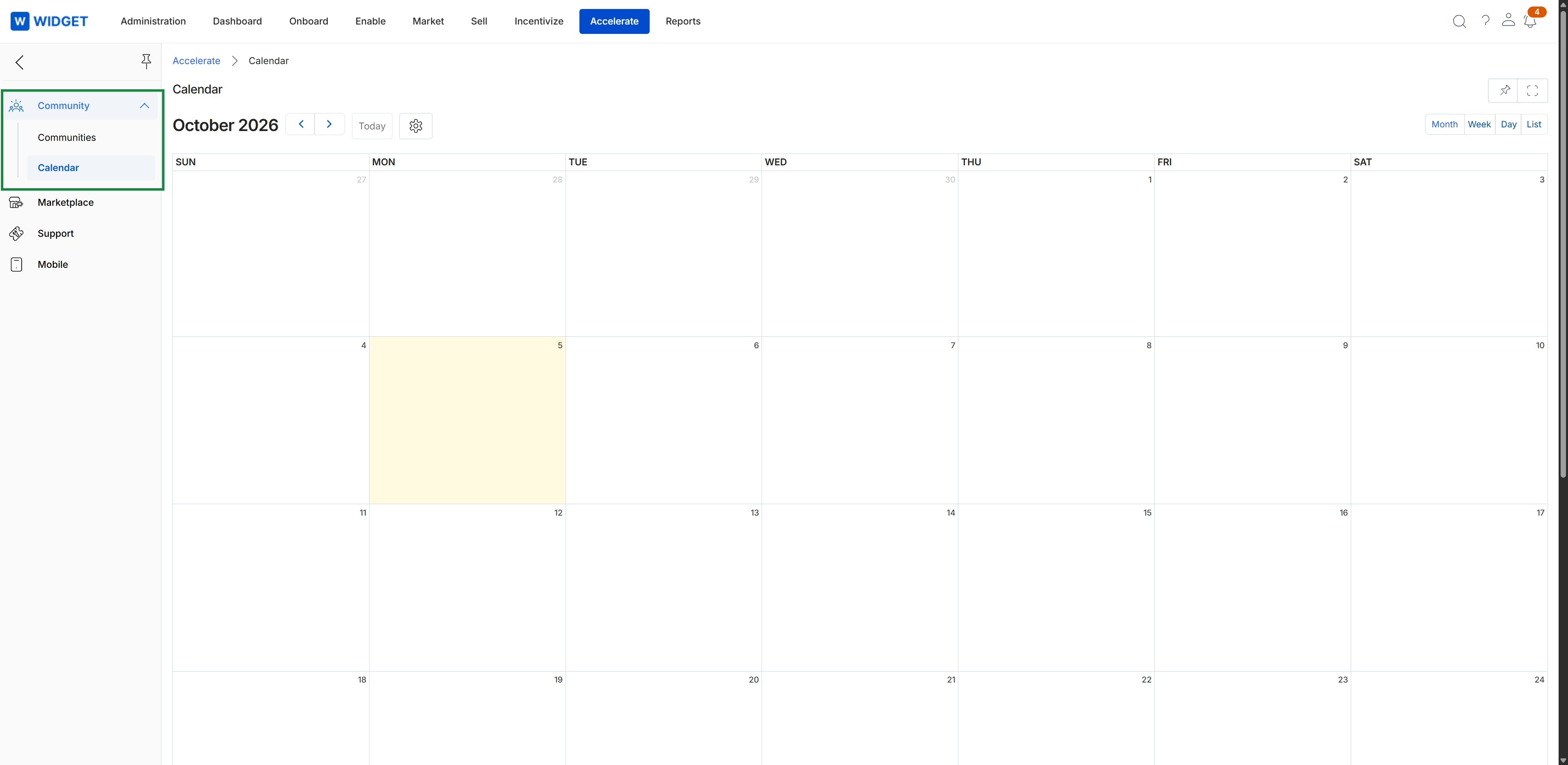
Click Accelerate → Community → Calendar.
Navigating Calendar Views
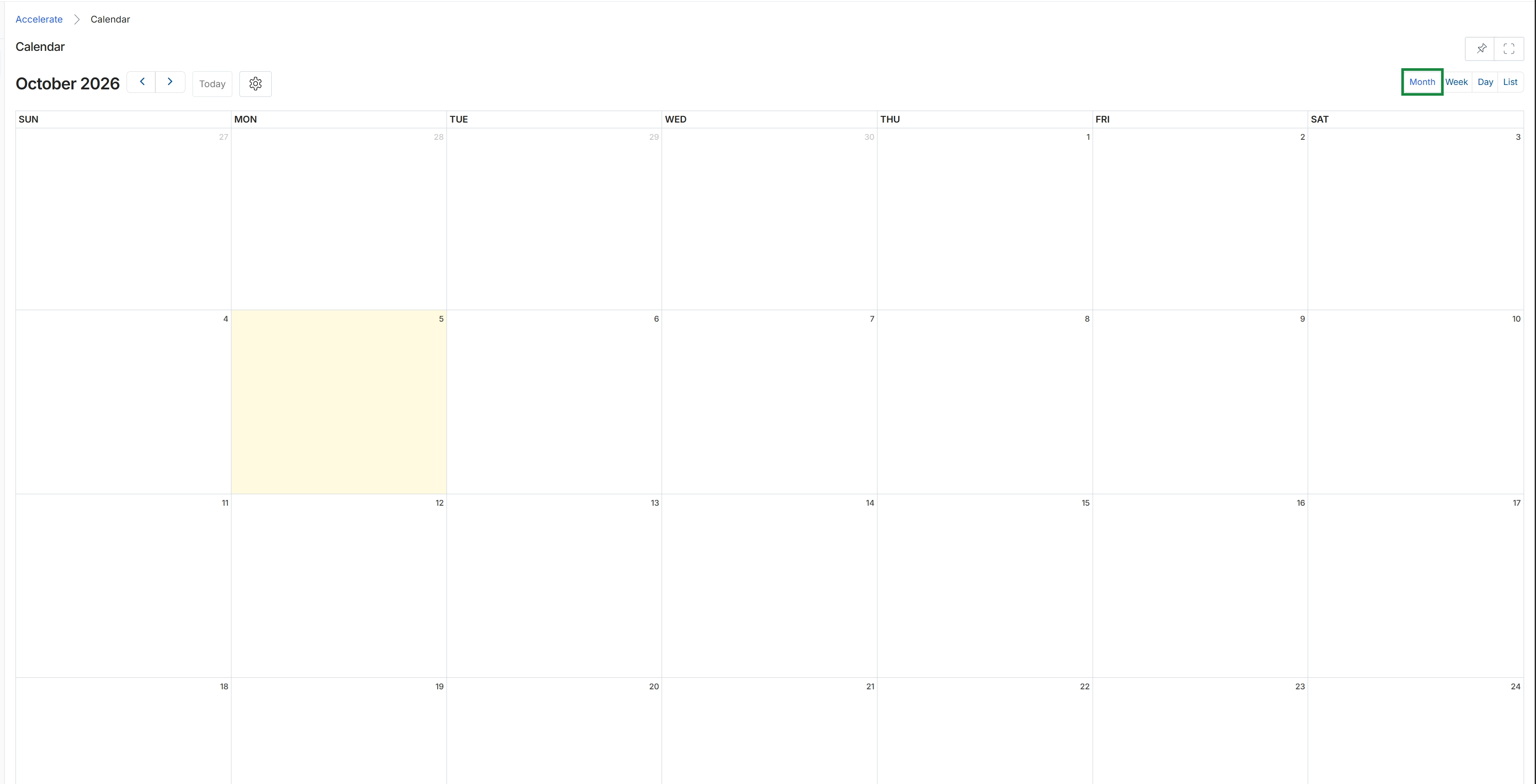
This screen displays a calendar view, specifically showing the month of October 2026. It provides a visual representation of dates, allowing users to navigate between months and view different timeframes such as week, day, or list. This calendar functionality supports the scheduling and tracking of events, such as QBRs or other strategic partner engagements, within the Accelerate module.
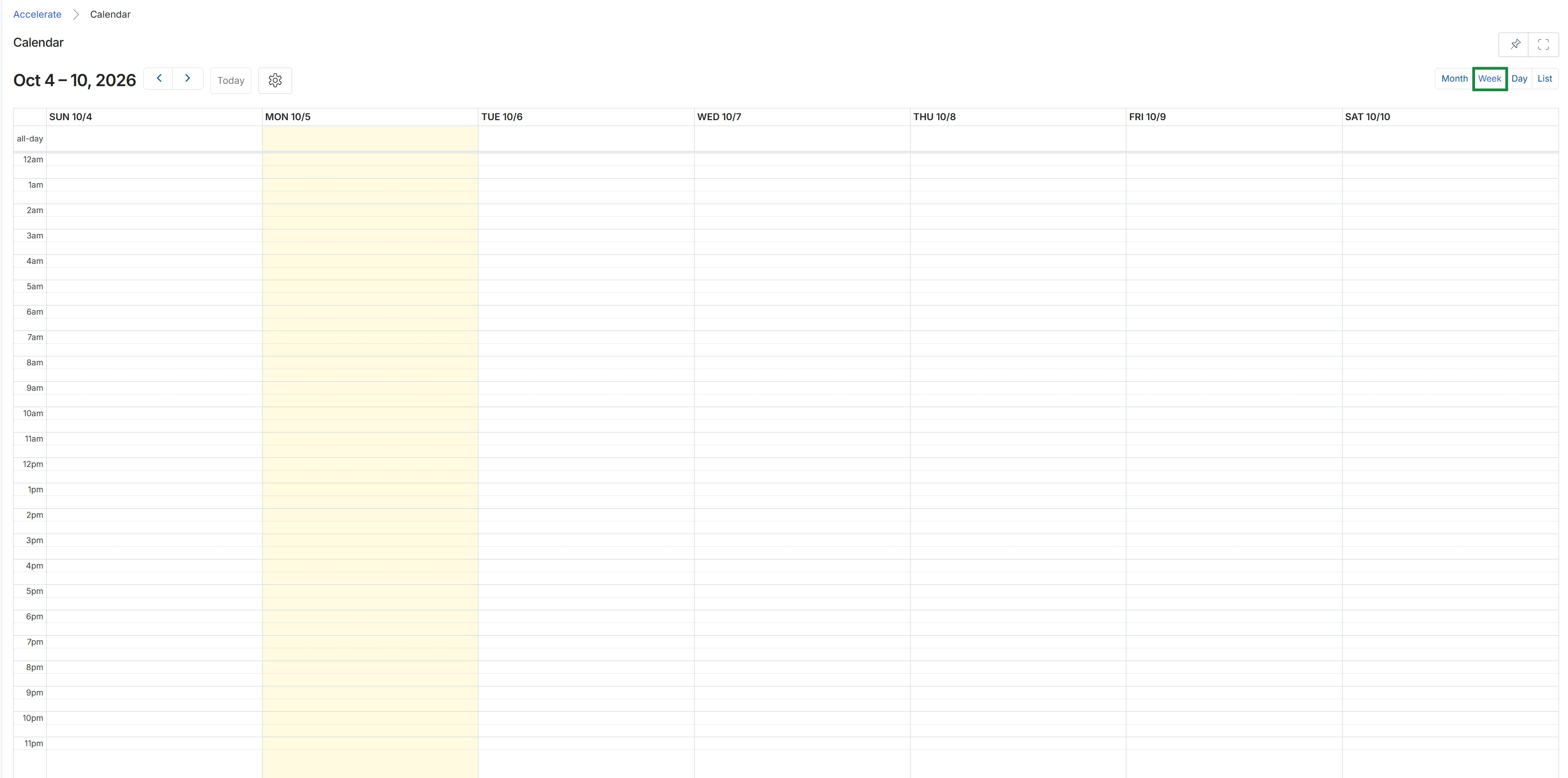
This screen displays a calendar interface within the Accelerate module, providing a visual representation of scheduled events and activities for a specific week. It allows users to view daily time slots from midnight to 11 PM, with the current day highlighted. This calendar serves as a central hub for managing and tracking various time-bound activities, such as QBRs or other strategic engagements, which are crucial for effective partner relationship management.
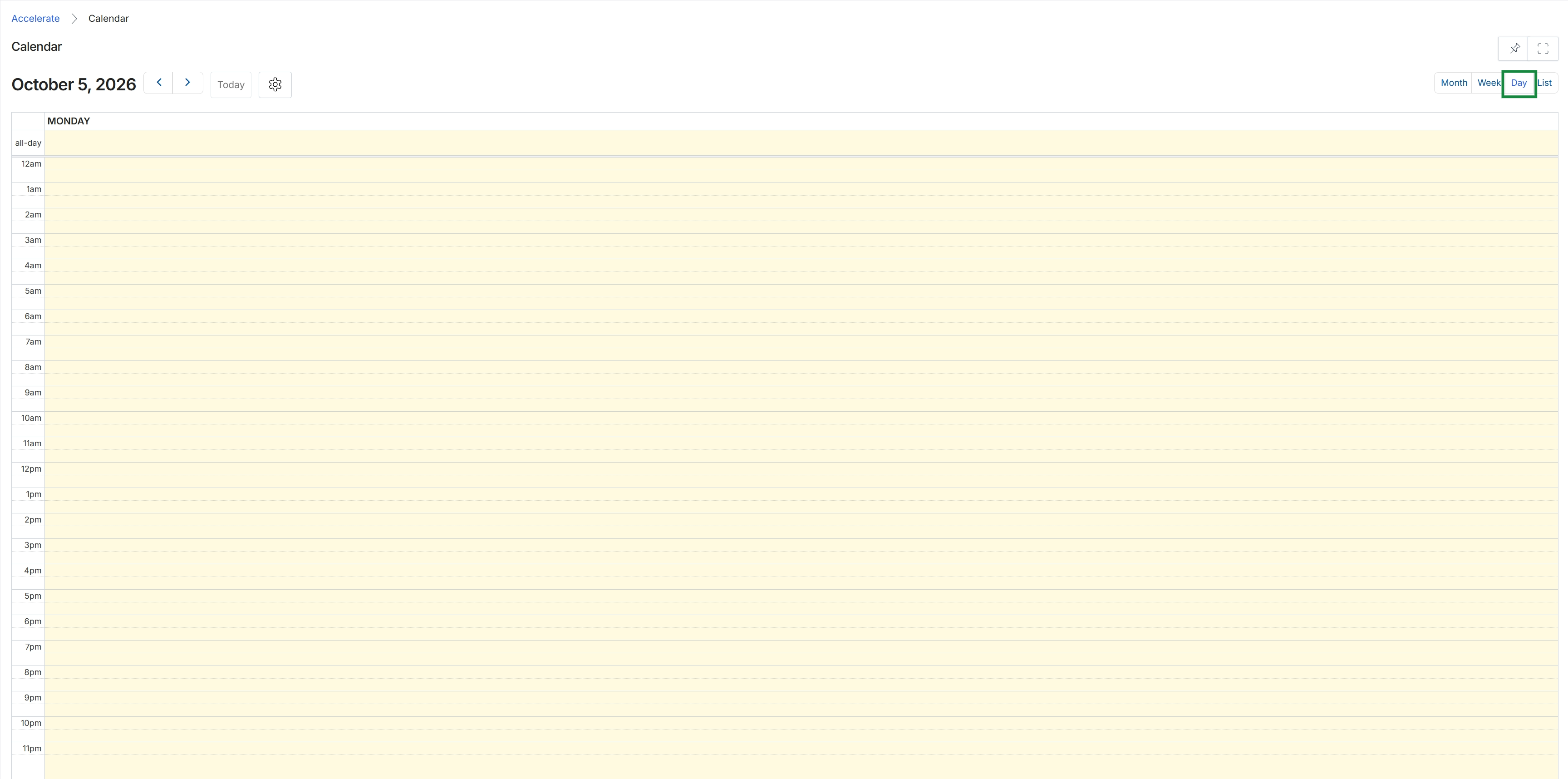
This screen displays a daily calendar view within the Accelerate module, providing a time-based visualization for scheduling and managing events. It shows a specific date, October 5, 2026, with a detailed hourly breakdown for Monday, allowing users to see scheduled activities throughout the day. This calendar functionality supports the coordination of strategic partner interactions, such as QBRs or joint business planning meetings, which are central to the Accelerate module's purpose.
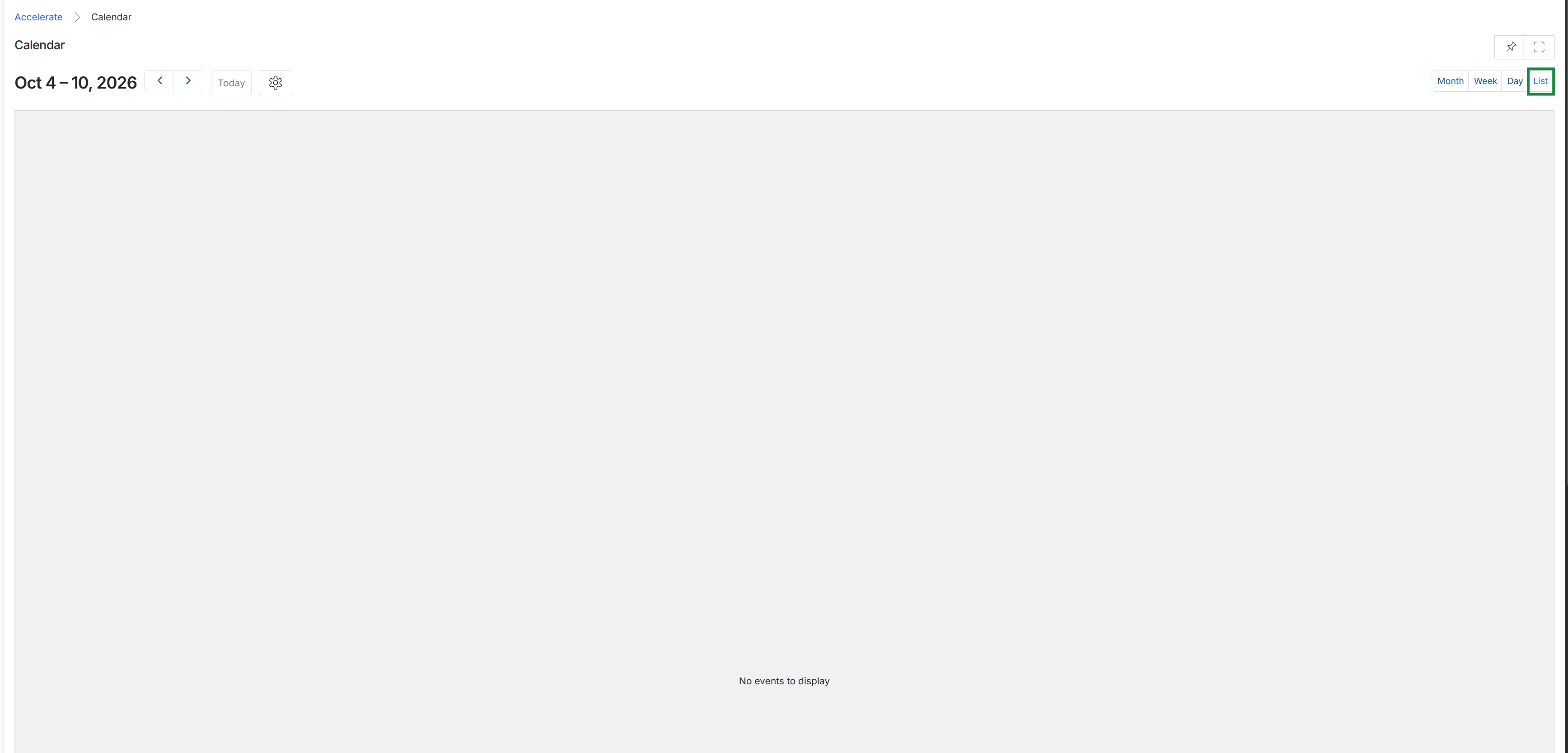
This screen displays a calendar view within the Accelerate module, providing a centralized place for administrators to visualize scheduled events and activities. It allows for navigation through different time periods, such as weeks, and offers various display options like month, week, day, or list views. This calendar serves as a tool for managing and tracking important dates related to partner engagement, such as QBRs, business plan milestones, or community events, although no events are currently populated in this specific view.
Filtering Calendar Items
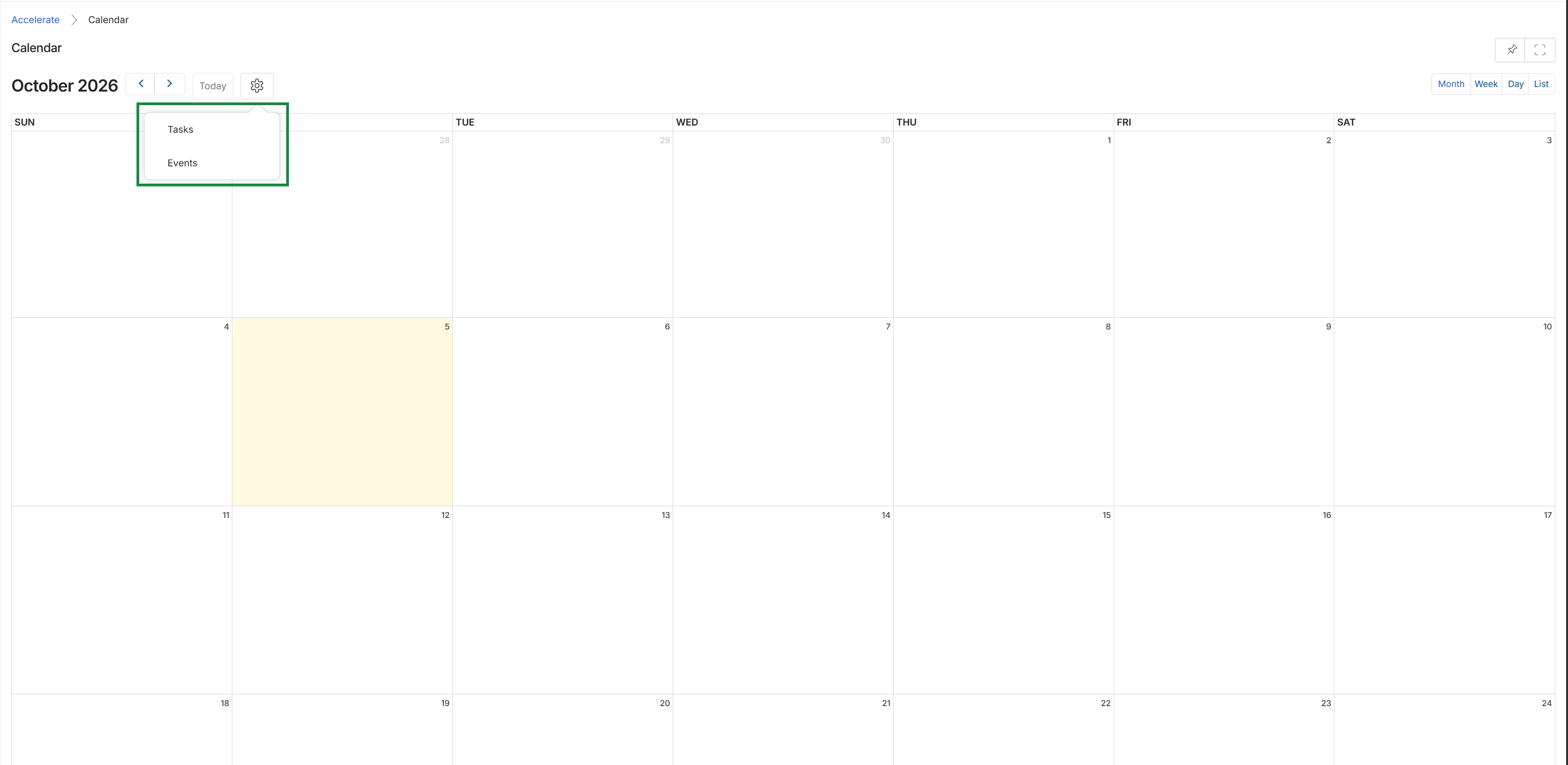
This screen displays a calendar view within the Accelerate module, showing the month of October 2026. It serves as a central place for partners and vendors to visualize scheduled activities, such as tasks and events, related to their joint business planning and QBR management. The calendar helps in organizing and tracking time-sensitive actions, contributing to the overall strategic partner relationship management.
Frequently asked questions
- What is the Calendar feature for?
The Calendar feature provides a centralized view for administrators and partners to track and manage all scheduled activities, tasks, and events relevant to their partner ecosystem. It helps organize and coordinate program-related engagements, ensuring critical milestones are not missed.
- Who uses the Calendar feature?
Both UPM administrators and channel partners use the Calendar feature. Administrators track program activities, while partners visualize joint business planning and QBR management tasks.
- What types of views does the Calendar offer?
The Calendar offers multiple viewing options, including Month, Week, Day, and List views. These allow users to navigate between different timeframes and suit their planning needs.
- How can I access the Calendar?
You can access the Calendar by navigating to Accelerate → Community → Calendar within the platform.
- Can I filter items on the Calendar?
Yes, the Calendar feature includes filtering capabilities. You can filter by tasks, events, and other criteria to focus on specific scheduled items.