

Overview
Effective user management is crucial for maintaining security and operational efficiency within any partner program. The Administration module serves as the central command center for configuring all aspects of the partner portal, including user access controls. This module allows administrators to define who can access the platform, what they can see, and what actions they can perform, based on their assigned roles and permissions.
By managing vendor-side users here, organizations can ensure that channel managers, marketing teams, finance personnel, and other internal stakeholders have the appropriate level of access to perform their duties without compromising sensitive data or system integrity. This also facilitates streamlined workflows, as approvals and tasks can be routed to the correct individuals based on their roles, as defined within this administrative section.
Accessing User Management
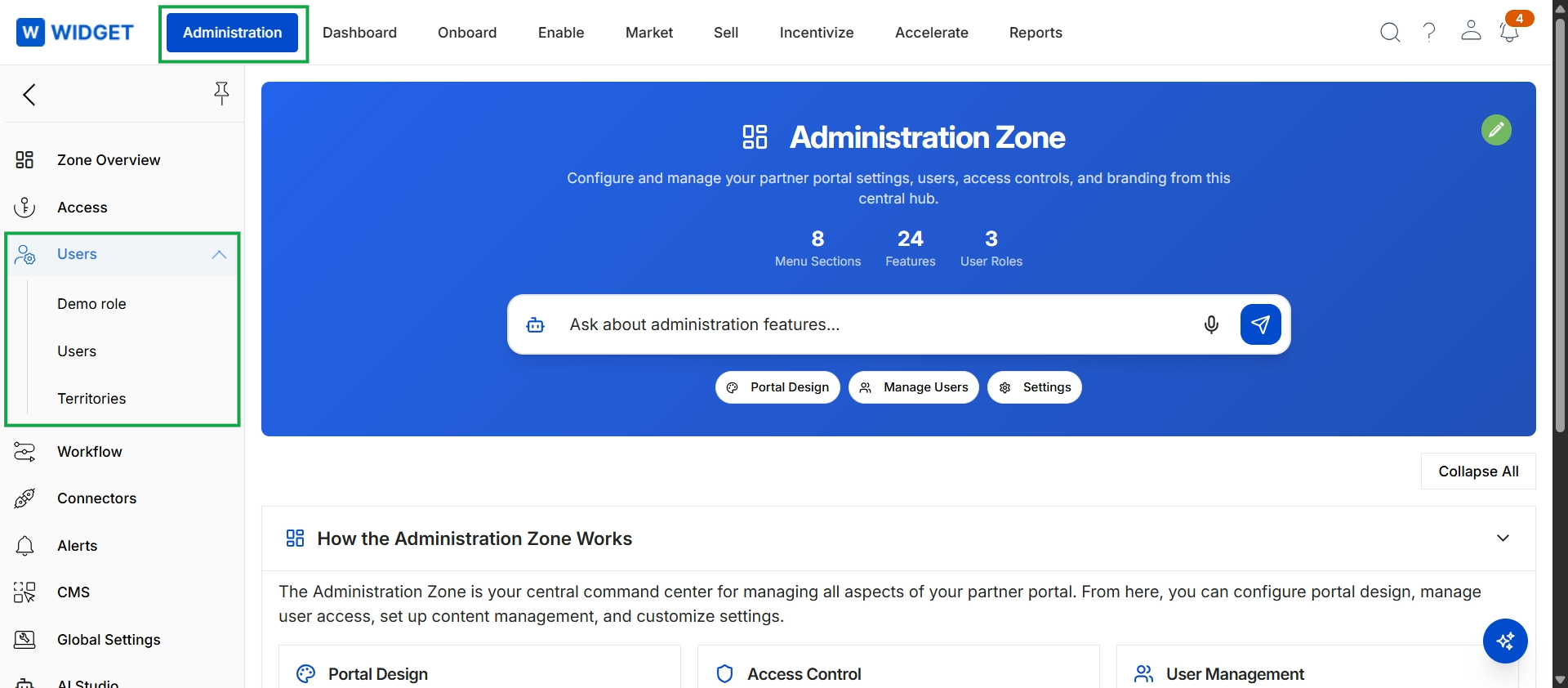
Click Administration in the top navigation bar, then click Users in the left navigation menu to expand the submenu.
Viewing and Managing Users
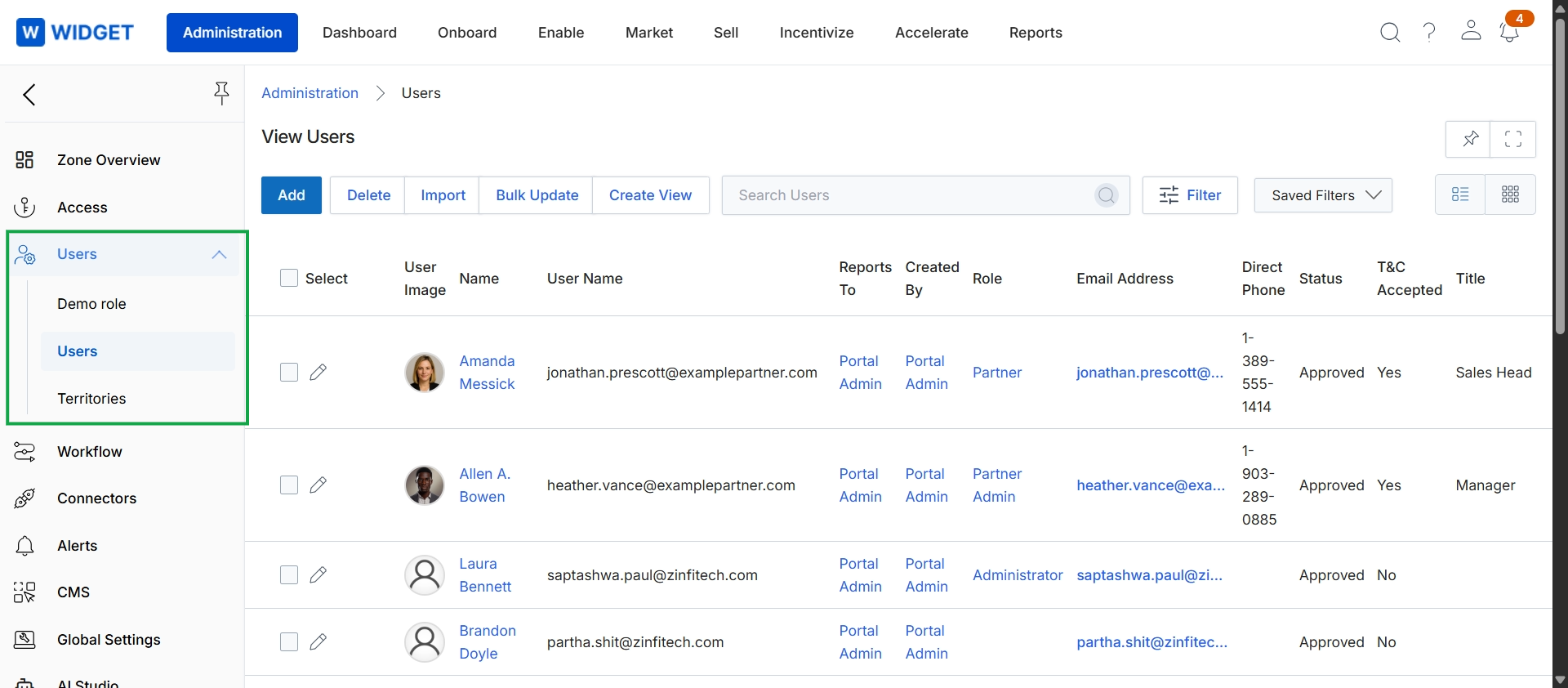
This screen displays a comprehensive list of all vendor-side users within the platform, providing administrators with an overview of their accounts. It serves as the central hub for managing user access and details, showing key information such as user names, roles, email addresses, and their current status. This view is essential for maintaining proper access control and ensuring that all vendor-side personnel have the appropriate permissions to perform their duties within the UPM.