

Overview
Effective partner program management is crucial for successful channel ecosystems. This functionality empowers partners by giving them clear visibility into the programs they are enrolled in and the specific requirements needed to progress through different tiers or achieve certain milestones. By providing a structured view of onboarding tasks, training courses, and performance-based criteria, the platform ensures partners understand their path to success and can actively manage their engagement.
Partners can easily see their overall progress, review individual requirements, and complete tasks directly within their portal. This self-service capability reduces administrative overhead for program managers and fosters partner autonomy, leading to higher engagement and faster ramp-up times. The ability to add and review program-specific notes also facilitates communication and record-keeping between the vendor and the partner.
Executing My Program
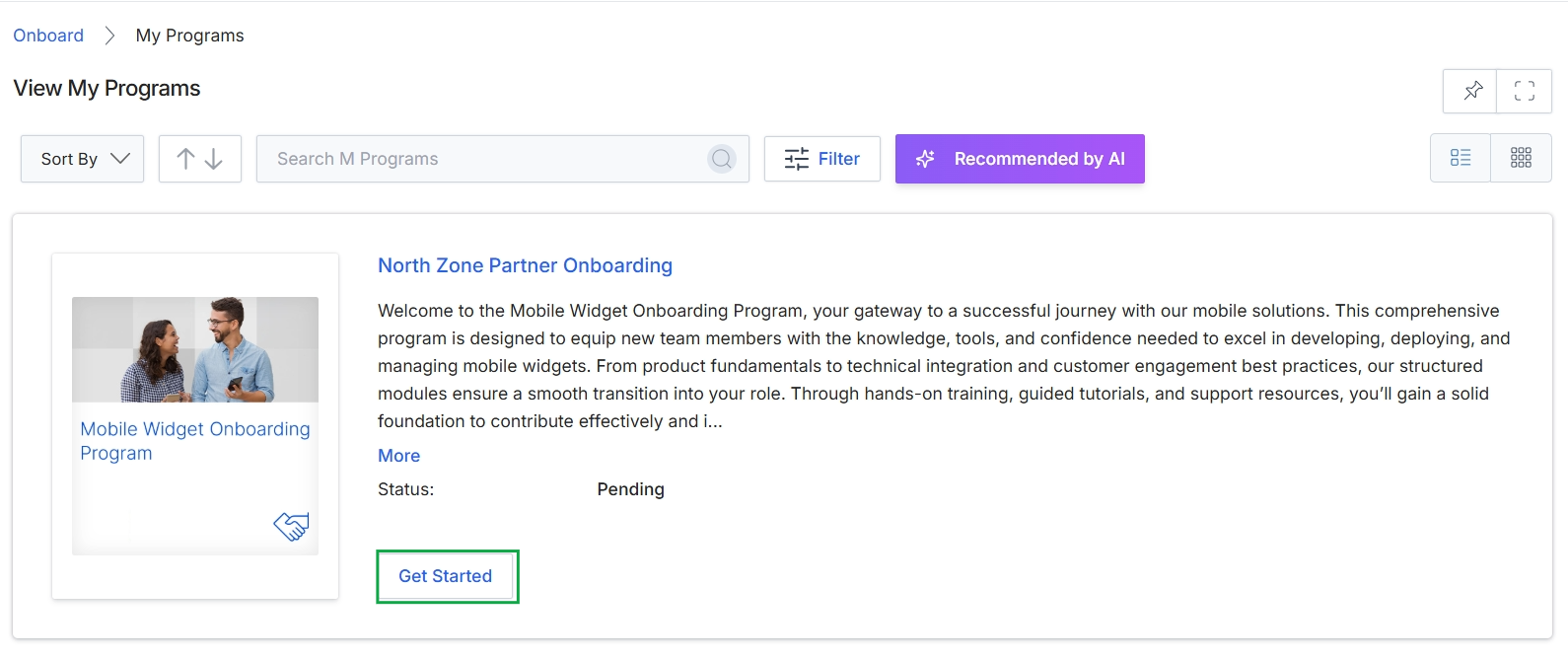
Click the Get Started button.
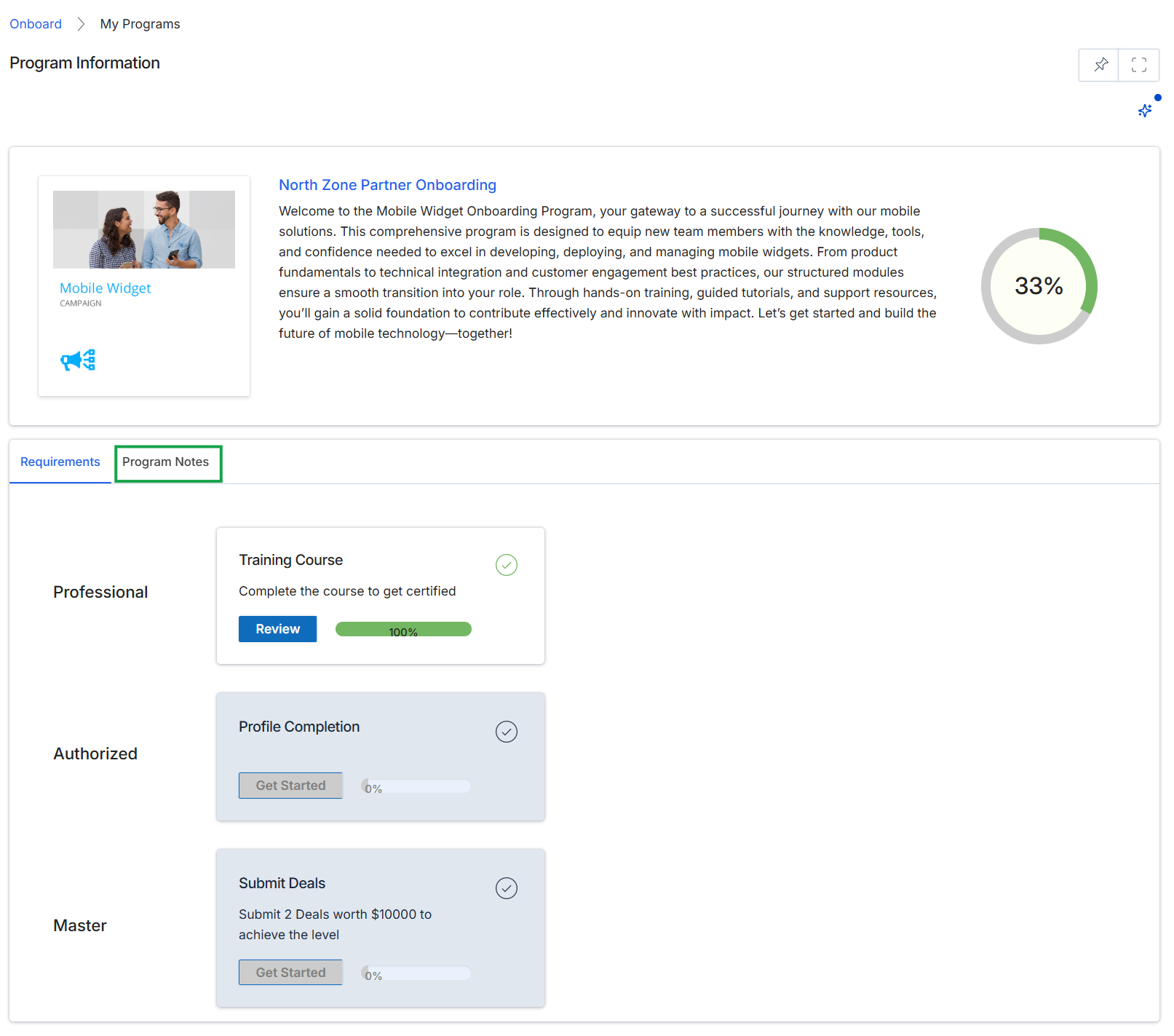
This screen presents a detailed view of a specific partner program, displaying its name, a welcome message, and an overall completion percentage for the partner's onboarding journey. It outlines the various requirements partners must fulfill to progress through the program, categorized by different achievement levels such as 'Professional,' 'Authorized,' and 'Master.' Each requirement shows its current status and completion progress, indicating whether it has been started, is in progress, or is complete.
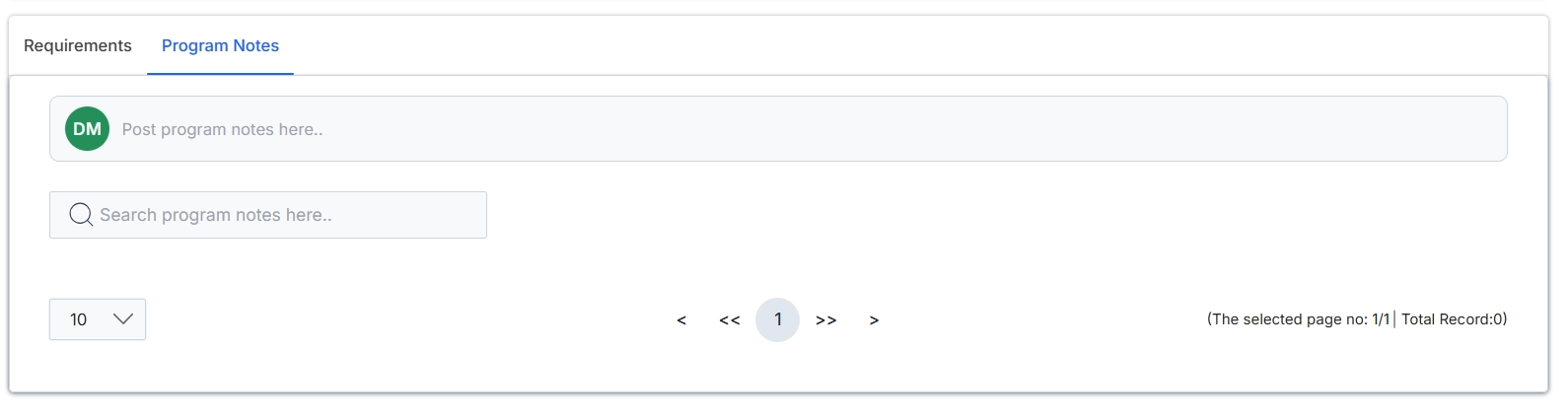
This screen presents the Program Notes section within the Partner Programs Management module, designed for administrators to manage internal communications and record-keeping for a specific partner program. It provides an interface for posting new program-related notes and includes a search function to locate existing entries. The pagination controls indicate that multiple notes can be stored and navigated, although no records are currently displayed.
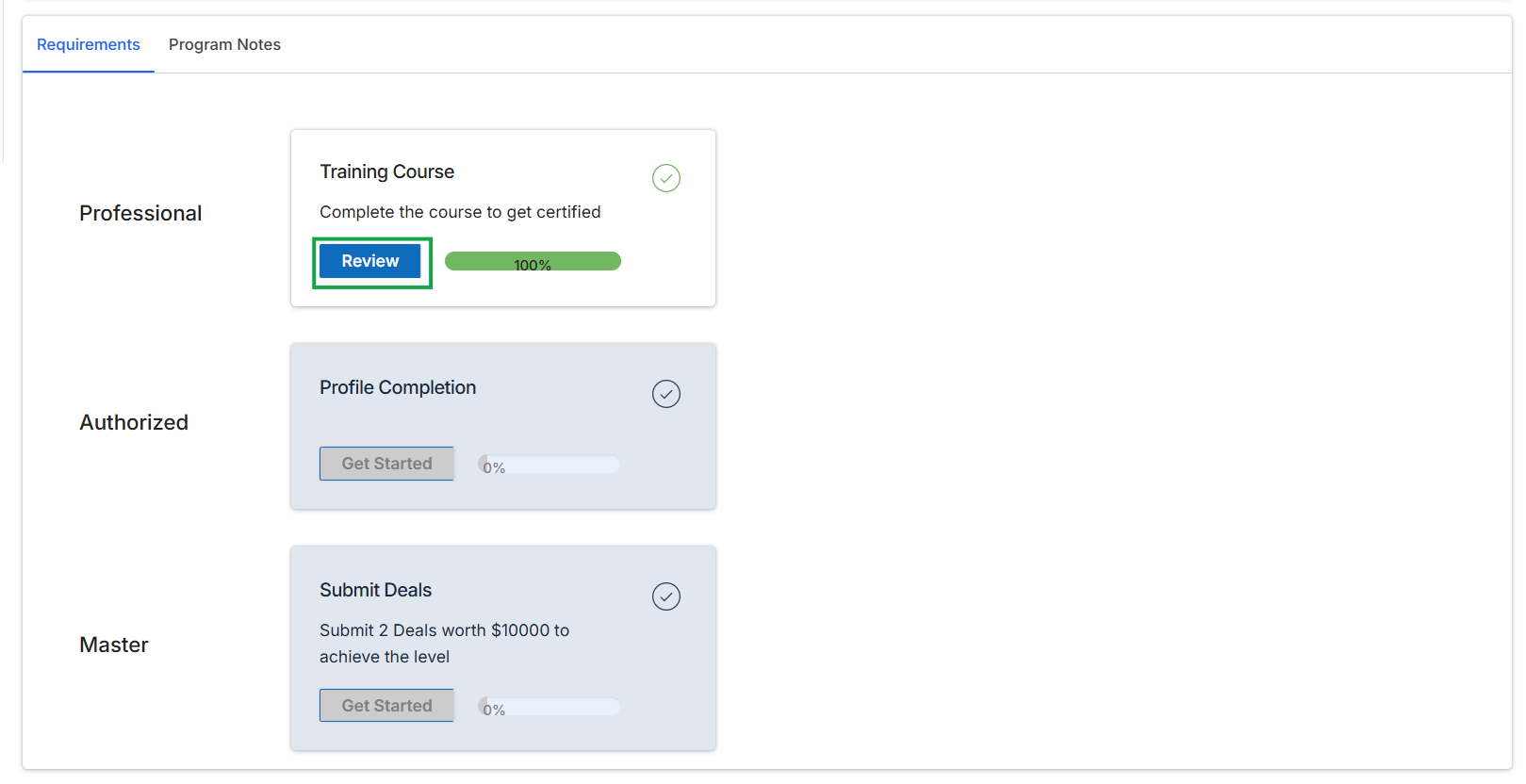
Click the Requirements tab.
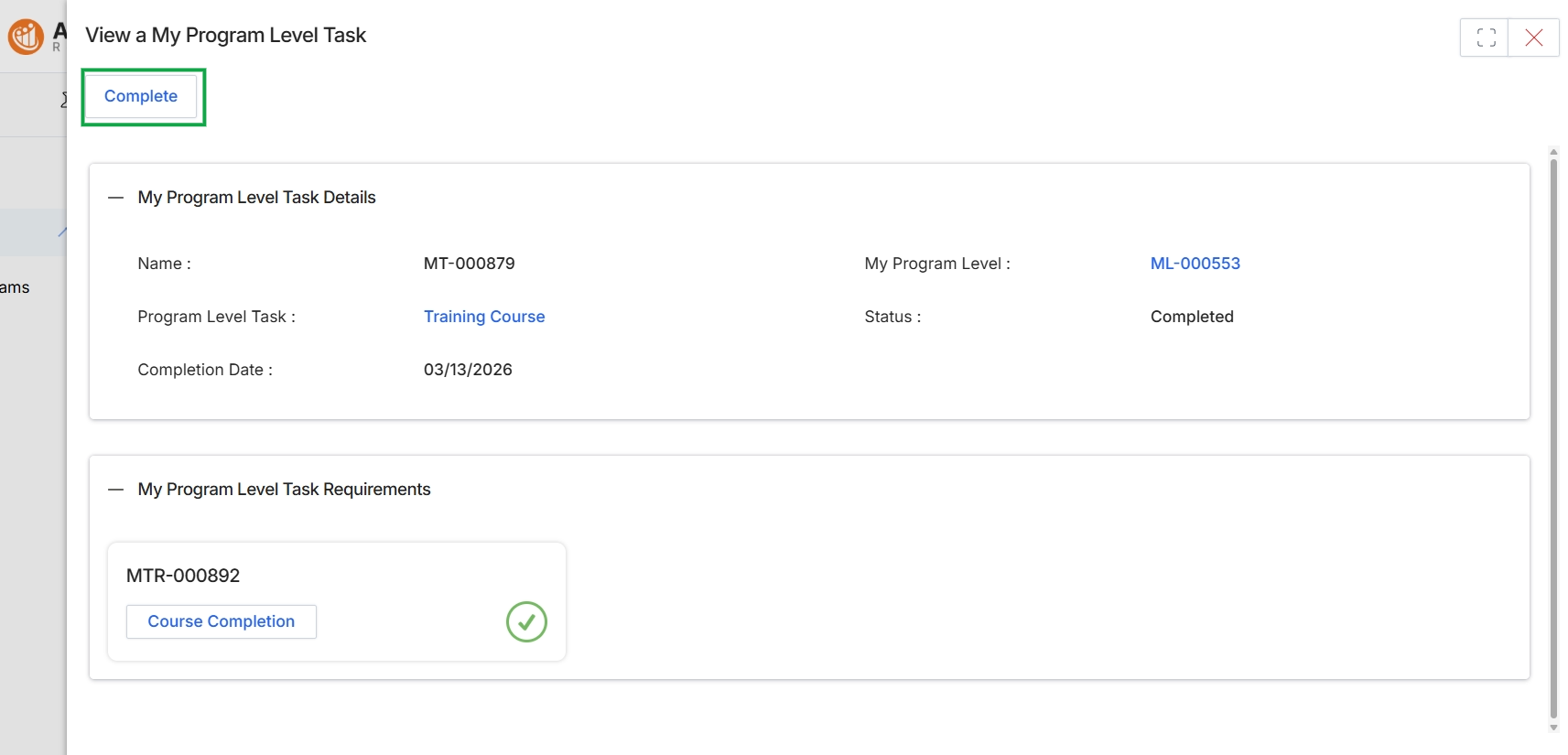
This screen provides a detailed view of a specific 'My Program Level Task', which is a requirement for partners to complete as part of their onboarding journey or ongoing program participation. These tasks, such as completing a training course or signing an agreement, contribute to a partner's overall progress within a program and can influence their tier assignment or access to certain benefits. The screen displays key information about the task, including its name, the associated program level, its current status, and the completion date. It also lists the specific requirements that comprise the task, indicating their individual completion status, which in this case shows a completed course.
Review the details of the completed program level task, including its name, associated program, status, and completion date, as well as the individual requirements that have been fulfilled.
Buttons
| Button | Description |
|---|---|
| Complete | This button is used to manually mark the program level task as completed, typically for tasks that require confirmation of completion rather than automatic updates. |
My Program Level Task Details
| Field | Description |
|---|---|
| Name | The identifier or name of the program level task. |
| My Program Level | The specific program level to which this task is associated, often a link to view the program level details. |
| Program Level Task | The type of task required, such as a 'Training Course', which may be a clickable link to the course itself. |
| Status | The current completion status of the program level task, indicating whether it is 'Completed' or pending. |
| Completion Date | The date when the program level task was completed. |
My Program Level Task Requirements
| Field | Description |
|---|---|
| MTR-000892 | An identifier for a specific requirement within the program level task. |
| Course Completion | A link or label indicating a specific requirement, such as the completion of a course, with a green checkmark signifying its completion. |