

Overview
Within the Accelerate module, the co-sell marketplace allows technology alliances, system integrators, and resellers to collaborate on joint go-to-market solutions. By uniting complementary products and services into Marketplace Bundles, partners can deliver comprehensive multi-vendor offerings with established discount structures and shared go-to-market terms.
The View Bundles & Co-Sell interface provides channel administrators with complete governance over these collaborative listings. Alliance managers can track proposals across every stage—from drafting and negotiation to active listing and acceptance—while leveraging administrative search, filter, export, and record-maintenance tools to ensure ecosystem offerings remain accurate and up to date.
Key Features
- Marketplace Bundle Management
- Co-Sell Status Tracking
- Partner Relationship Mapping
- Pricing & Discount Monitoring
- Keyword Search & Filtering
- Bulk Record Actions
Accessing Bundles & Co-Sell
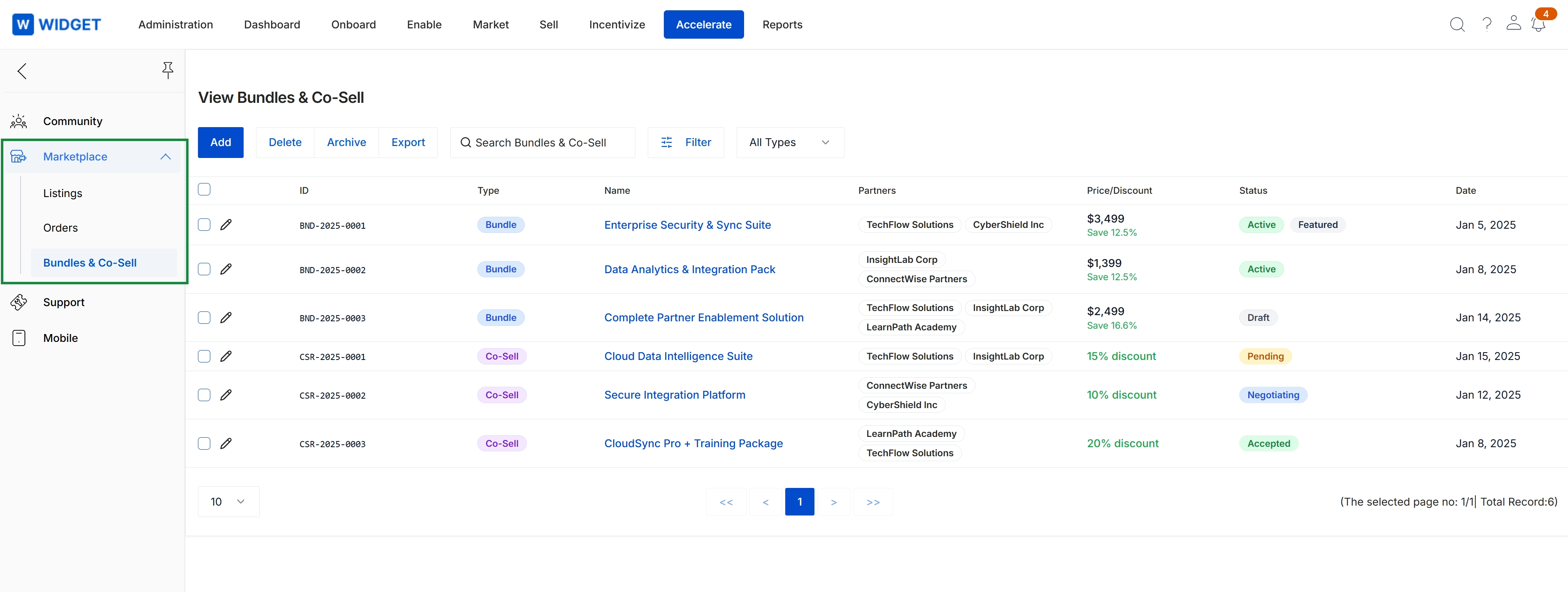
Click Accelerate → Marketplace → Bundles & Co-Sell.
Searching and Filtering Listings
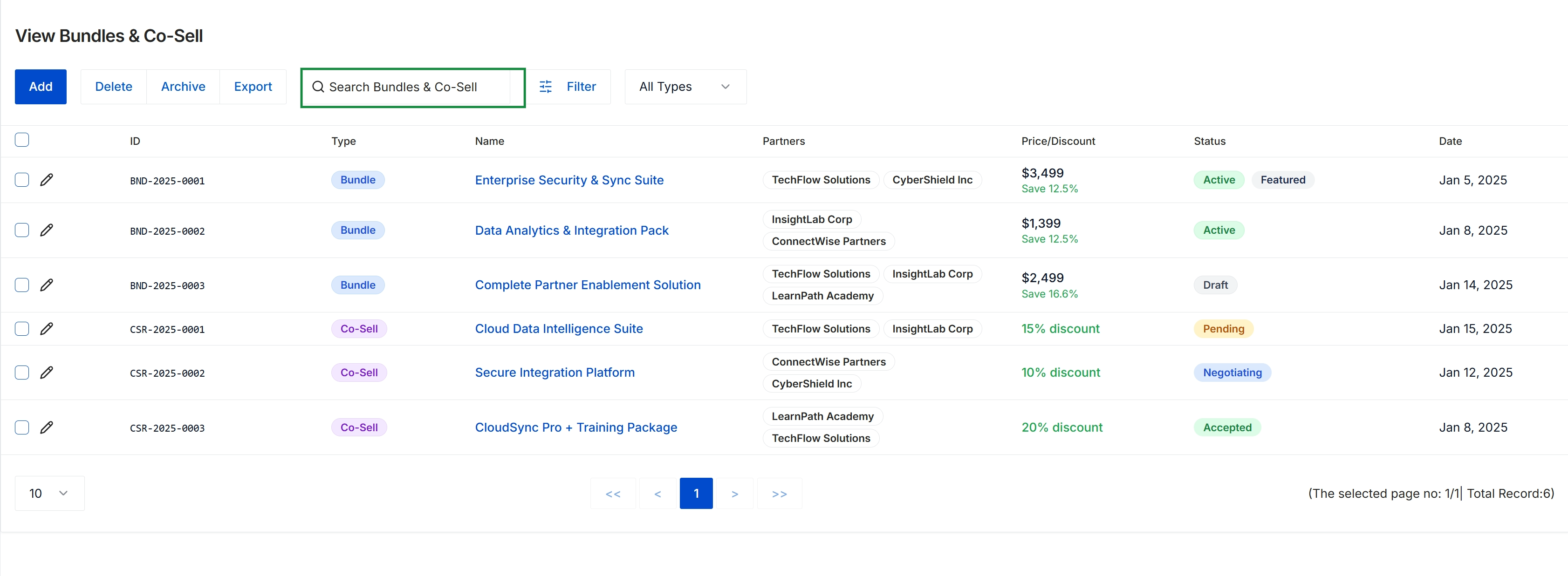
This screen provides a centralized registry for managing partner marketplace bundles and collaborative co-sell offerings within the platform. It presents a comprehensive overview of joint offerings, detailing the associated partners, commercial pricing structures, lifecycle statuses, and creation dates. Administrators use this view to supervise joint go-to-market solutions, track negotiations and approvals across participating partners, and manage bundle availability across the partner ecosystem.
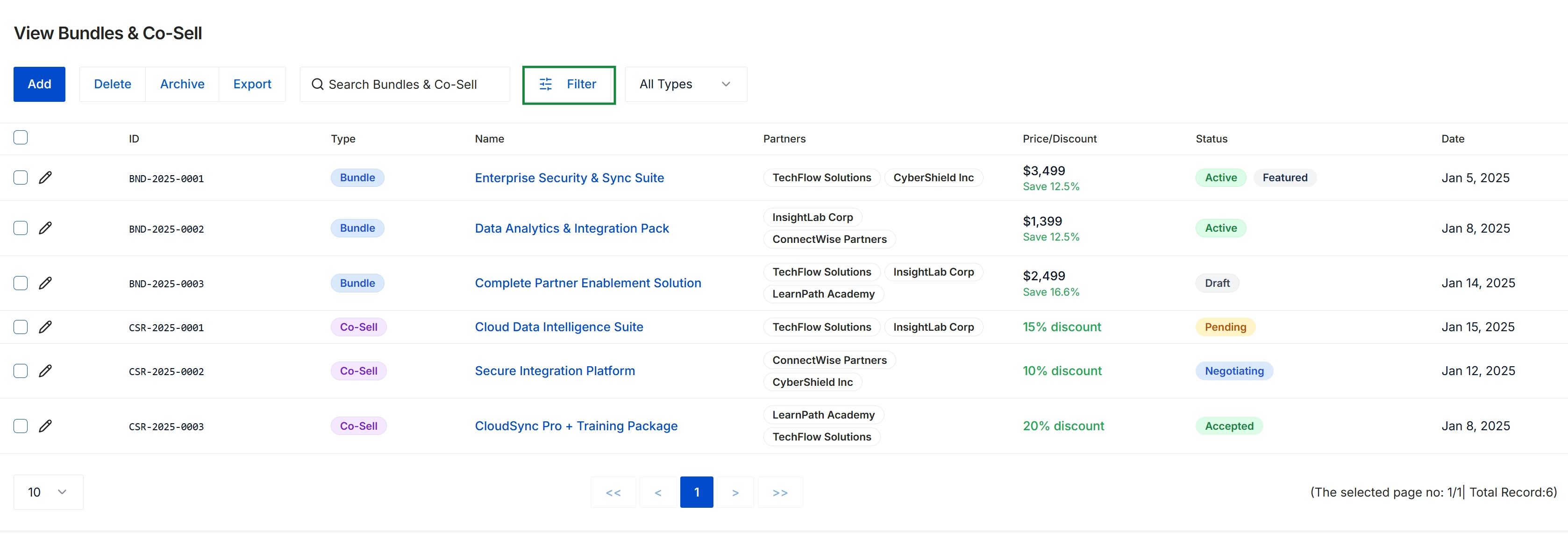
This screen provides a centralized registry for managing partner marketplace bundles and co-sell requests within the platform. It enables administrators to monitor collaborative offerings, displaying the involved partner organizations, associated pricing models, discount percentages, and current lifecycle stages ranging from drafting and negotiation to active publication. This management view facilitates joint go-to-market visibility by consolidating combined solution packages and multi-partner collaborations in a unified list.
Executing Bulk Management Actions
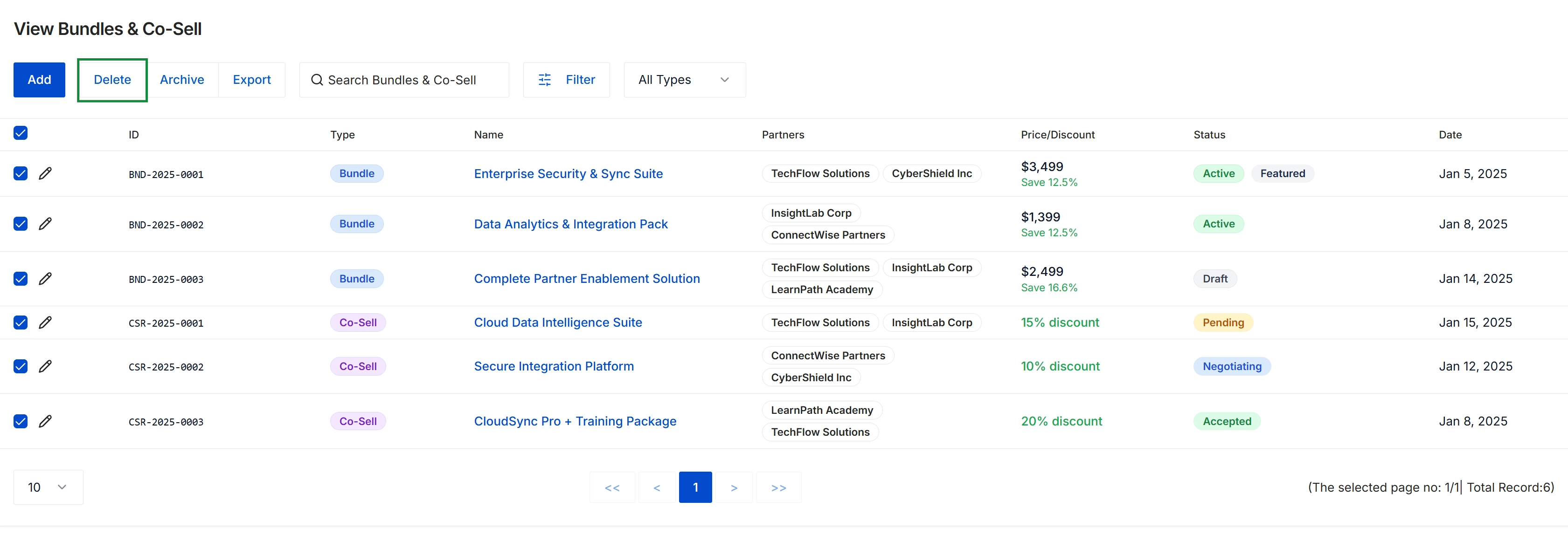
This dashboard provides a centralized management view of all marketplace bundles and joint co-sell initiatives across the partner ecosystem. The listing displays critical package details including participating partner organizations, pricing models, discount rates, and operational statuses ranging from draft to active or negotiated states. Program administrators use this directory to maintain multi-vendor packaged solutions, monitor ecosystem collaboration, and execute batch record management across marketplace offerings.
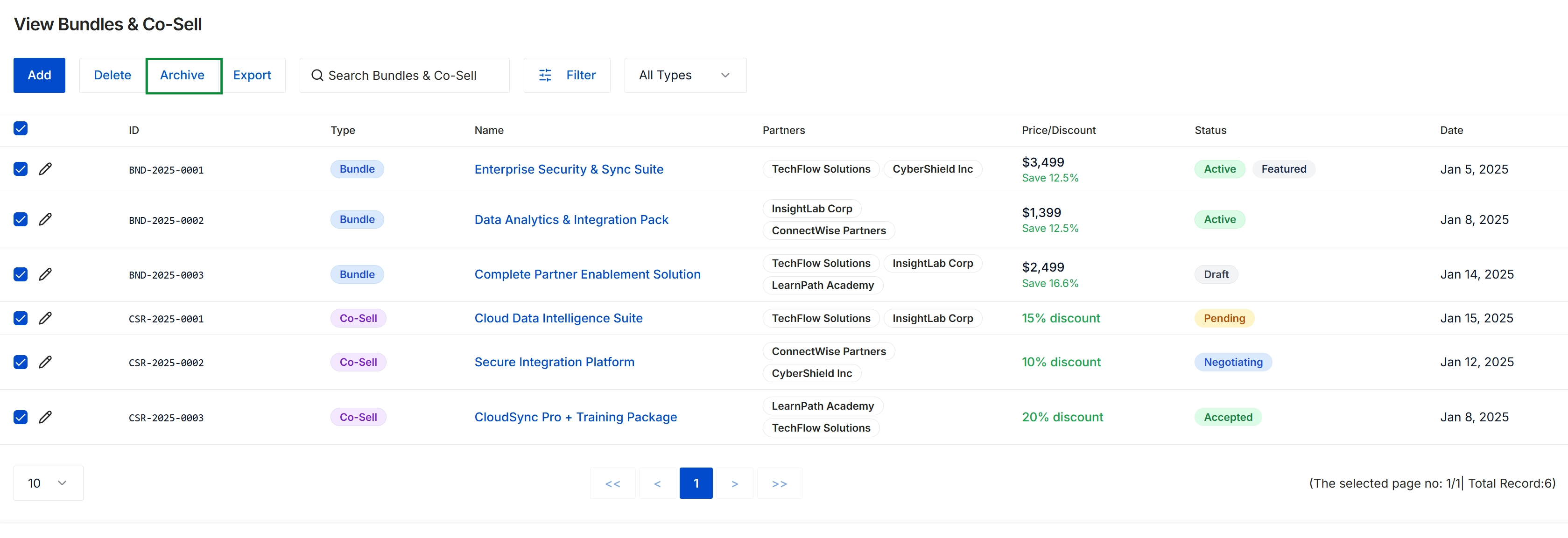
This view displays the central management dashboard for marketplace solution bundles and collaborative co-sell packages established across partner organizations. Administrators use this table to oversee joint go-to-market offerings, track partner participation, evaluate associated pricing or discount structures, and monitor listing lifecycle statuses ranging from draft to active or accepted. With multiple records currently selected, the screen illustrates the capability to perform bulk administrative governance such as archiving retired or inactive joint offerings from the active marketplace.
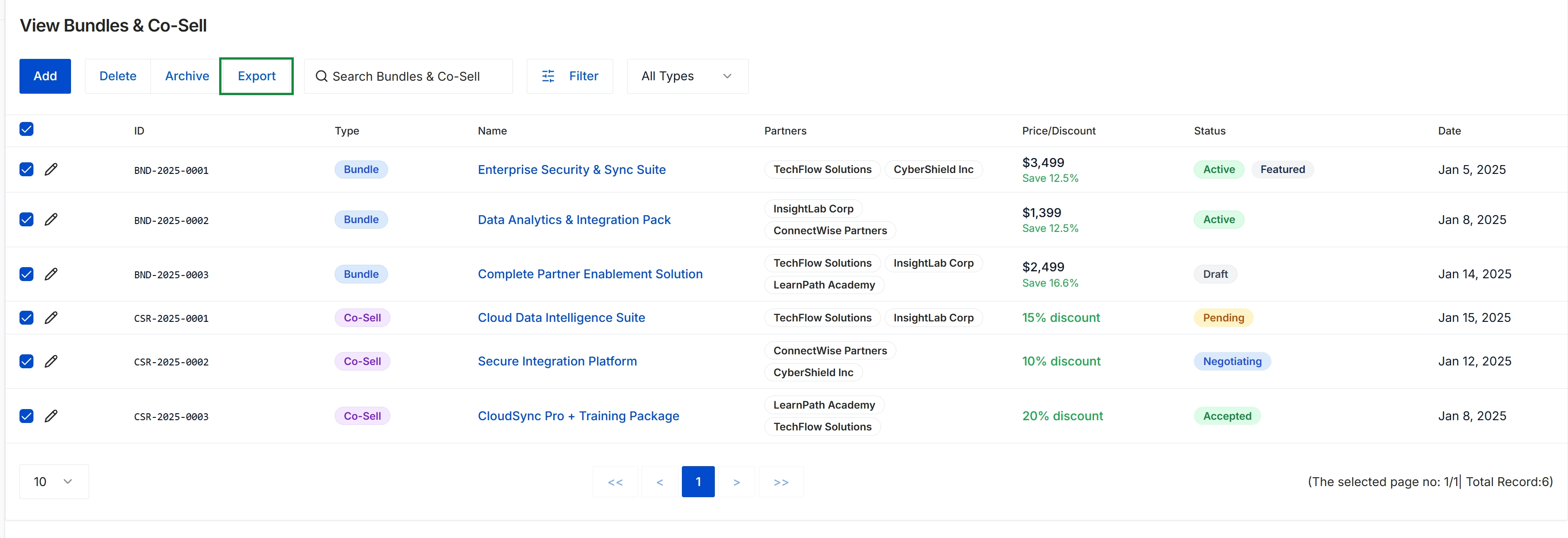
The View Bundles & Co-Sell screen provides administrators with a centralized registry of collaborative go-to-market offerings, covering both multi-product marketplace bundles and joint co-sell proposals. It displays critical arrangement details across participating partners, associated pricing or discount structures, lifecycle statuses, and creation dates. This overview allows channel managers to govern partner-to-partner collaborations and maintain quality control over packaged solution listings across the ecosystem.
Frequently asked questions
- What does the View Bundles & Co-Sell repository do?
It provides administrators with a centralized dashboard to oversee joint solution offerings, track partner participants, monitor pricing discounts, and govern collaborative bundle lifecycles.
- Where do administrators access the Bundles & Co-Sell interface?
Administrators can navigate to the interface by selecting Accelerate, clicking Marketplace, and choosing Bundles & Co-Sell.
- What listing lifecycle stages can channel administrators track?
Channel administrators can monitor collaborative listings across stages ranging from drafting and negotiation to active publication and acceptance.
- What bulk administrative actions can be performed on bundle records?
Administrators can perform batch record governance such as deleting, archiving retired or inactive offerings, and exporting co-sell listings to maintain ecosystem accuracy.