

Overview
Within the Accelerate module, the Co-sell Marketplace empowers partners to collaborate, bundle solutions, and transact joint offerings across the partner ecosystem. The View Marketplace Orders workspace provides vendor administrators with comprehensive oversight of all commercial transactions executed through marketplace listings, ensuring transparency between selling partners, buying organizations, and the vendor.
Administrators can track fulfillment progression across varying order and payment states—such as Completed, Confirmed, Processing, Pending, or Cancelled—while monitoring financial details including transaction amounts and applied Market Development Funds (MDF) offsets. Built-in search, structured filtering, batch processing, and export tools allow channel operations teams to streamline transaction reconciliation and manage partner commerce at scale.
Key Features
- Marketplace Order Tracking
- Payment Status Monitoring
- MDF Deduction Visibility
- Bulk Order Updates
- Order Data Export
- Multi-Attribute Order Filtering
Navigating to Marketplace Orders
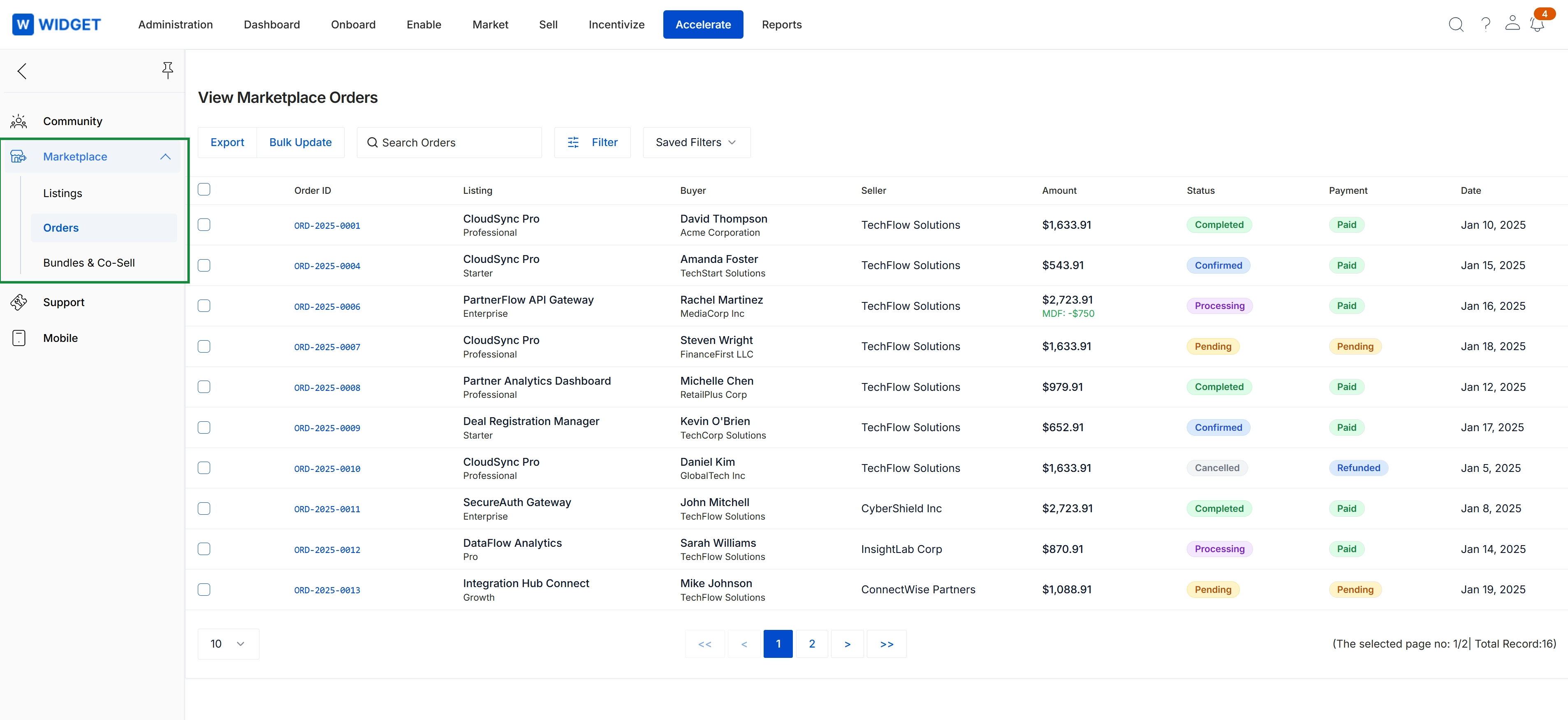
Click Accelerate → Marketplace → Orders.
Exporting and Updating Orders in Bulk
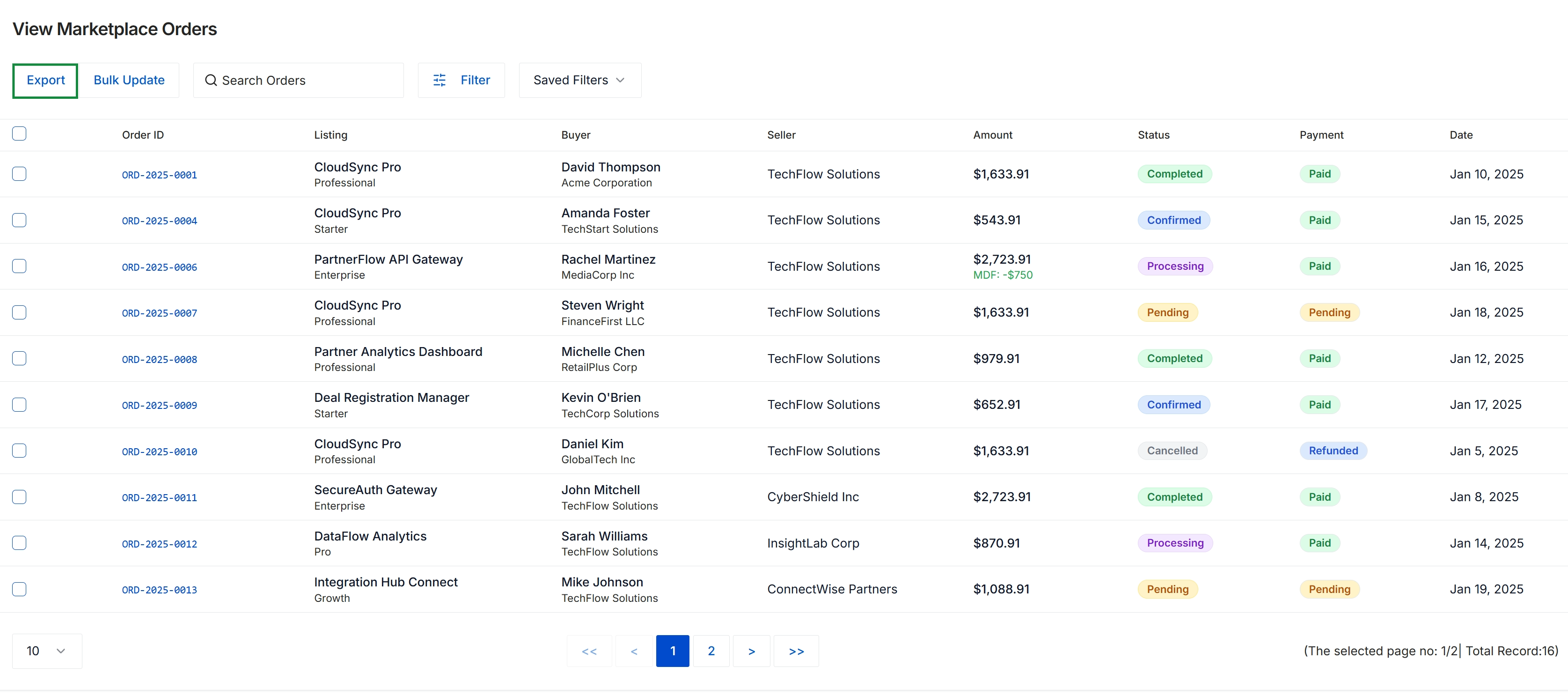
This dashboard provides a centralized log of all commercial transactions executed through the partner marketplace module. Administrators use this view to monitor joint co-sell activity and solution purchases between buyers and sellers across the partner ecosystem, tracking operational order progression and payment settlement states. The record summary also reflects co-funded transaction adjustments, such as applied market development fund discounts, supporting end-to-end partner commerce governance.
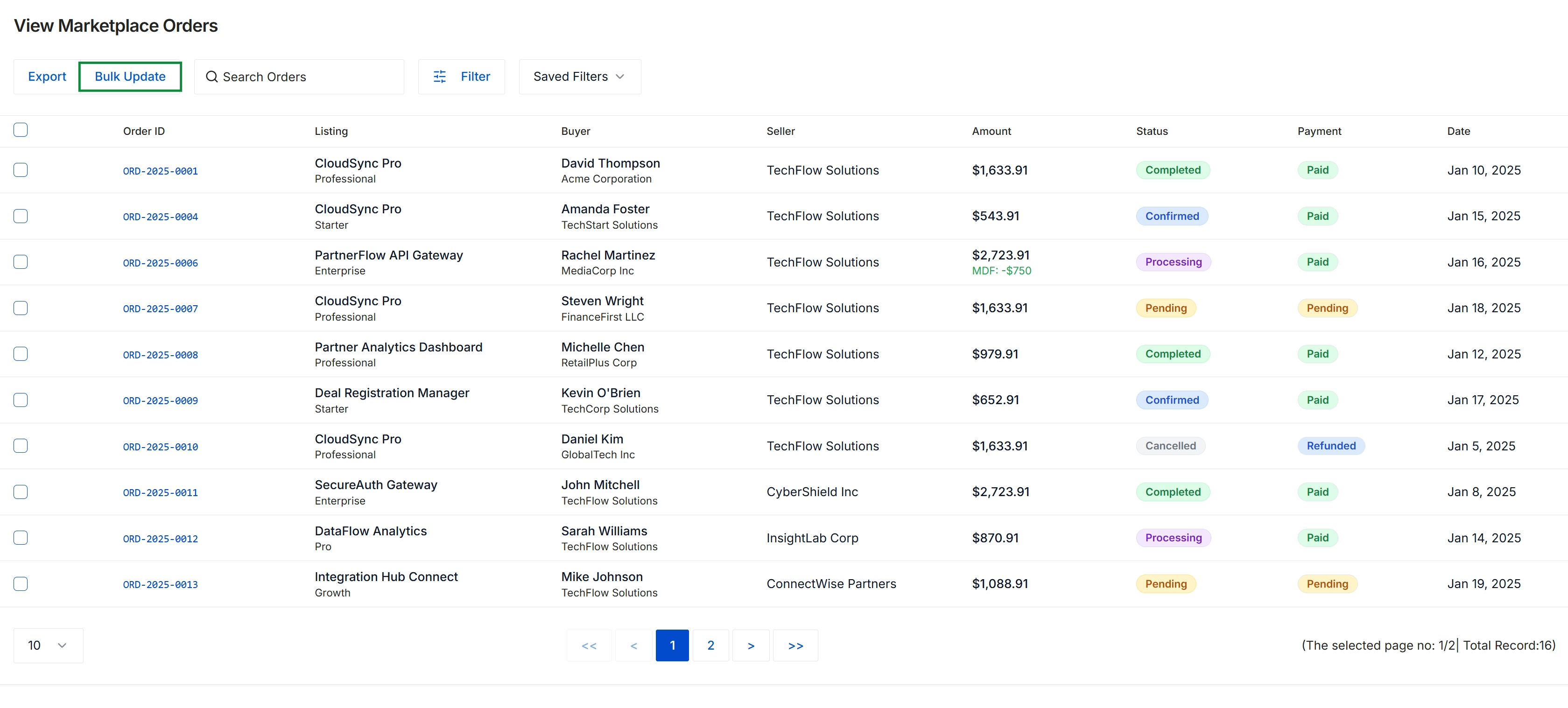
This view displays a centralized list of marketplace orders placed across the partner ecosystem, tracking transactional activity between buyers and sellers. Administrators and managers use this screen to monitor transaction statuses, payment states, associated listings, and funding offsets such as applied MDF amounts. It serves as an operational hub within marketplace management to supervise transaction fulfillment and perform administrative oversight across partner-to-partner commerce.
Searching and Filtering Order Records
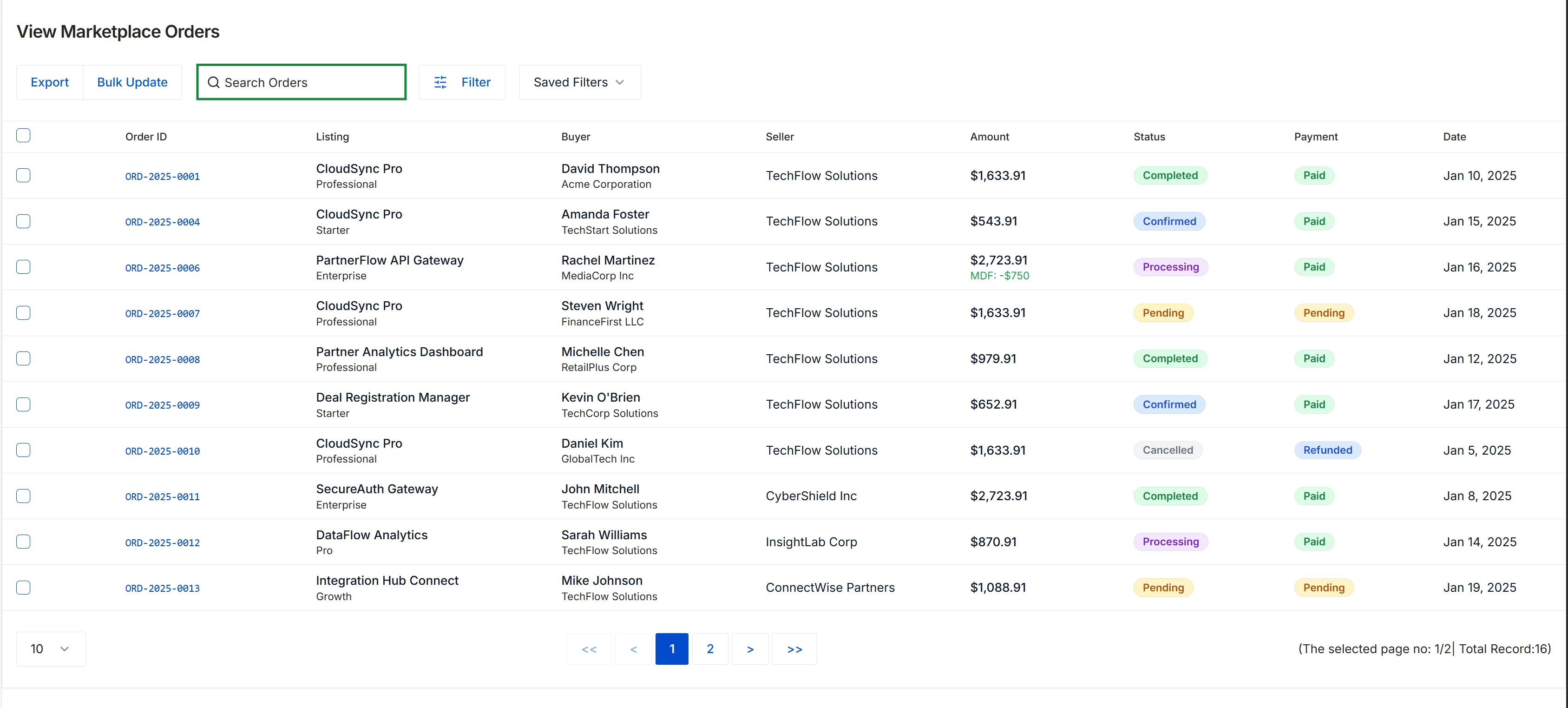
This view displays a centralized log of transactions processed through the co-sell marketplace, tracking commercial exchanges between participating buyers and seller partners across ecosystem solution listings. The table provides visibility into transaction amounts, applicable Market Development Funds (MDF) subsidies, fulfillment progress, and settlement statuses. Administrators and channel managers use this screen to monitor partner commerce activity, audit order lifecycles, and reconcile revenue generation across joint offerings.
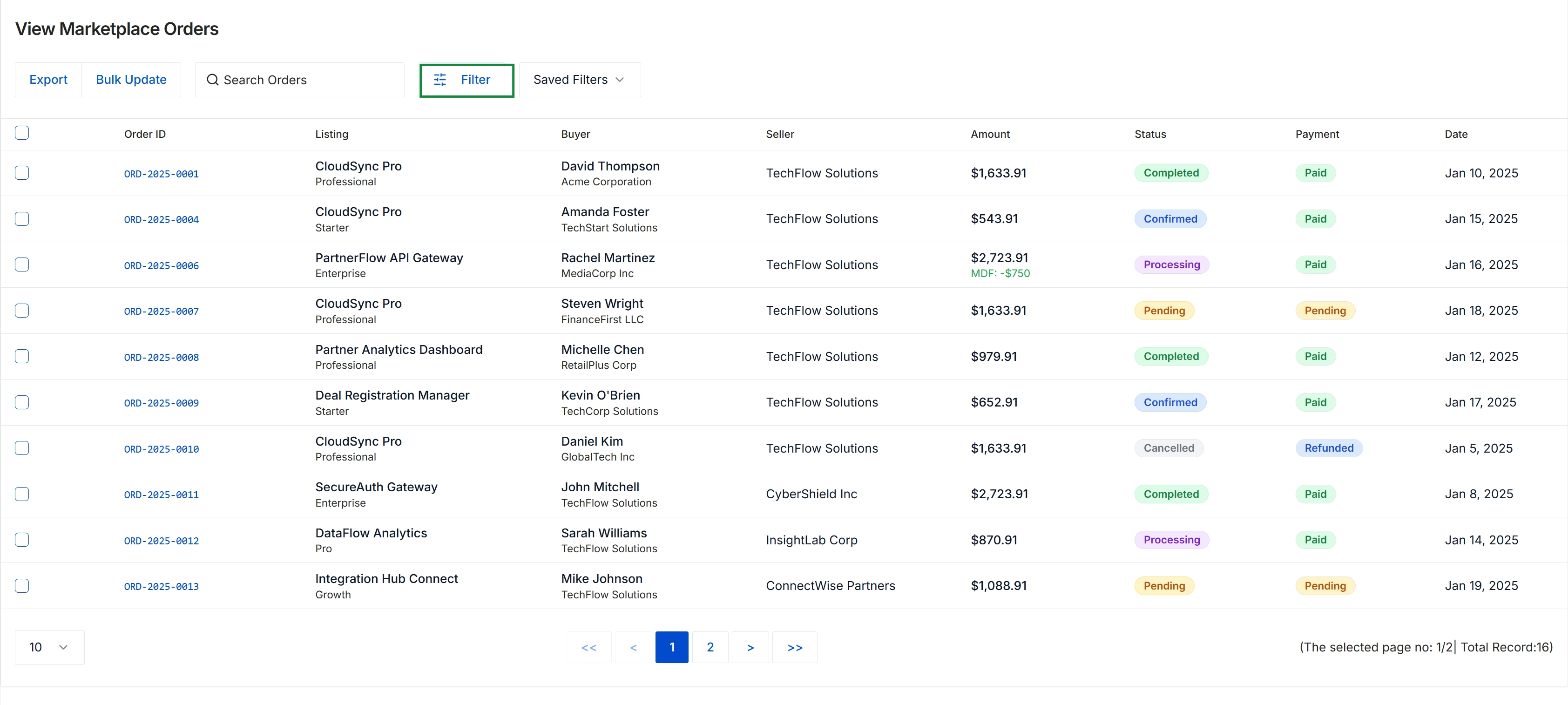
This screen displays the centralized list of co-sell marketplace orders transacted across partner and vendor offerings. It provides visibility into order fulfillment stages, payment statuses, participating buyers and sellers, and financial totals including applicable MDF co-funding credits. Program administrators use this management view to track ecosystem transaction activity, perform bulk administrative updates, and monitor commerce velocity within the partner network.
Frequently asked questions
- What is the purpose of the View Marketplace Orders screen?
It provides administrators with a centralized management console to track, review, and process commercial transactions generated through co-sell marketplace listings and bundles.
- Which order and payment states can administrators monitor?
Administrators can track fulfillment and settlement lifecycles across stages including Completed, Confirmed, Processing, Pending, and Cancelled.
- How does the interface display Market Development Funds offsets?
The dashboard logs financial summaries showing full transaction amounts alongside any co-funding credits or MDF deductions applied against orders.
- How do administrators access the marketplace orders workspace?
Users navigate to the workspace by opening the Accelerate module, selecting Marketplace, and clicking Orders.
- What bulk capabilities are available for marketplace orders?
Operations teams can apply multi-attribute filters, perform bulk order updates, and export order data for financial reconciliation.