

Overview
Microsites are a powerful tool within UPM's Market module, enabling vendors to provide partners with customizable, co-branded landing pages. These microsites allow partners to promote vendor products and services using their own branding and contact information, while adhering to vendor-defined templates and content guidelines. This ensures brand consistency across the partner ecosystem while giving partners the flexibility to personalize their marketing efforts.
Administrators use this feature to create and manage microsite templates, define editable zones for partners, and oversee the performance of published microsites. Partners can then select a template, customize allowed elements, and publish their unique microsite, which often includes lead capture forms that feed directly into their pipeline within the Sell module. This streamlines lead generation for partners and provides vendors with insights into partner marketing effectiveness.
Accessing Microsite Management
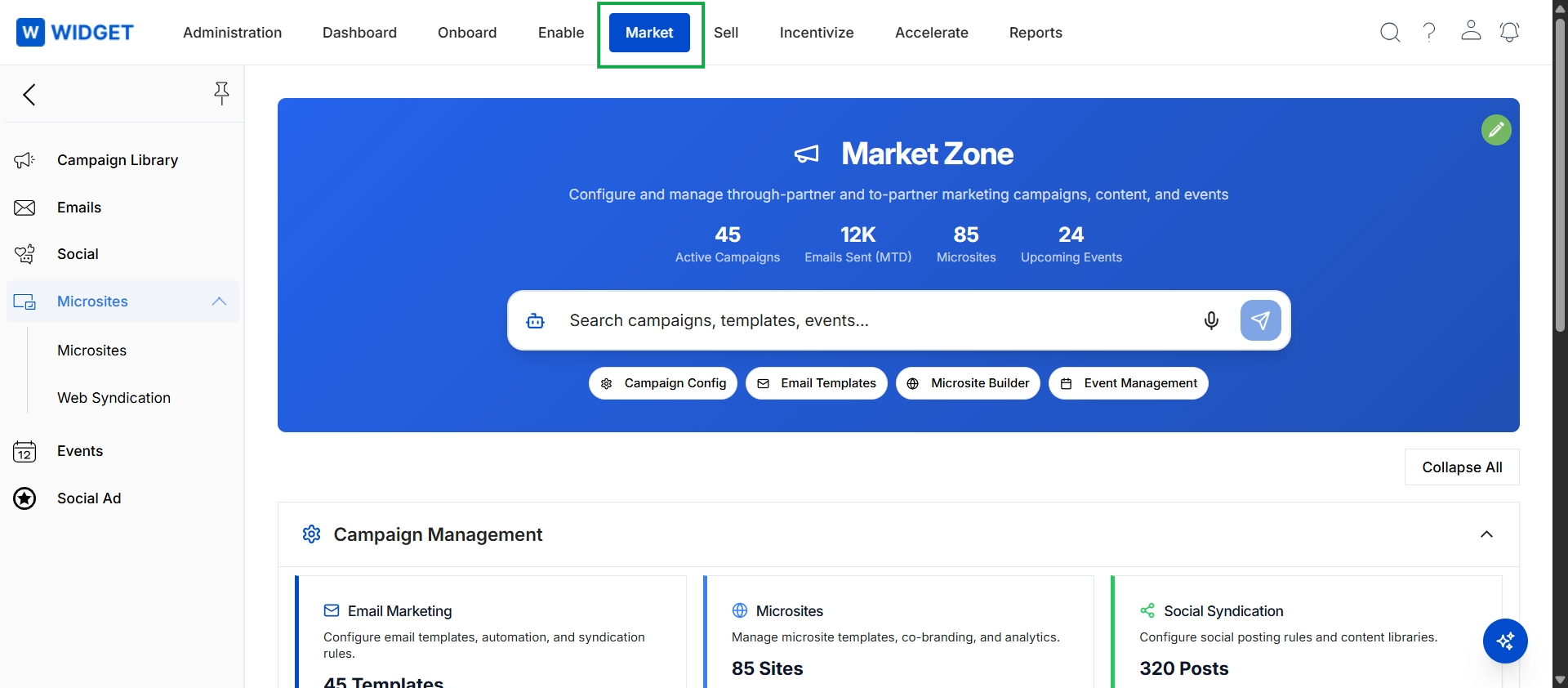
Click Market in the top navigation bar, then click Microsites in the left navigation menu, and then click Microsites in the expanded sub-menu.
Viewing Microsites
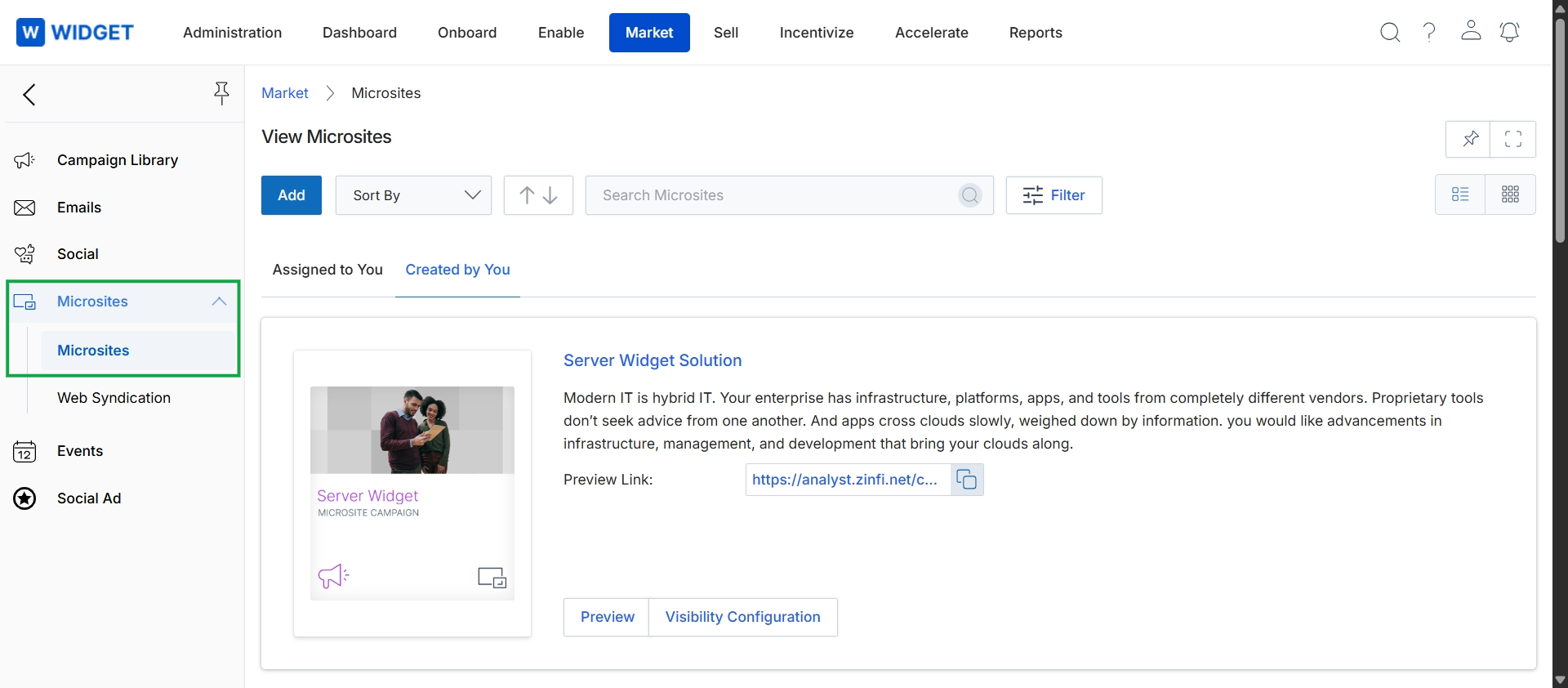
This screen displays the Microsites management interface within the Market module, providing a centralized view of all available microsites. Users can browse, search, and filter microsites, which are partner-branded landing pages used for co-marketing activities. Each microsite entry includes a preview of its content and a direct link for quick access, allowing for efficient management and review of these marketing assets.
Changing Microsite Display Layout
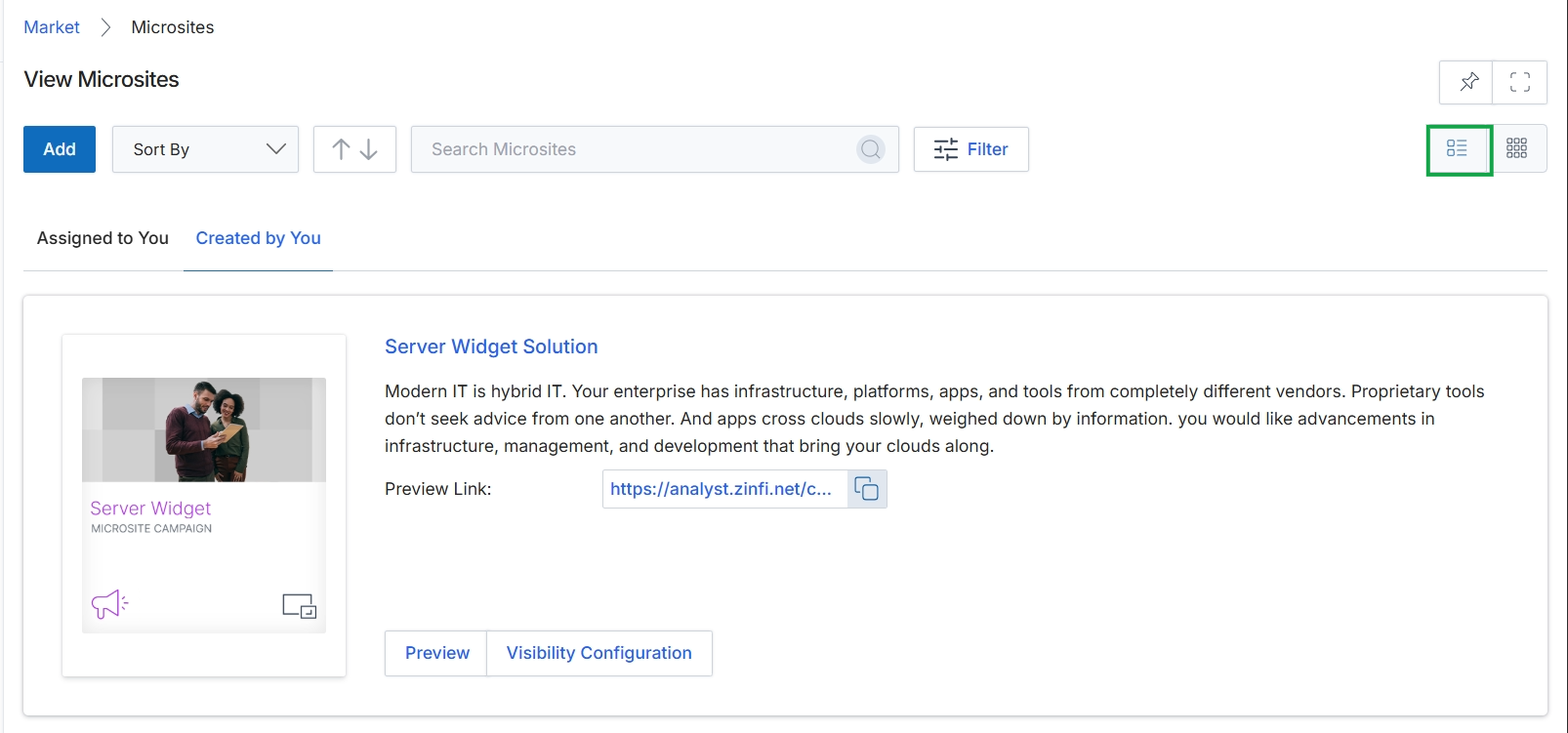
Click the List view icon to change the display of microsites.
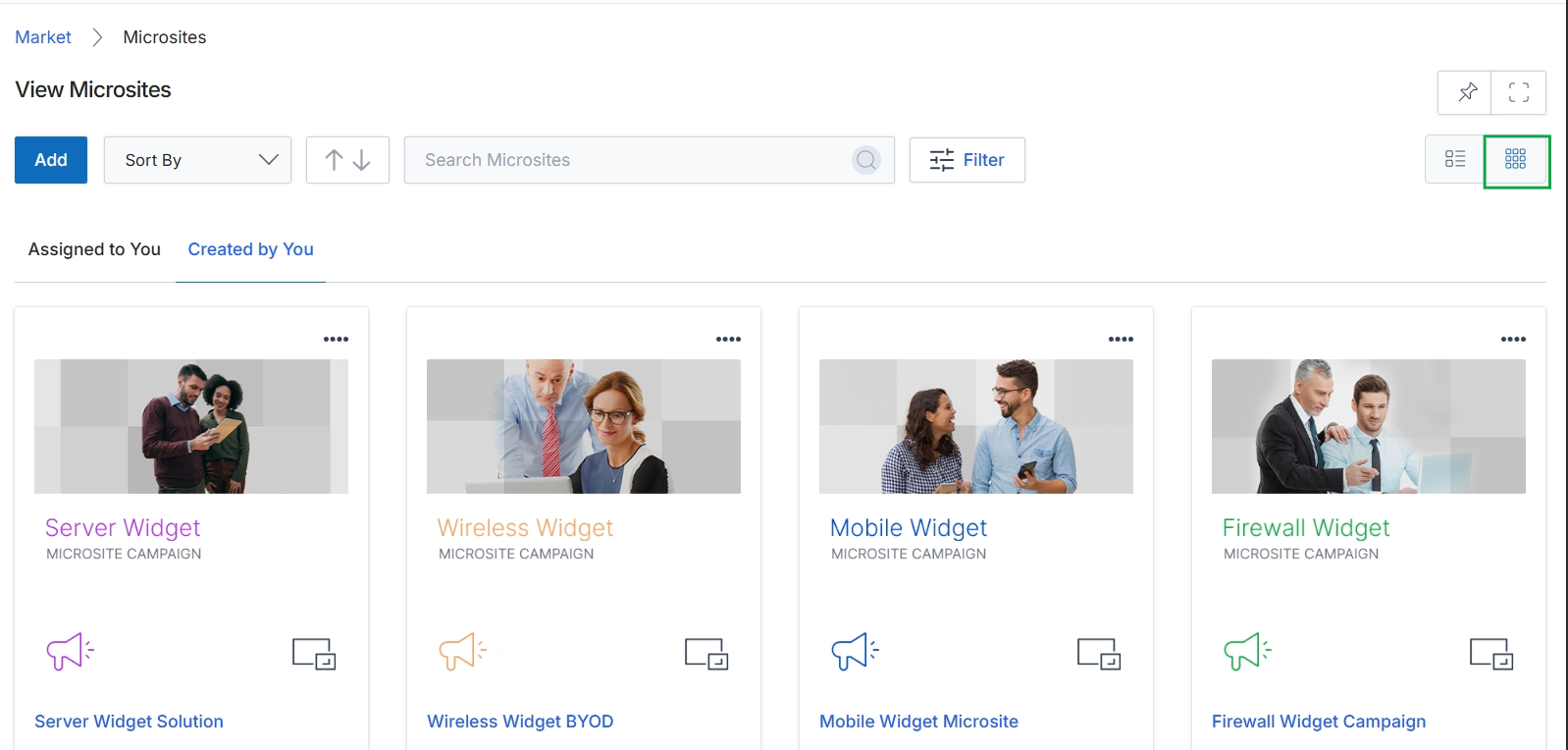
Click the Thumbnail View icon to change the display of the microsites.