

Overview
Microsites are crucial tools in partner marketing, enabling partners to have their own branded landing pages to drive leads and promote vendor products or services. This feature empowers vendors to maintain brand consistency while offering partners the flexibility to personalize certain elements. By providing pre-approved templates and controlled customization options, UPM ensures that all partner-generated microsites adhere to brand guidelines and effectively capture relevant prospect information.
Partners can leverage these microsites for various marketing activities, such as specific campaigns, events, or product promotions. The integrated lead capture forms automatically route submissions to the partner's lead queue within the Sell module, streamlining the lead management process. Vendors can also monitor the performance of these microsites, gaining insights into partner marketing effectiveness and overall program success.
Accessing Microsite Management
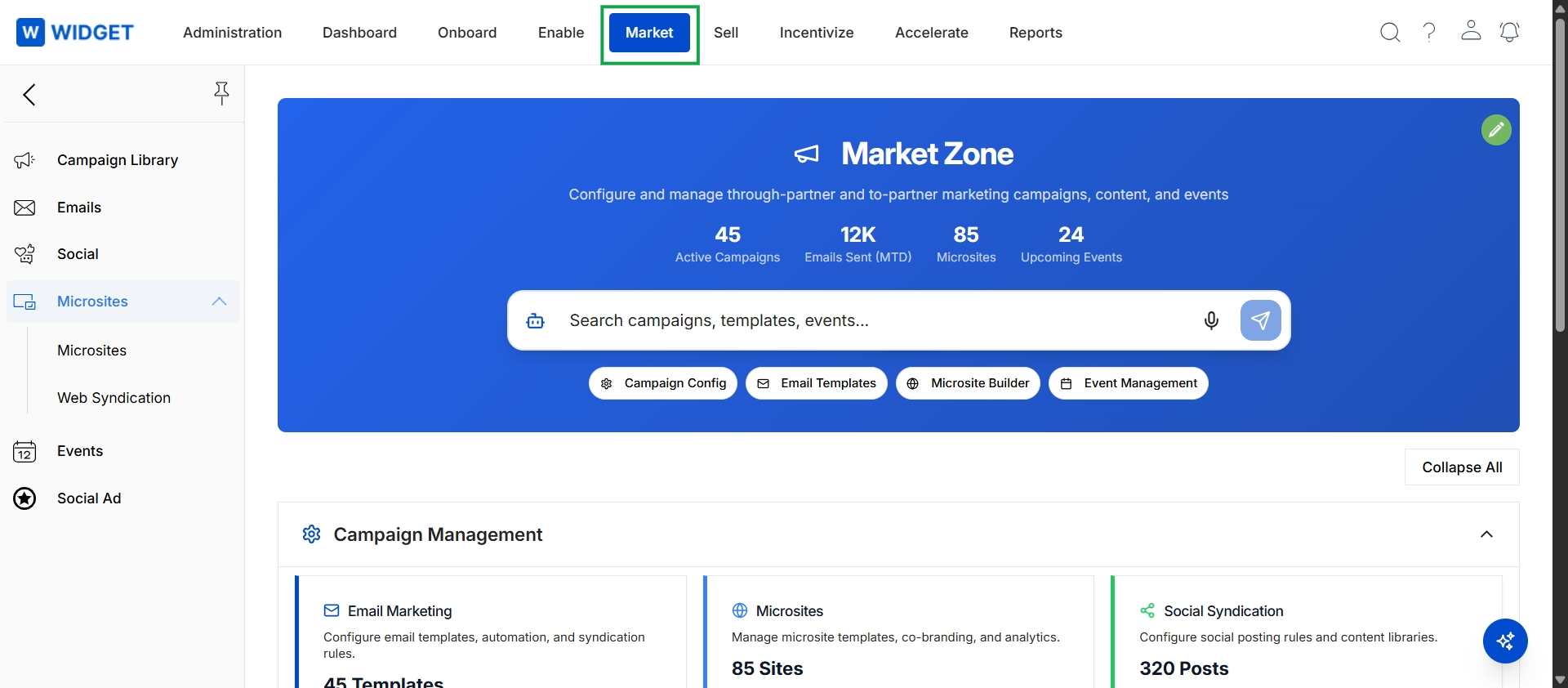
Click Market in the top navigation bar, then click Microsites in the left navigation panel, and finally click Microsites in the expanded sub-menu.
Viewing and Managing Microsites
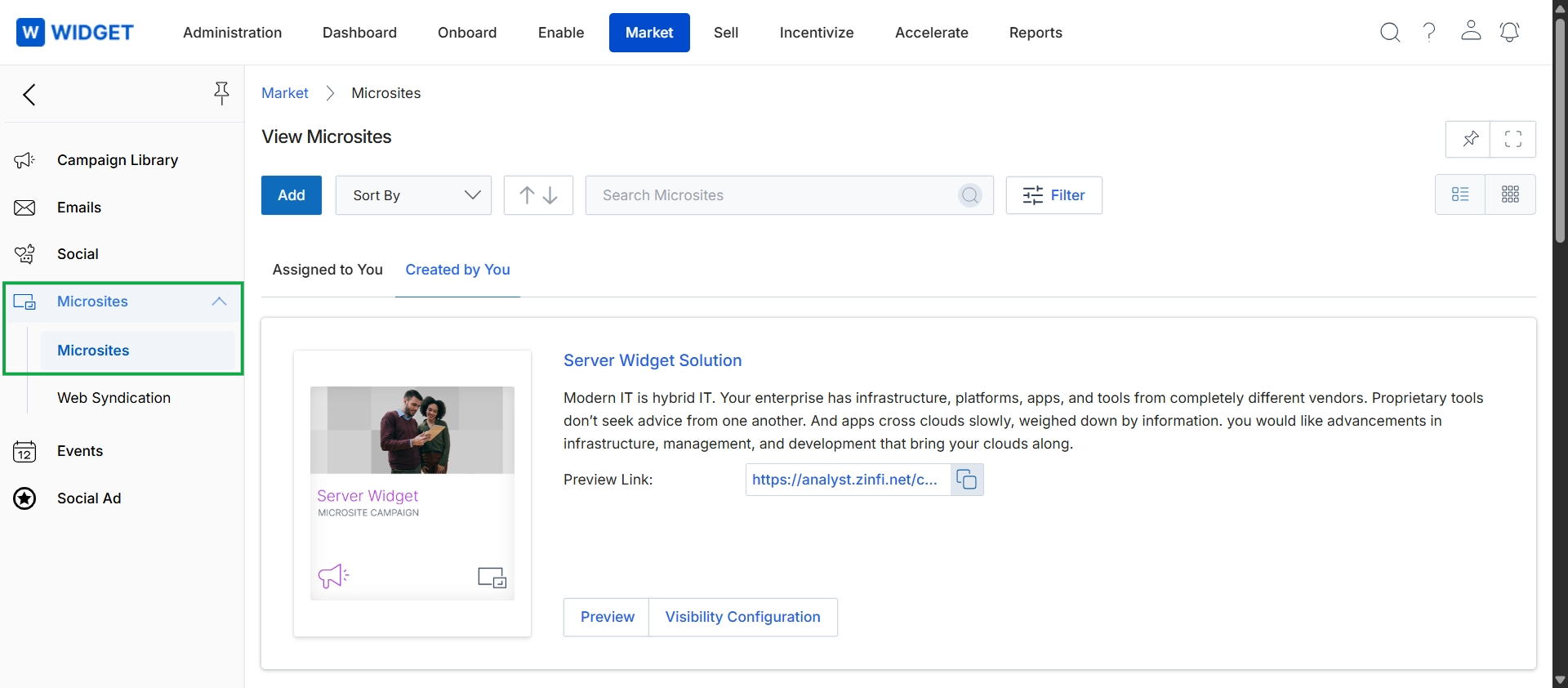
This screen displays the Microsites management interface within the Market module, providing a centralized view for managing partner-branded landing pages. It allows users to view existing microsites, search and filter them, and access options to add new ones. The main content area shows a list of microsites, each presented as a card with a preview image, title, description, and a preview link, enabling users to quickly review and manage these co-branded marketing assets.