

Overview
Web Syndication enables vendors to push content directly to partner websites, ensuring brand consistency and providing partners with up-to-date marketing materials. A Web Syndication Showcase acts as a curated package of this content, allowing partners to easily embed or link to pre-approved, co-branded web pages or widgets. This capability is crucial for scaling marketing efforts through the partner ecosystem, as it provides partners with ready-to-use, high-quality content without requiring them to create it from scratch.
Administrators use this view to understand the structure and components of each showcase, ensuring that the syndicated content aligns with overall marketing strategies and partner needs. It allows for a comprehensive review of the showcase's details, including its name, description, associated campaign, and the specific pages it contains, facilitating effective content management and distribution through the partner network.
Accessing Web Syndication Showcases
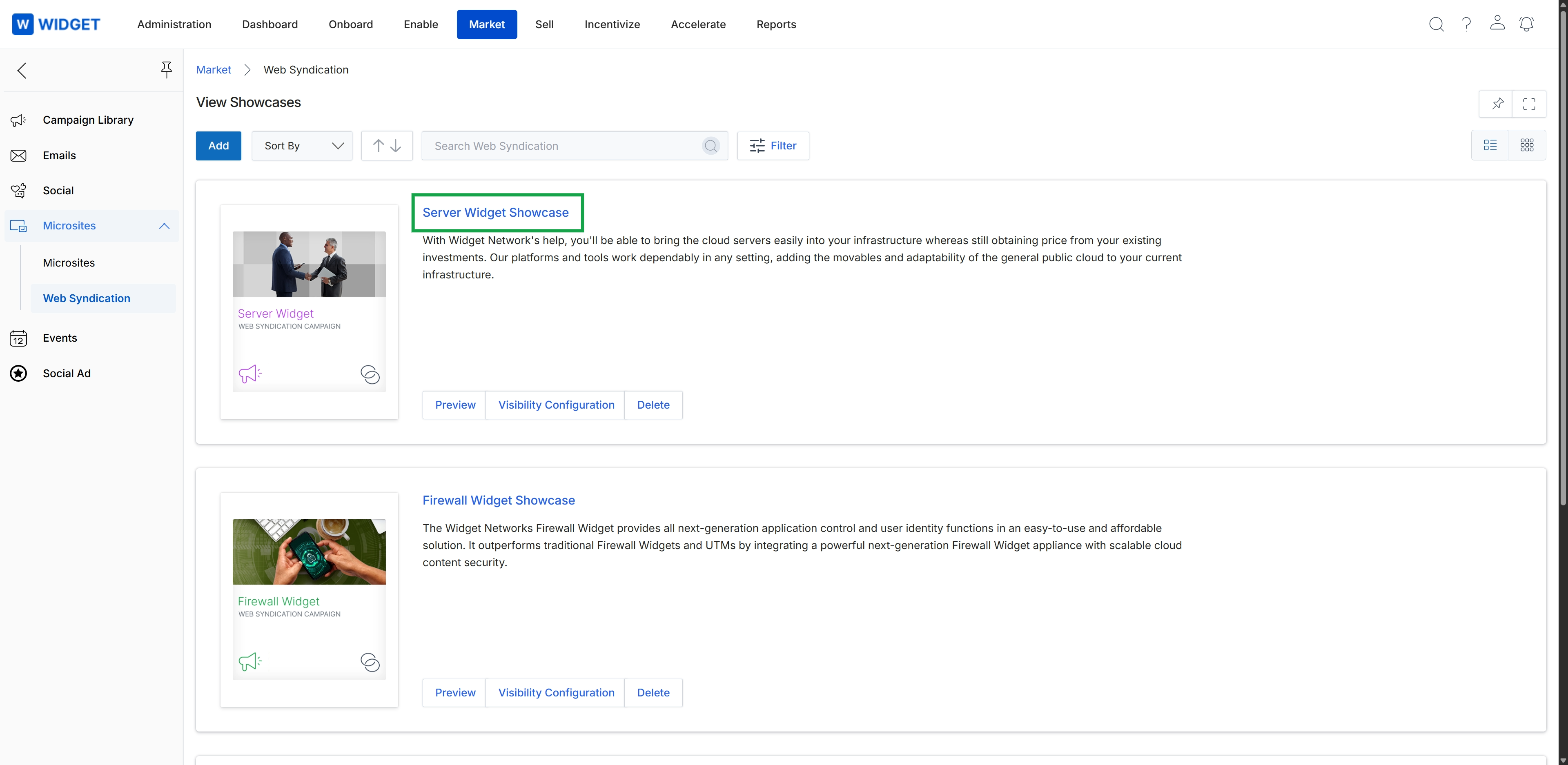
Click the Server Widget Showcase title.
Viewing Showcase Details
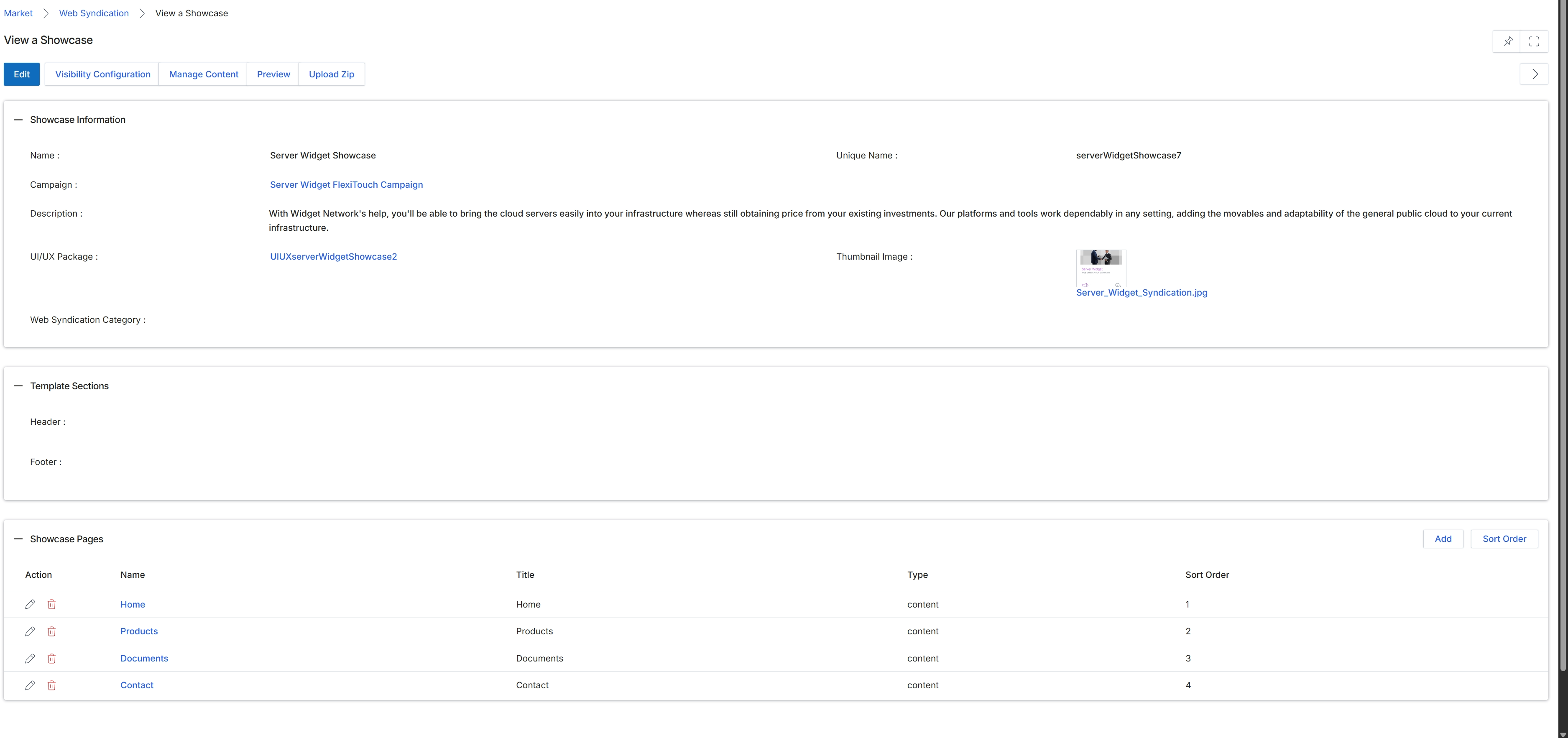
This screen displays the detailed configuration for a specific web syndication showcase, which is a content package designed for partners to embed on their websites. It presents essential information about the showcase, including its name, associated marketing campaign, and a descriptive overview. The screen also details the UI/UX package used for the showcase's presentation and lists the individual pages that constitute the showcase, showing their names, display titles, content types, and their sequential order.