

Overview
The CPQ module is a critical component of the Sell zone, enabling partners to configure products, generate quotes with accurate pricing, and manage the sales order and invoicing process directly within their portal. This functionality ensures that partners can independently create professional proposals, apply appropriate discounts based on their tier, and submit orders, significantly reducing the administrative burden on the vendor. For administrators, the CPQ module provides comprehensive oversight and control over all quotes and orders, including approval workflows for deals that exceed certain thresholds or require special pricing.
By centralizing quote, order, and invoice management, the platform helps maintain pricing consistency, enforce business rules, and accelerate the sales cycle. This not only empowers partners to be more self-sufficient but also provides the vendor with real-time visibility into the sales pipeline and financial transactions, which directly feeds into commission calculations within the Incentivize module.
Accessing the CPQ Module
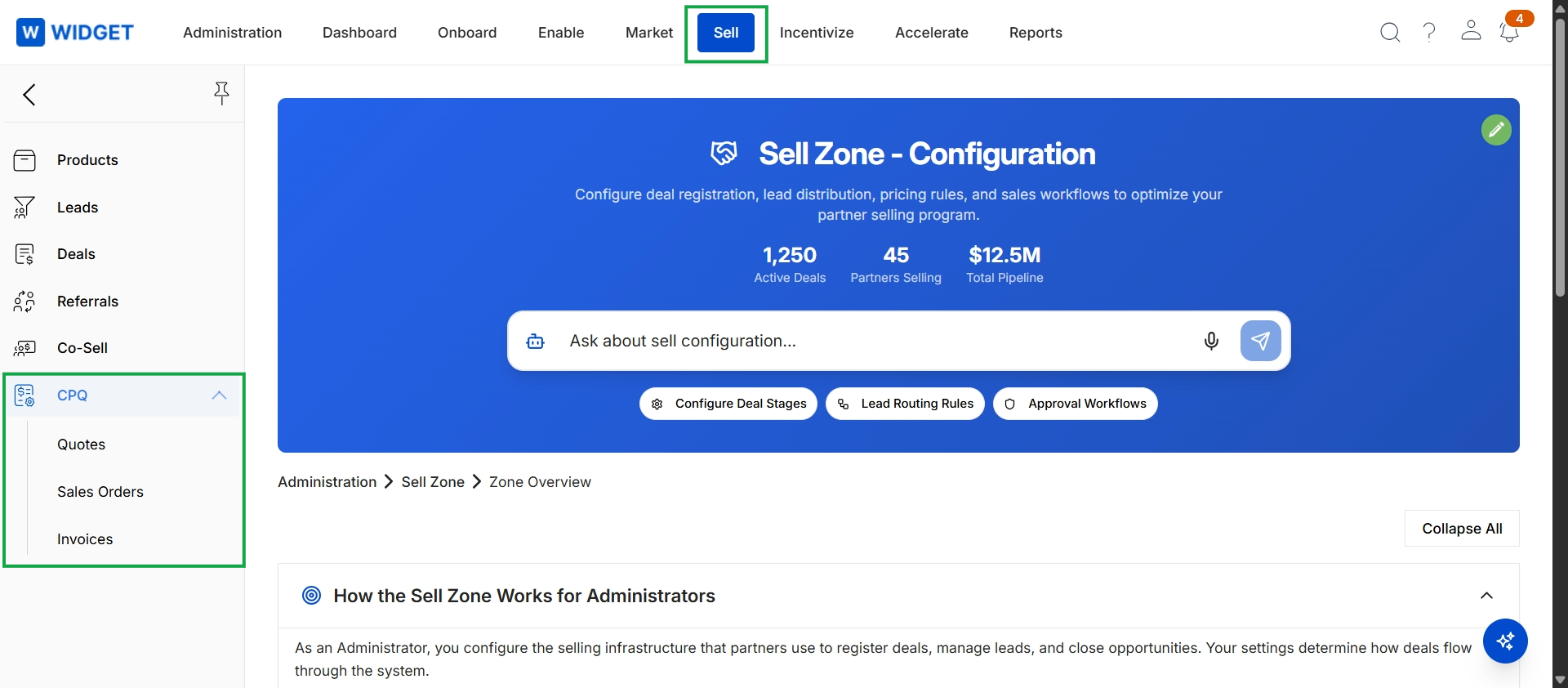
Click Sell in the top navigation bar, then click CPQ in the left navigation menu to expand the CPQ options.
Managing Quotes
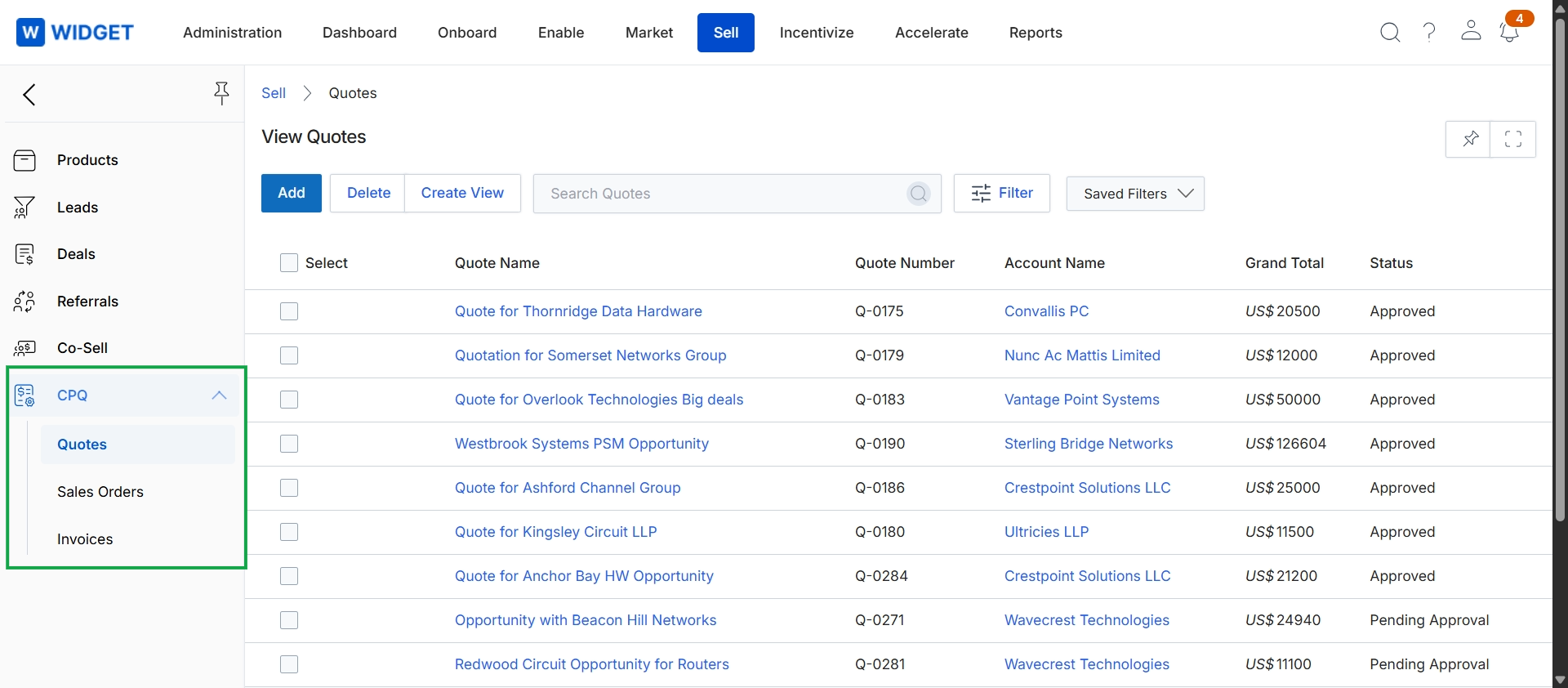
This screen displays a comprehensive list of all quotes within the platform, providing administrators with an overview of sales proposals. Each entry includes details such as the quote name, a unique quote number, the associated account, the grand total, and its current approval status. This view is central to managing the quoting process, allowing for monitoring of all quotes, tracking their progress, and identifying those that require attention or approval within the Sell module's workflow.