

Overview
Effective partner enablement relies heavily on accessible and well-organized training and marketing materials, with video content playing a crucial role. The Video Library Management feature within the Enable module provides vendors with the tools to curate a comprehensive video library for their partners. This ensures that partners can easily find and utilize relevant video assets for learning, sales, and marketing efforts, ultimately enhancing their product knowledge and sales effectiveness. Administrators can control which videos are visible to specific partner types or tiers, ensuring targeted content delivery.
Accessing the Video Filter
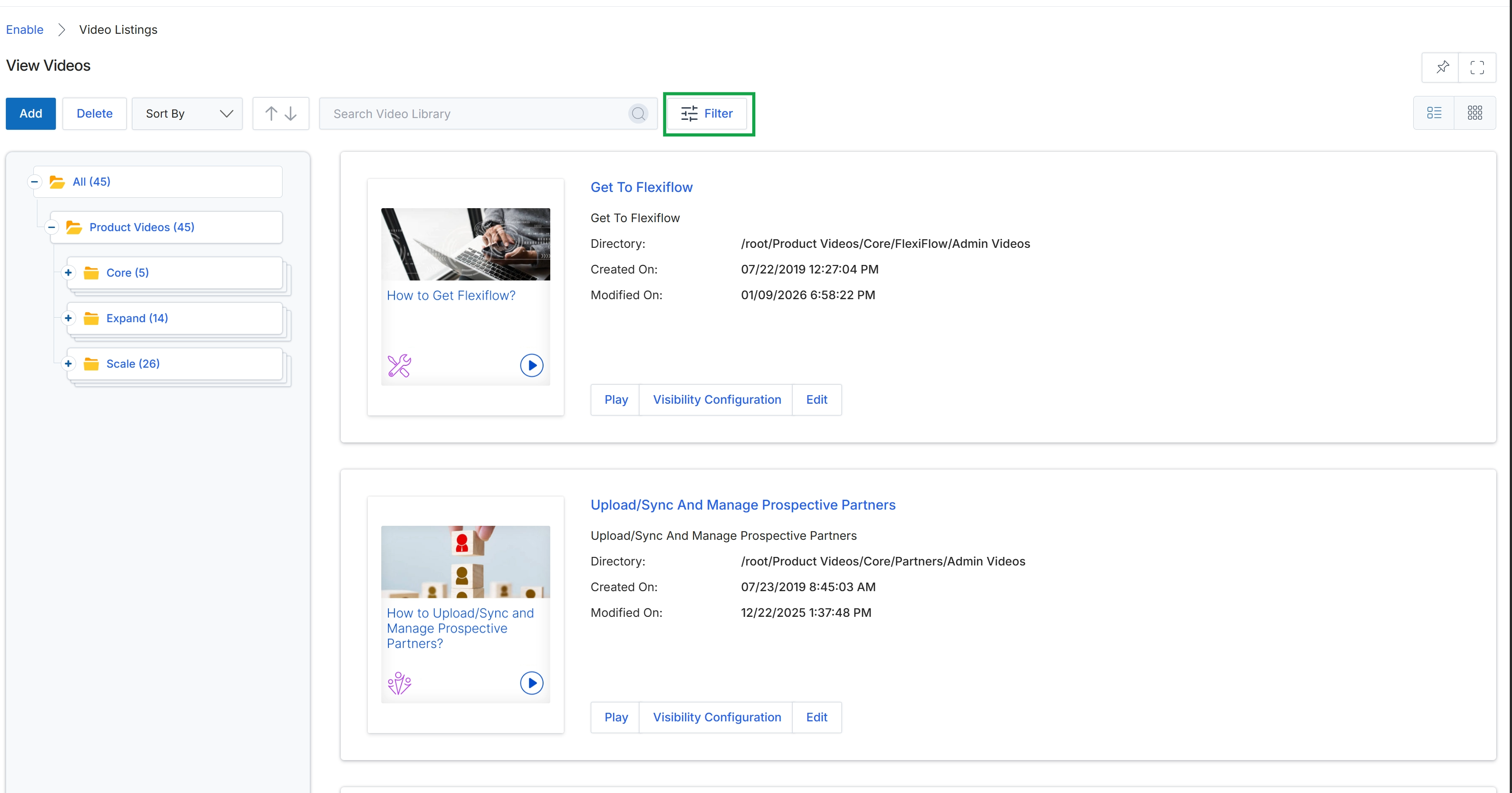
Click the Filter button to open the filtering options for the video library.
Applying Basic Filters
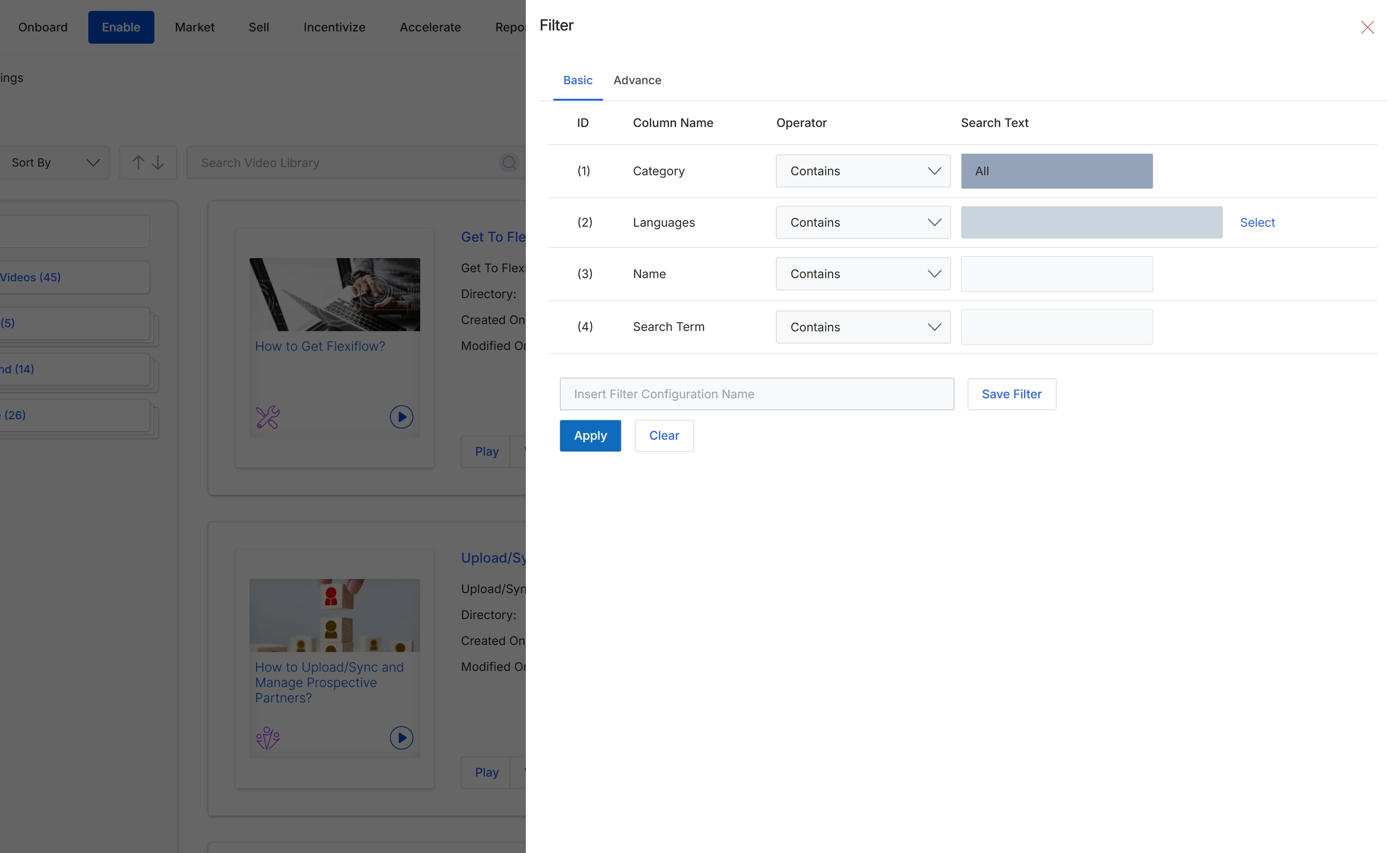
This screen displays the basic filtering options within the Filter dialog, which appears as an overlay on the Video Listings view. Administrators use this dialog to refine the list of video assets by applying criteria such as Category, Languages, Name, and a general Search Term. This functionality is essential for efficiently locating specific content within the Content Library, particularly when managing a large volume of training or marketing materials, and supports the organization and targeted visibility of resources for partners.
Using Advanced Filters
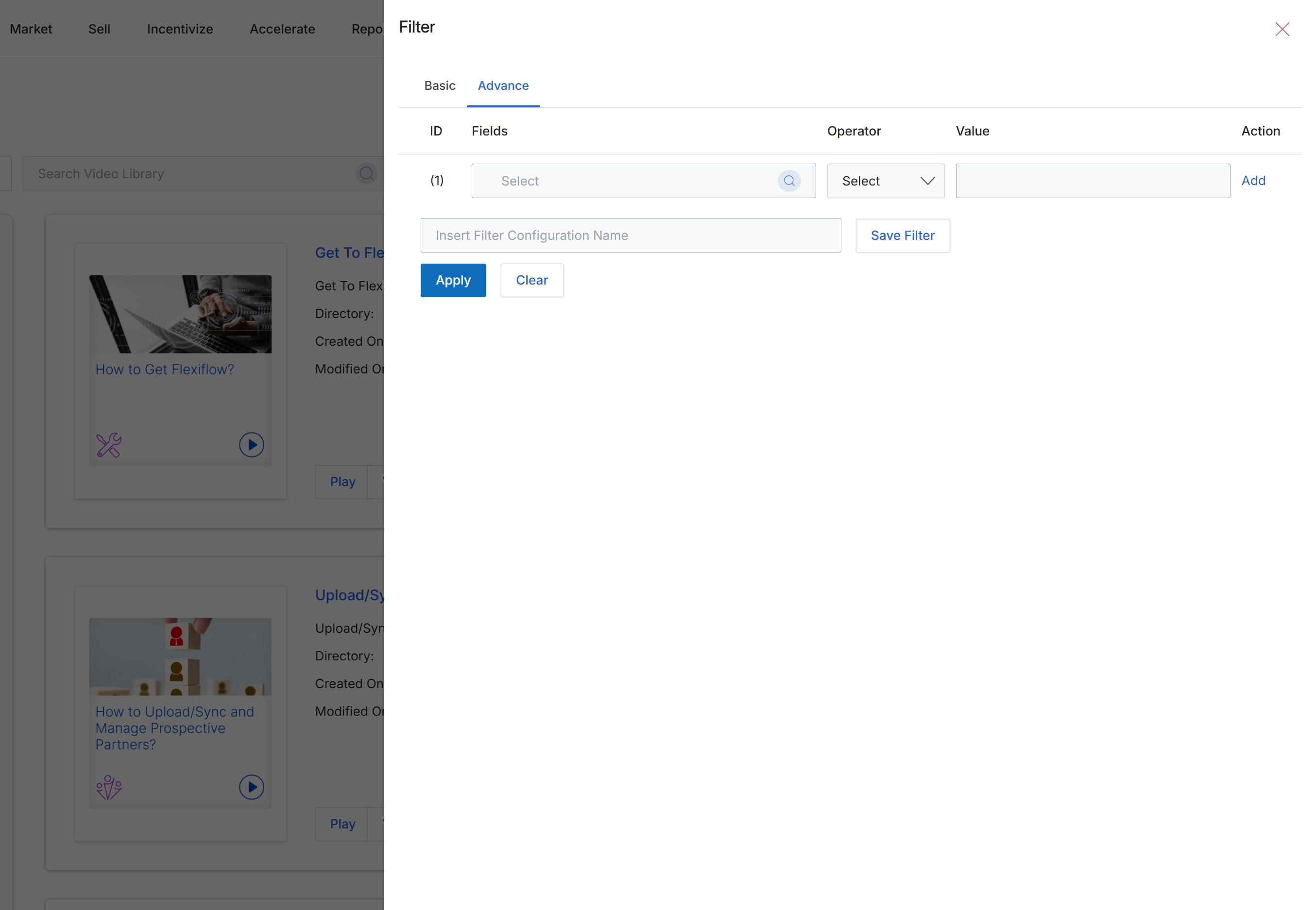
This screen displays the advanced filtering options for the Video Library within the Enable module. It allows administrators to construct complex queries by defining multiple filter criteria using logical operators. This functionality is essential for efficiently managing and locating specific video assets based on various attributes like categories, languages, or custom search terms, which helps ensure partners are presented with highly relevant video resources. Unlike the basic filter, this view provides a more granular control over the filtering logic, enabling the creation of custom filter configurations that can be saved for future use.