

Overview
Effective partner enablement relies heavily on accessible and engaging training materials. Videos are a powerful medium for conveying complex information, demonstrating product features, or explaining processes. The Video Library Management feature provides administrators with the tools to create a rich video content library that partners can access through their portal. This ensures partners are well-equipped with the knowledge they need to succeed, ultimately driving better performance and engagement within the partner ecosystem. By offering features like video preview and transcript viewing, UPM enhances the learning experience for partners and streamlines content management for administrators.
Accessing the Video Library
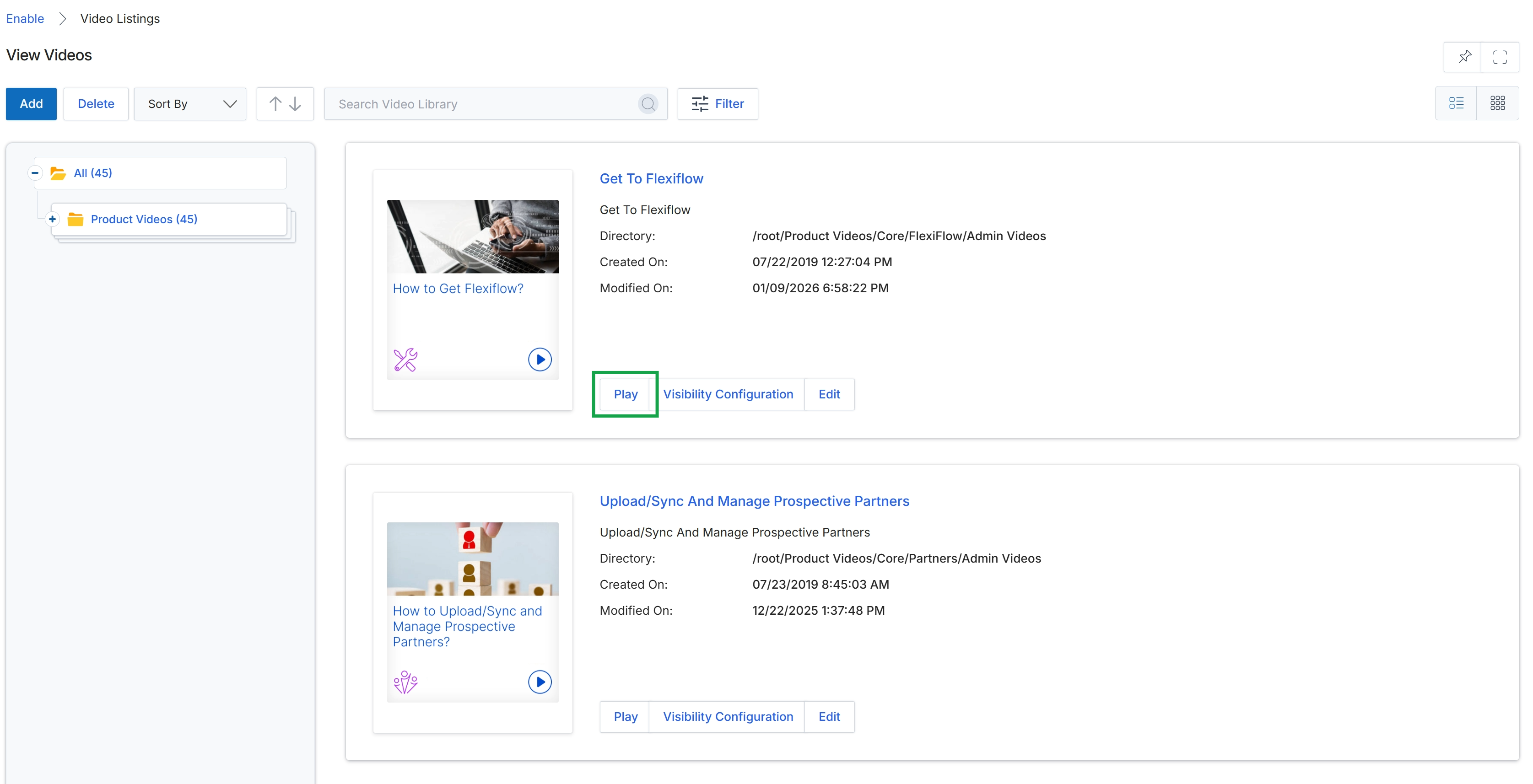
Click the Play button associated with the "Get To Flexiflow" video.
Previewing a Video
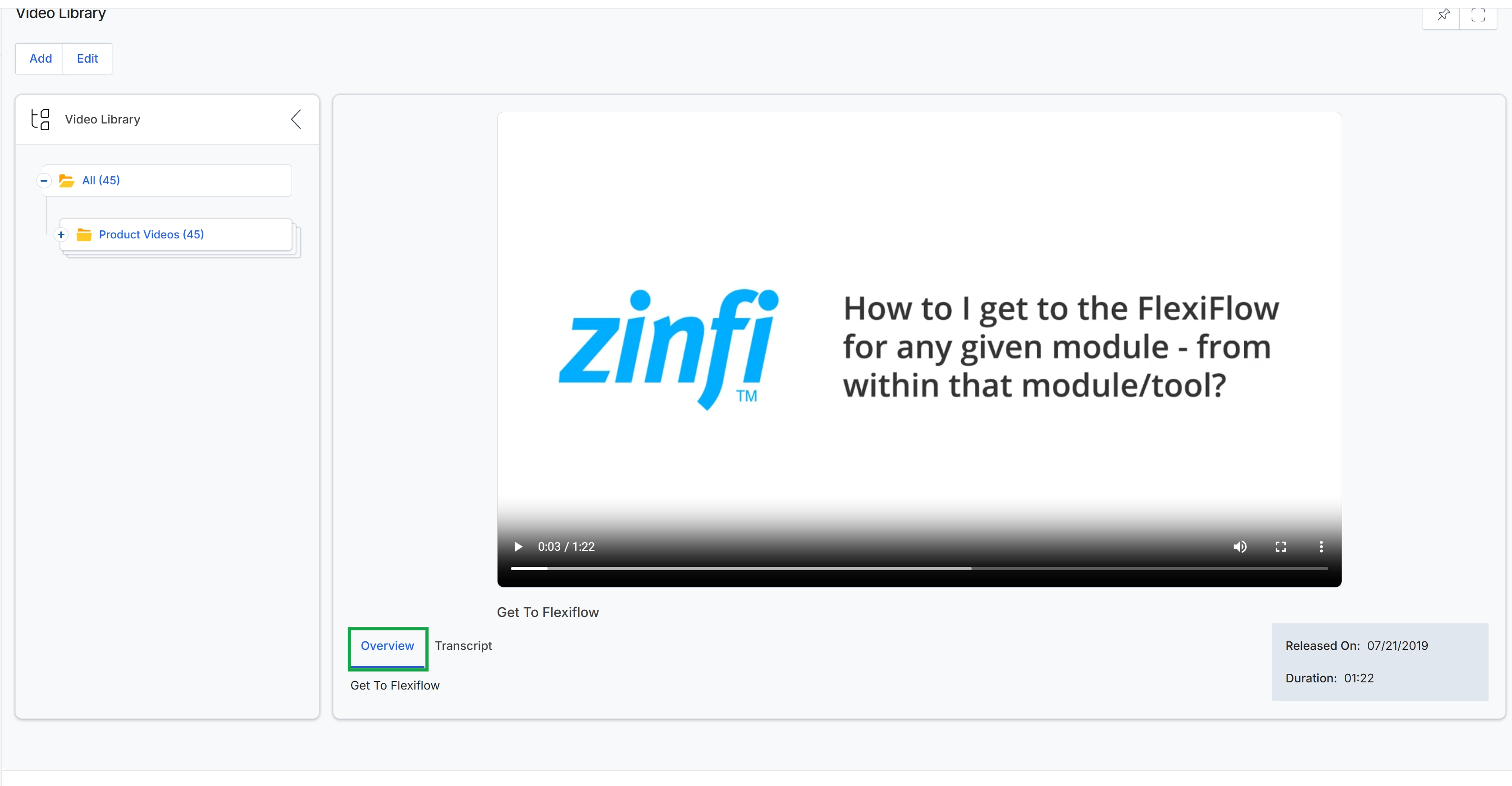
This screen displays the detailed view of a selected video from the Video Library within the Enable module. It presents the video player for direct playback, allowing administrators to preview the content as partners would. Below the player, an "Overview" tab is selected, showing the video's title, description, release date, and duration, providing essential metadata for content management. This view is crucial for verifying the accuracy and presentation of training materials before they are published to partners, ensuring all learning resources are correctly formatted and up-to-date.
Viewing Video Transcripts
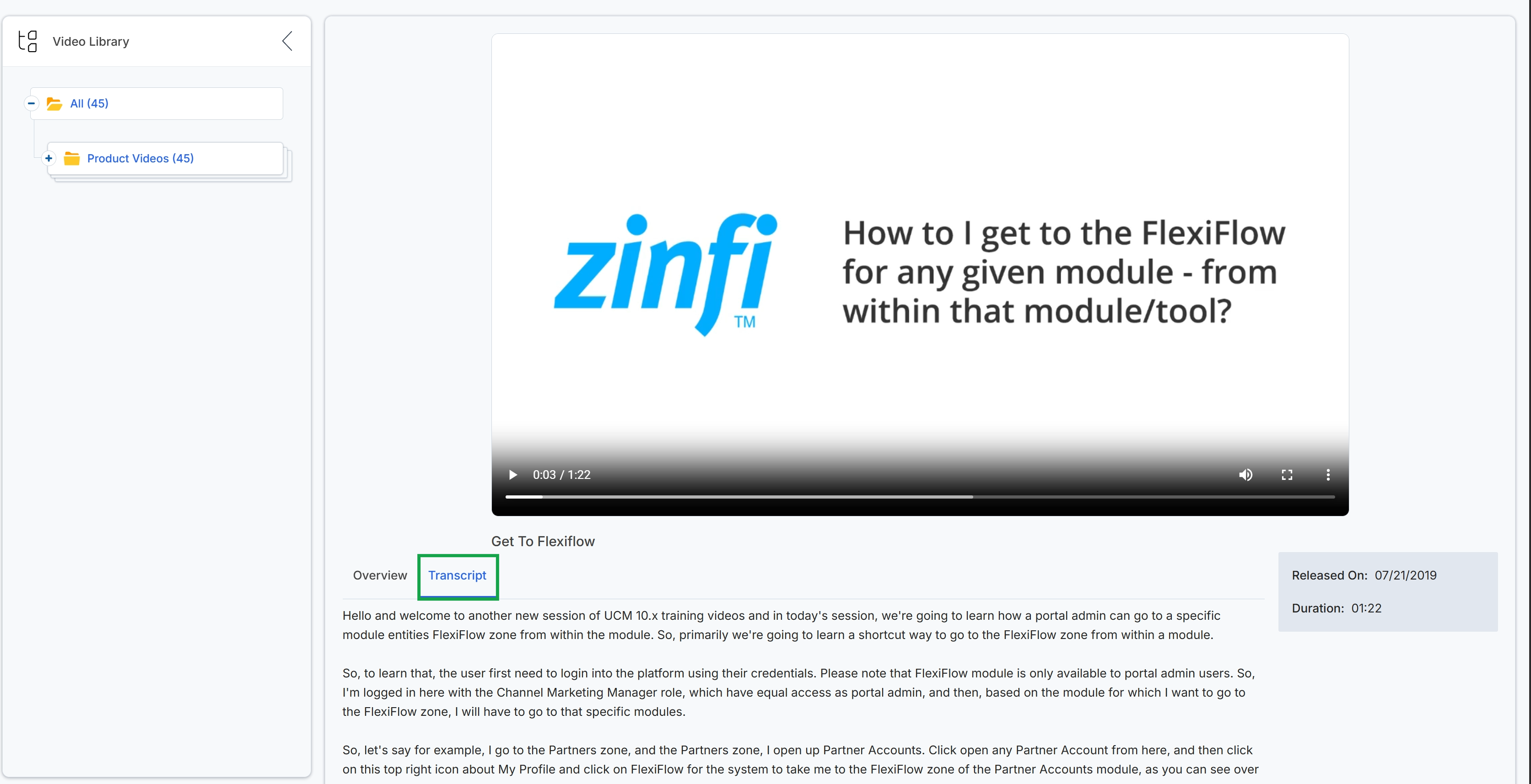
This screen displays the detailed view of a specific video within the Video Library. It presents the video player for direct viewing and, in this particular state, shows the full written transcription of the video's audio content. This transcript provides partners with a textual version of the video, allowing them to read along, search for specific information, or review the content at their own pace, thereby enhancing their learning and comprehension of the material.