

Overview
Effective partner enablement relies heavily on accessible and well-organized training materials. The Video Library within UPM's Enable module provides a dedicated space for vendors to host and manage all their video content, from product demonstrations to 'how-to' guides and onboarding tutorials. This ensures partners have on-demand access to visual learning resources, which can significantly improve their understanding and retention of complex information.
Administrators can categorize videos, control their visibility to specific partner types or tiers, and easily update or remove content. This centralized approach streamlines content management, reduces redundant efforts, and ensures partners are always accessing the most current and relevant video resources, ultimately contributing to a more informed and capable partner channel.
Accessing the Video Library
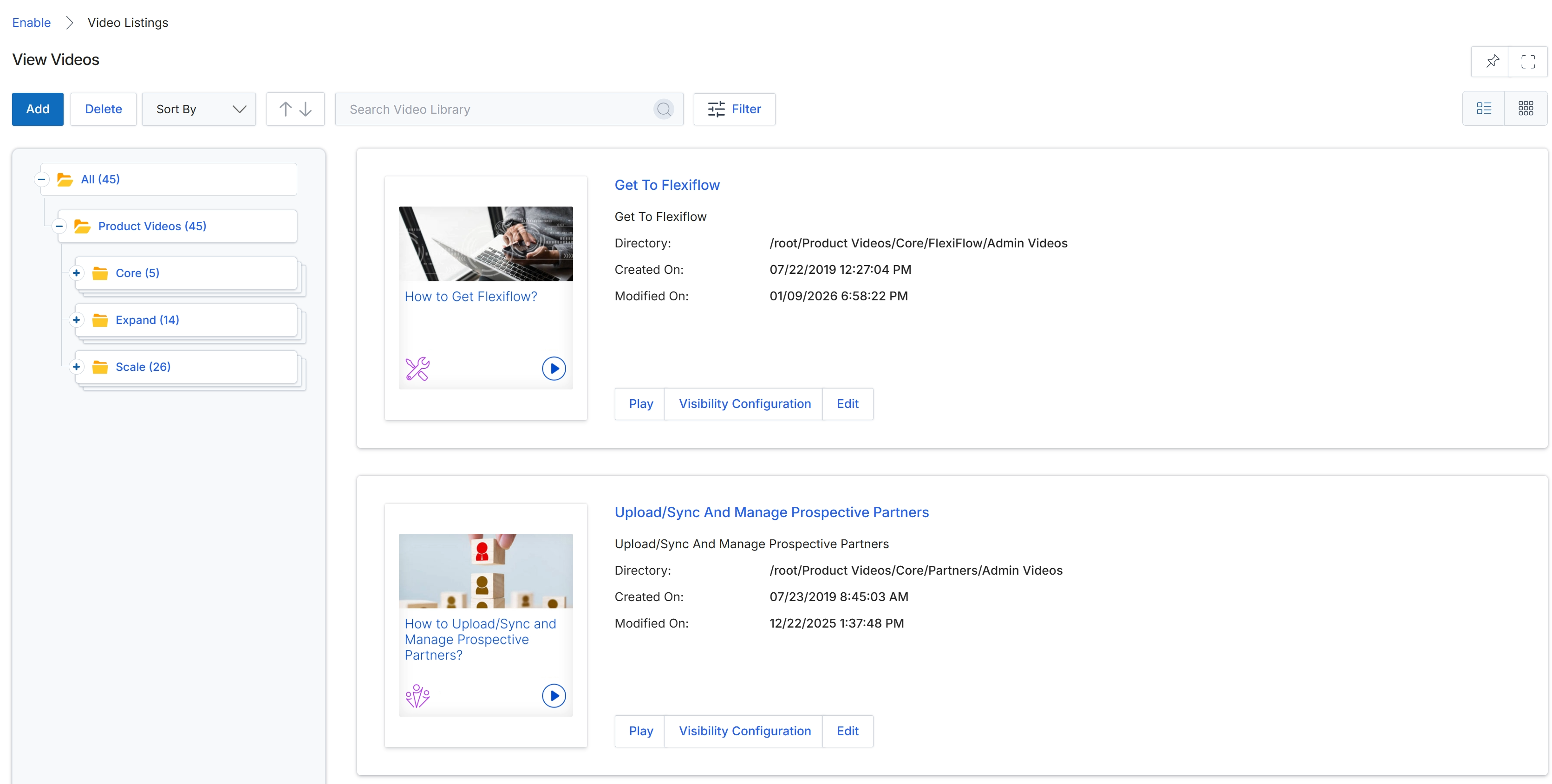
Click Enable in the top navigation bar, then click Video Library in the left navigation panel, and finally click Video Listings.
Viewing Video Content
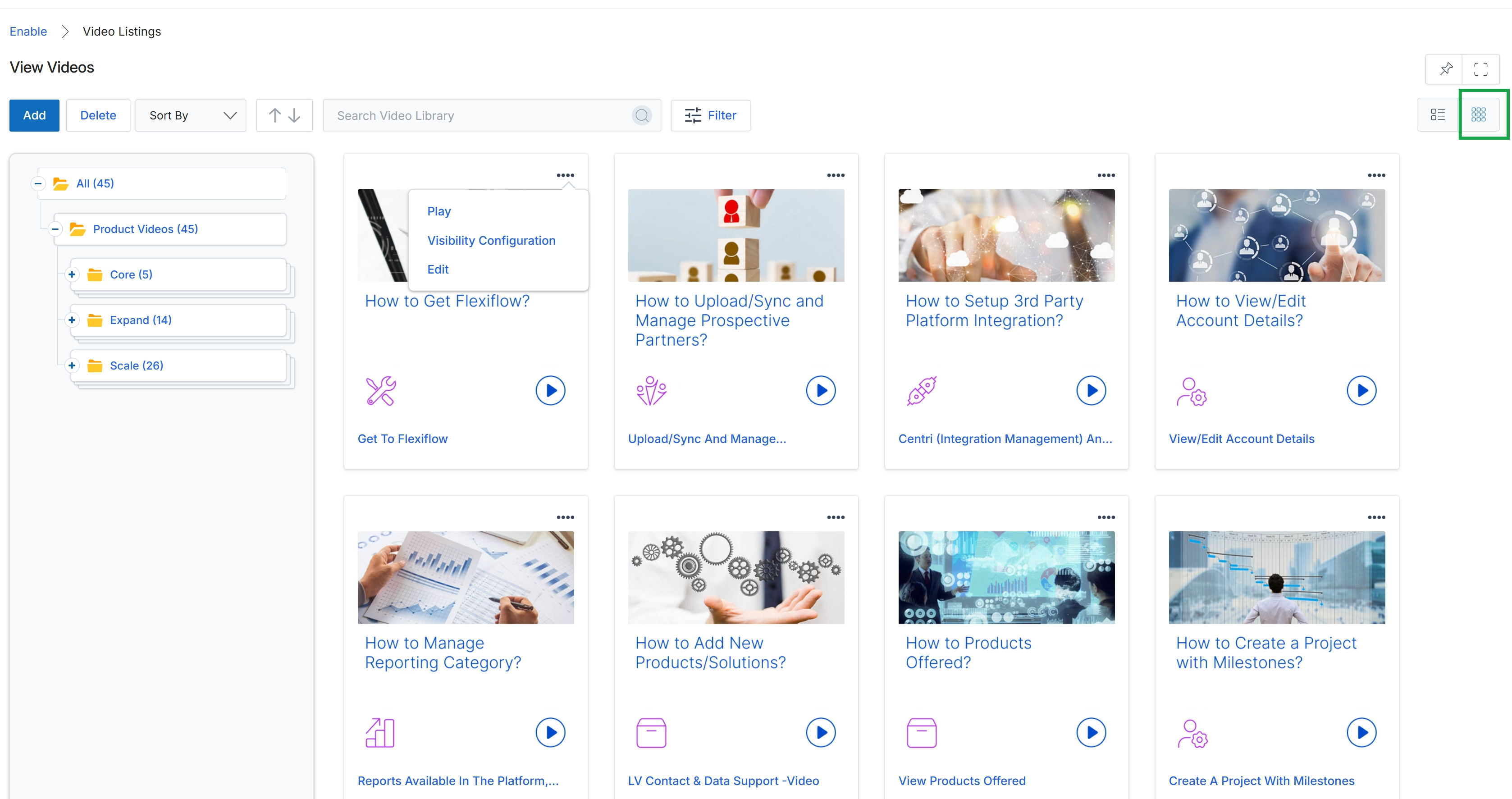
This screen displays the video library content in a grid view, providing a visual overview of available video assets. Each card represents a video, showing a thumbnail, title, and playback options. This view is an alternative to the list view, allowing administrators to quickly browse and identify video content by its visual representation within the Enable module's content library.