

Overview
Effective deal management often requires capturing various pieces of information that don't fit into structured fields, such as meeting summaries, internal discussions, or specific client requests. The Notes feature provides a flexible way to record these details directly within the deal management module. By associating notes with specific records, administrators can maintain a comprehensive history of interactions and decisions, improving collaboration and ensuring continuity throughout the deal lifecycle. This capability is crucial for maintaining an organized and transparent sales process within the partner ecosystem.
Adding a New Note

Click the Add button.
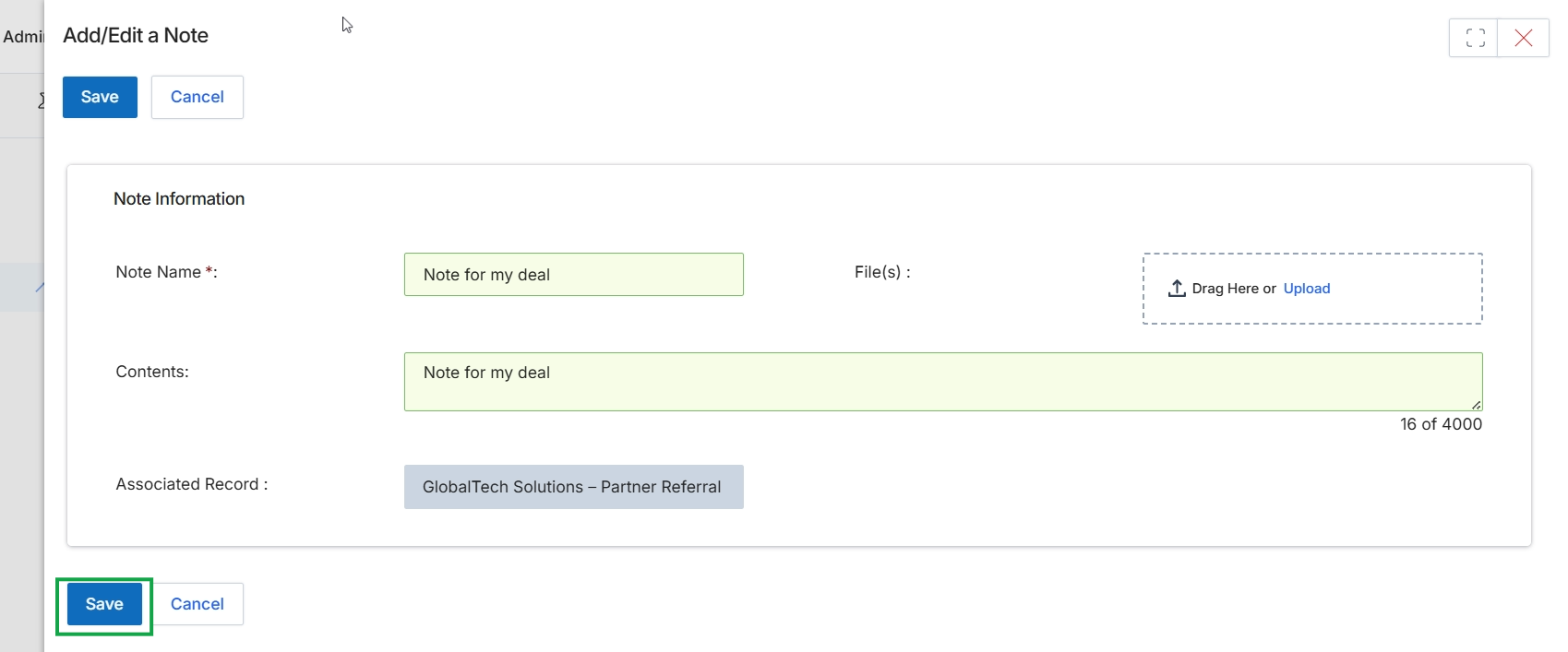
This screen, titled 'Add/Edit a Note', allows users to create or modify notes associated with specific records within the platform, such as a deal. Notes serve as a crucial communication and documentation tool, enabling users to record important details, updates, or context related to a particular entity. This feature ensures that all relevant information is centralized and easily accessible, supporting collaborative workflows and maintaining a comprehensive history of interactions and decisions. Users can provide a descriptive name for the note, input its contents, and attach relevant files for further context. The 'Associated Record' field indicates which entity the note is linked to, ensuring proper organization and retrieval.
Click the "Save" button to save the new note.
Buttons
| Button | Description |
|---|---|
| Save | Saves the note and closes the Add/Edit a Note dialog. |
| Cancel | Discards any changes and closes the Add/Edit a Note dialog without saving. |
Note Information
| Field | Description |
|---|---|
| Note Name * | The required name for the note. |
| File(s) | Allows users to drag and drop or upload files to attach to the note. |
| Contents | The main body of the note, where detailed information can be entered. It has a character limit of 4000. |
| Associated Record | Displays the record to which this note is linked, in this case, a partner referral deal. |
Viewing and Managing Notes

Click Save to add the note.
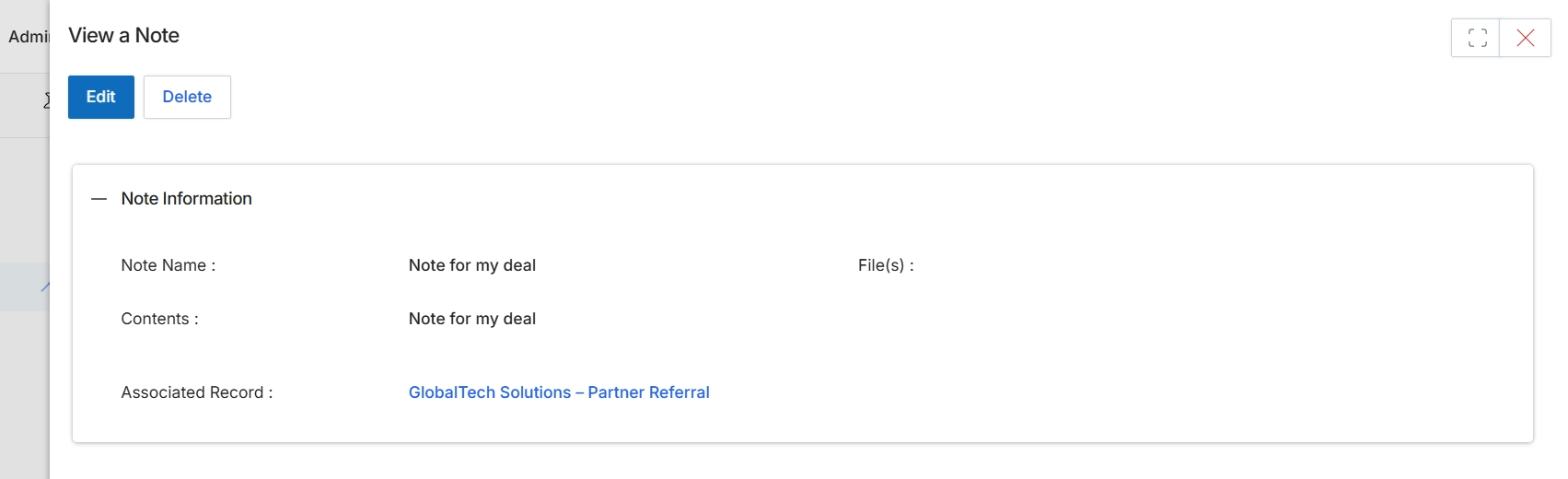
This screen displays the details of an existing note within the module, providing a comprehensive view of its content and associated records. It allows administrators to review the note's name, its full contents, and the specific deal or record it is linked to, which in this case is a partner referral. This view is part of the workflow for managing communications and contextual information related to deals, enabling users to understand the history and context of a particular note.