

Overview
Effective partner enablement relies on providing partners with easy access to up-to-date and relevant resources. The Content Library in the Enable module serves as the single source of truth for all partner-facing assets, including sales collateral, marketing materials, product documentation, and training guides. By centralizing these resources, administrators can ensure consistency, control content versions, and streamline the distribution process.
Partners can browse, search, and download these assets directly from their portal, empowering them with the tools they need to succeed. The platform also offers features like content categorization and AI-driven recommendations to help partners quickly find the most relevant information, ultimately accelerating their sales cycles and improving their marketing efforts.
Accessing the Content Library
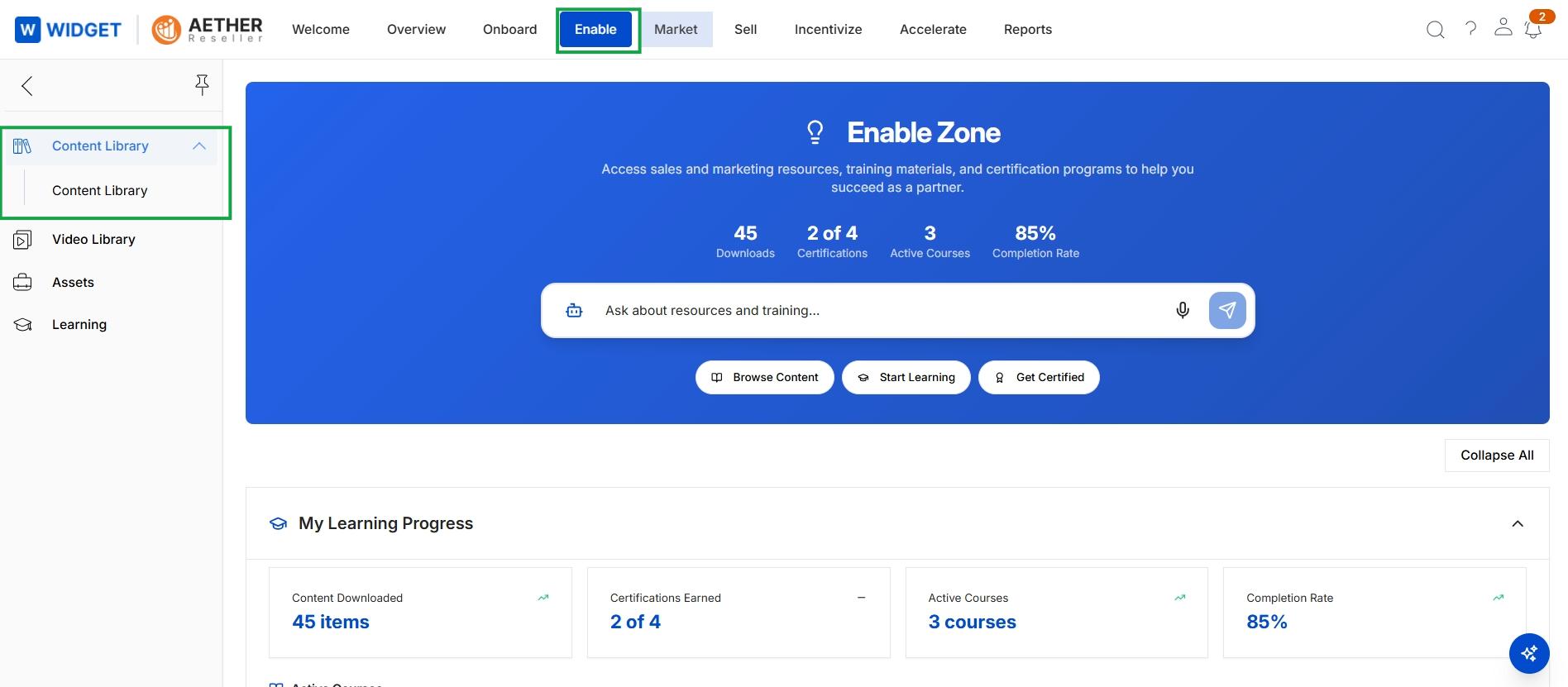
Click Content Library in the left navigation menu.
Viewing Content Listings
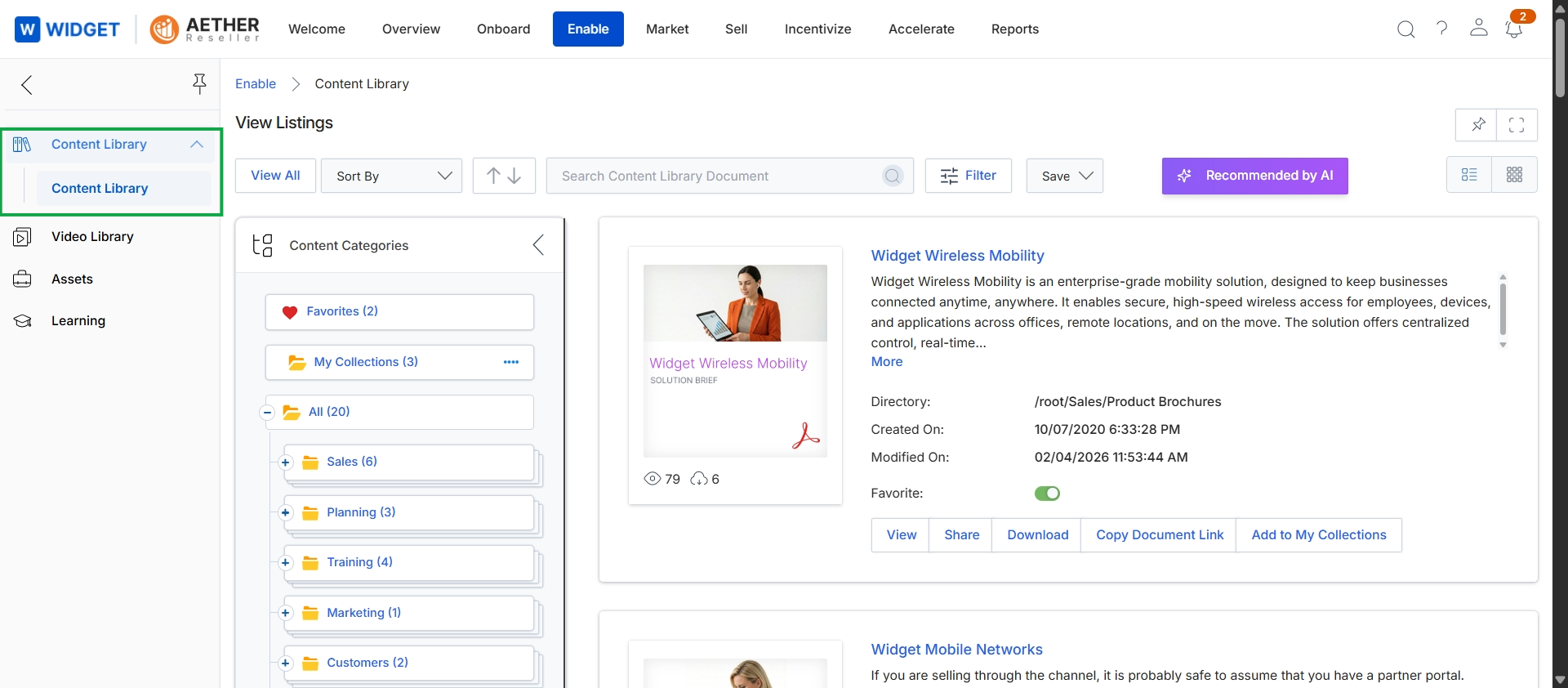
This screen displays the Content Library within the Enable module, providing a centralized repository for partners to access various marketing and sales assets. It presents a categorized view of available documents, allowing partners to browse, search, and filter content based on categories such as Sales, Planning, Training, and Marketing. Each content item shows essential details like its title, description, directory path, creation and modification dates, and options to view, share, download, or add it to personal collections, facilitating efficient access and utilization of vendor-provided resources.