

Overview
The Multi-touch Campaigns module serves as a central repository for all marketing campaigns created by the vendor for their partner ecosystem. These campaigns can encompass various tactics such as microsites, email, web syndication, events, and social syndication, designed to support partners in their marketing efforts. Administrators use this interface to oversee all active and historical campaigns, ensuring that the marketing resources provided to partners are current and relevant. The ability to delete campaigns is crucial for maintaining an organized and efficient campaign library, removing campaigns that are no longer needed or have concluded, and preventing partners from accessing outdated materials.
Key Features
- Campaign List View
- Delete Campaign
- Multi-Touch Campaigns
- Campaign Details Overview
Accessing the Campaign List
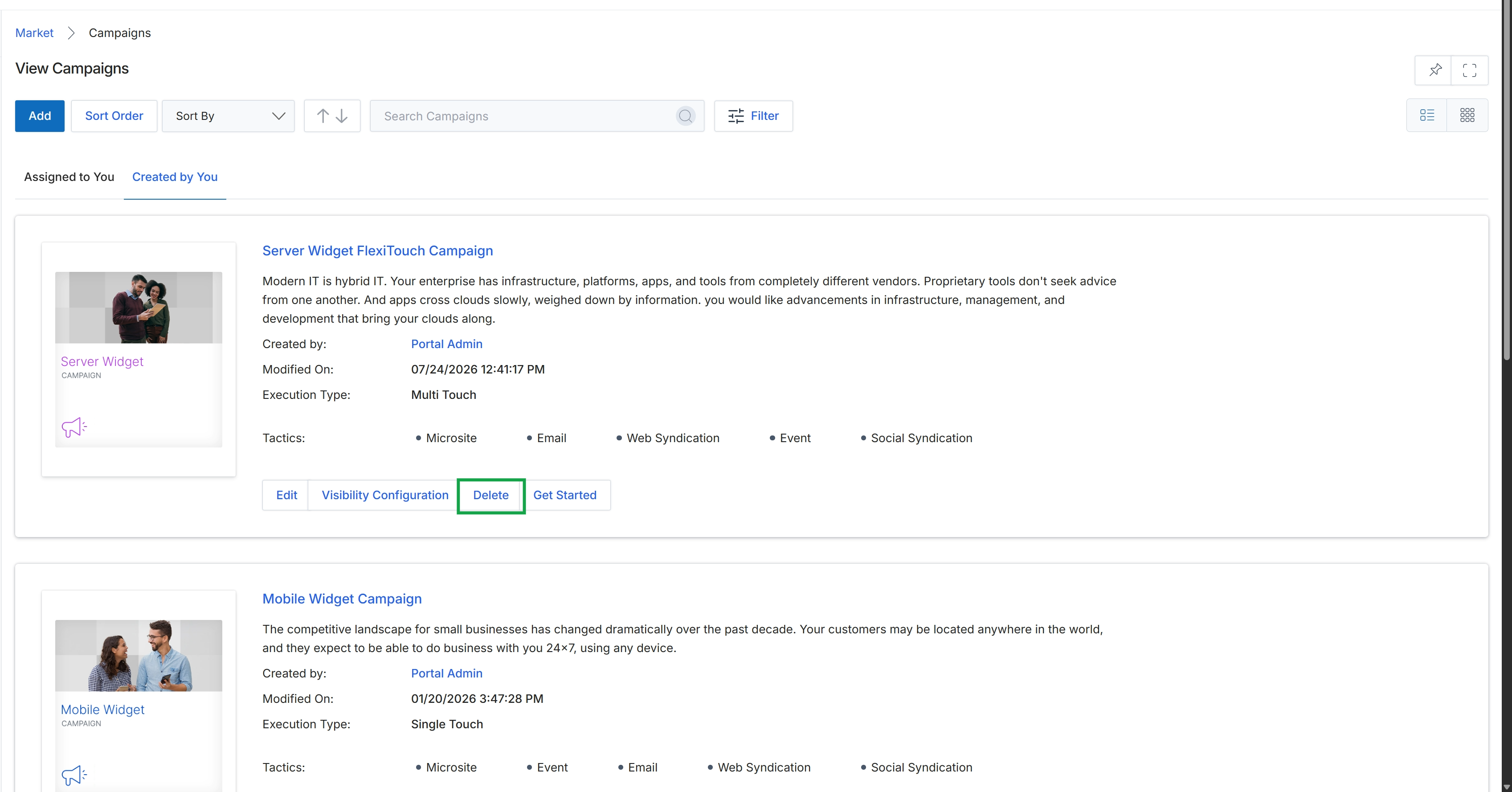
Click the Delete button for the "Server Widget FlexiTouch Campaign" to remove it from the list.
Frequently asked questions
- What is the purpose of deleting a campaign?
Deleting campaigns removes outdated or irrelevant marketing initiatives, ensuring marketing resources for partners are current and relevant. This maintains an organized and efficient campaign library.
- Who can delete a campaign?
Only administrators can manage and delete existing multi-touch campaigns from the platform.
- What types of marketing initiatives are considered campaigns?
Campaigns can include tactics such as microsites, email, web syndication, events, and social syndication, all designed to support partners' marketing efforts.