

Overview
The Market module provides a comprehensive suite of tools for vendors to create and manage co-marketing campaigns with their partners. This includes everything from setting up email marketing campaigns and microsites to managing social syndication and events. By centralizing these functions, the platform ensures brand consistency and provides partners with ready-to-use marketing materials, significantly reducing the effort required to launch co-branded initiatives.
Administrators can define various campaign types, assign specific tactics, and track performance, allowing for optimized marketing spend and improved partner engagement. The module supports both single-tactic and multi-touch campaigns, offering flexibility in how partners execute marketing activities and how vendors measure their impact.
Accessing the Campaign Library
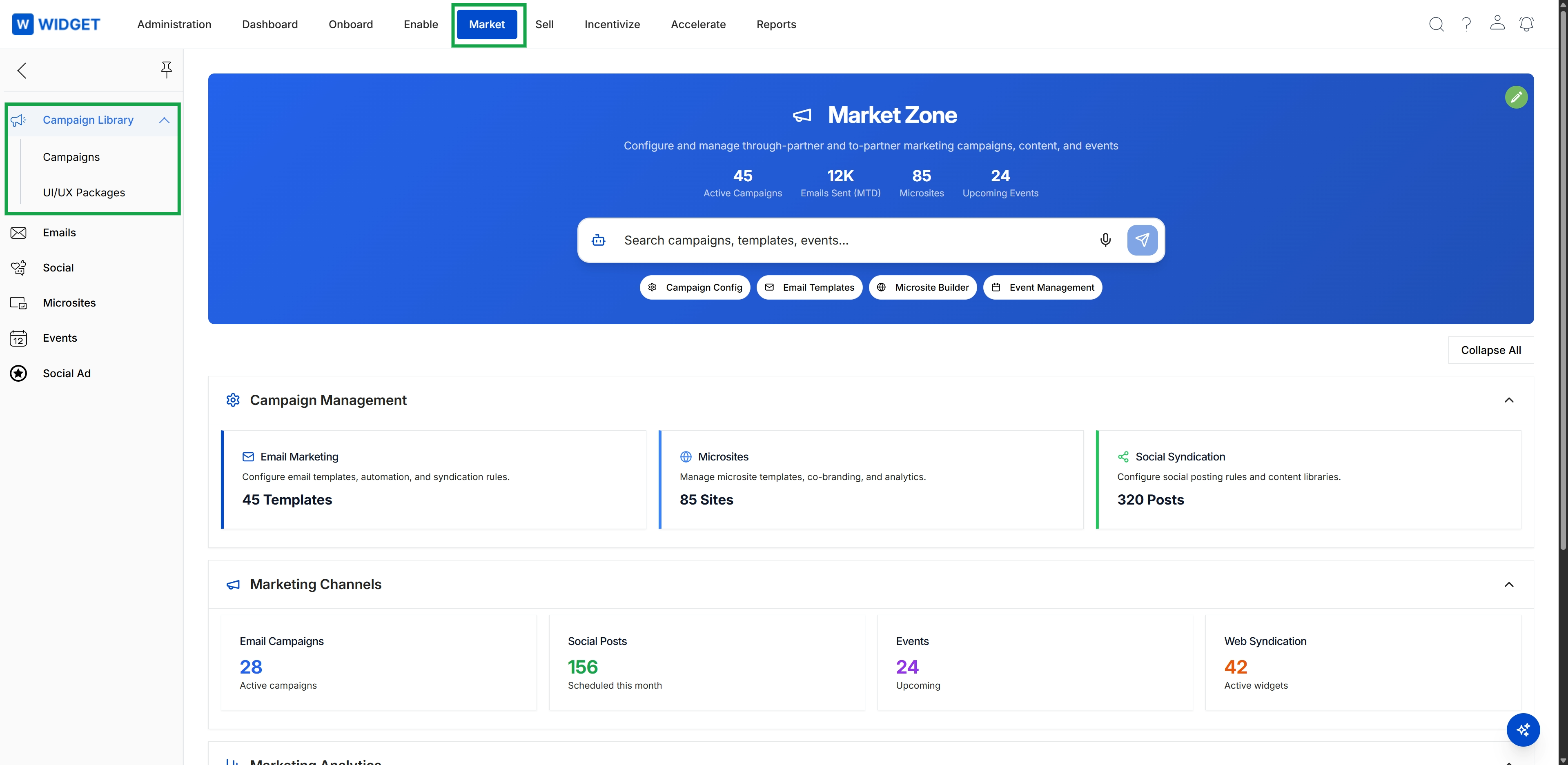
Click Market in the top navigation bar.
Viewing Campaigns
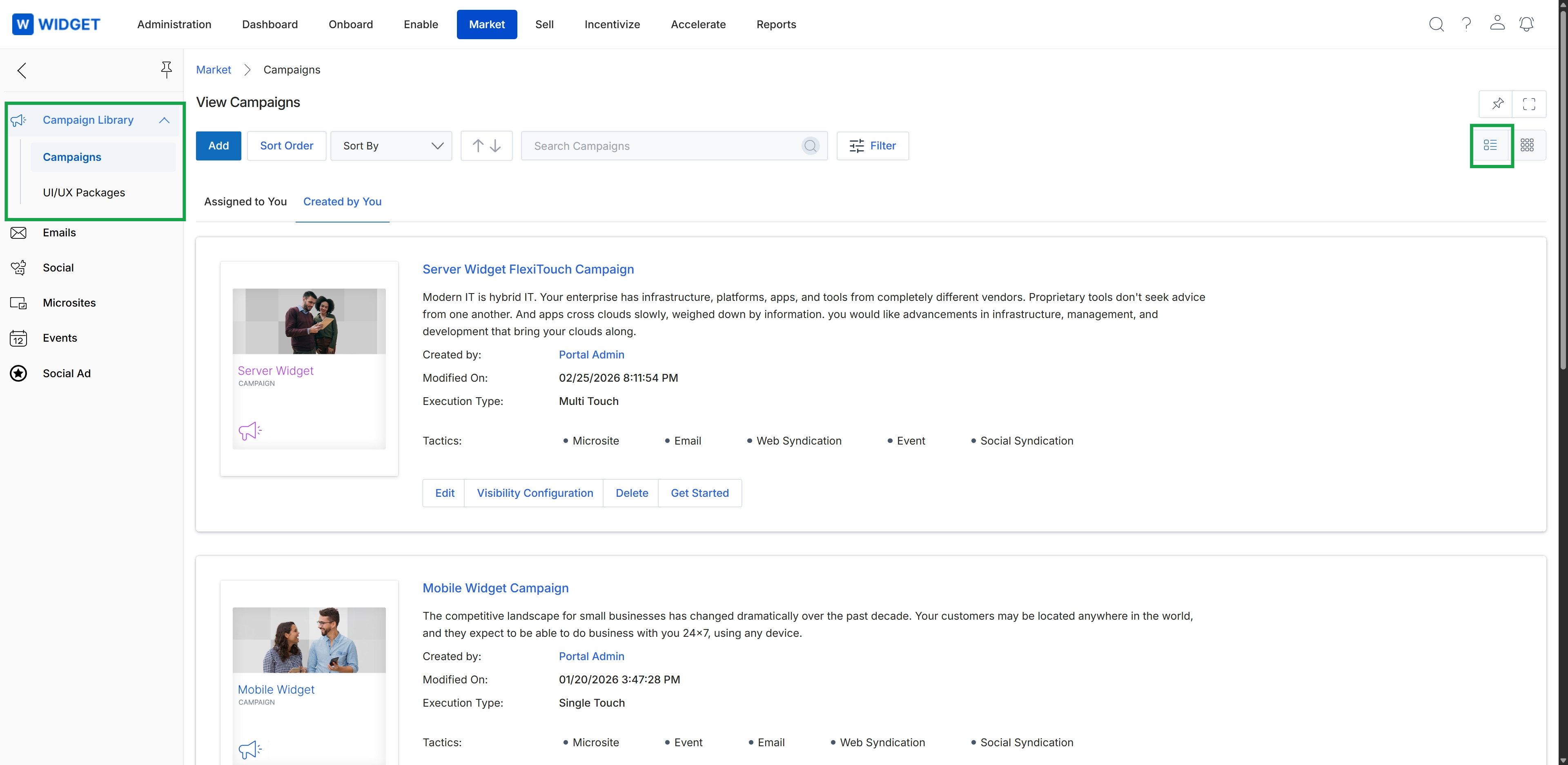
This screen displays a list of marketing campaigns within the Market module, serving as a central repository for administrators to view and manage co-marketing initiatives. Each campaign entry provides a summary of its description, creation details, execution type, and the marketing tactics it employs, such as microsites, email, web syndication, events, and social syndication. This view allows for an overview of all active and planned campaigns, facilitating the strategic deployment of marketing resources across the partner ecosystem.
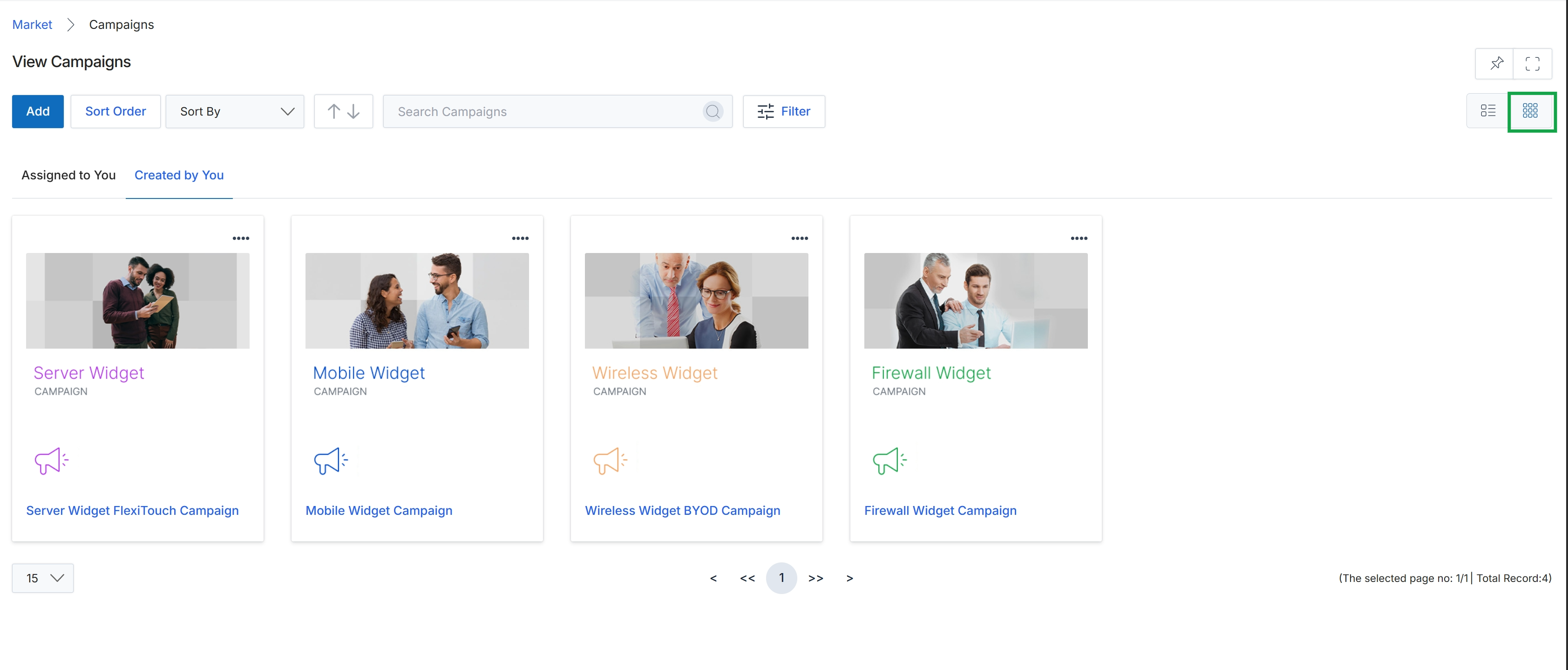
Click the Thumb View icon to change the campaign display.