

Overview
Partner Types are a core entity in the UPM, serving as the primary classification for partners within a program. By defining distinct Partner Types, administrators can customize the onboarding experience, available resources, incentive structures, and overall program engagement for different partner segments. This ensures that each partner category receives relevant information and opportunities, optimizing their participation and success within the ecosystem. For example, a 'Reseller' partner type might have access to deal registration and co-selling tools, while an 'Affiliate' partner type might focus on referral links and commission tracking.
Accessing Partner Types
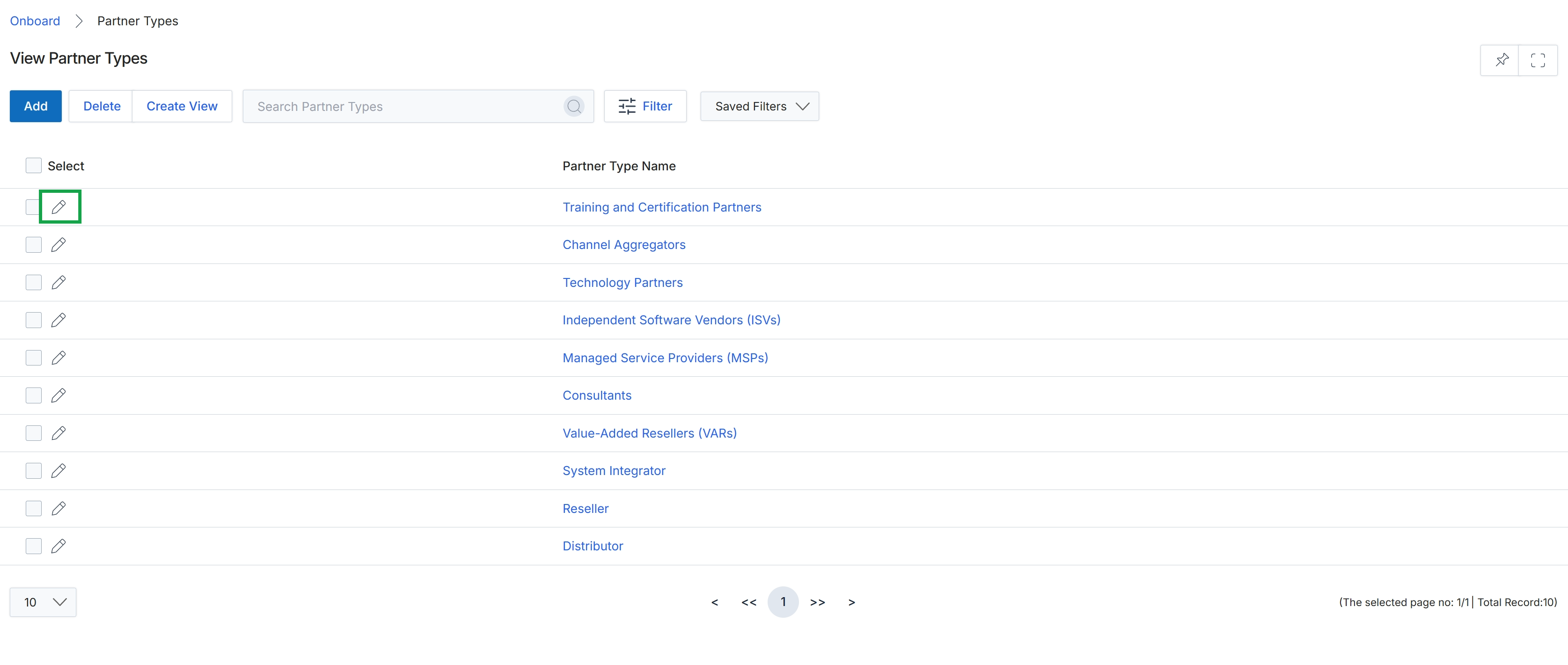
Click the pencil icon next to the desired partner type to edit it.
Adding or Editing a Partner Type
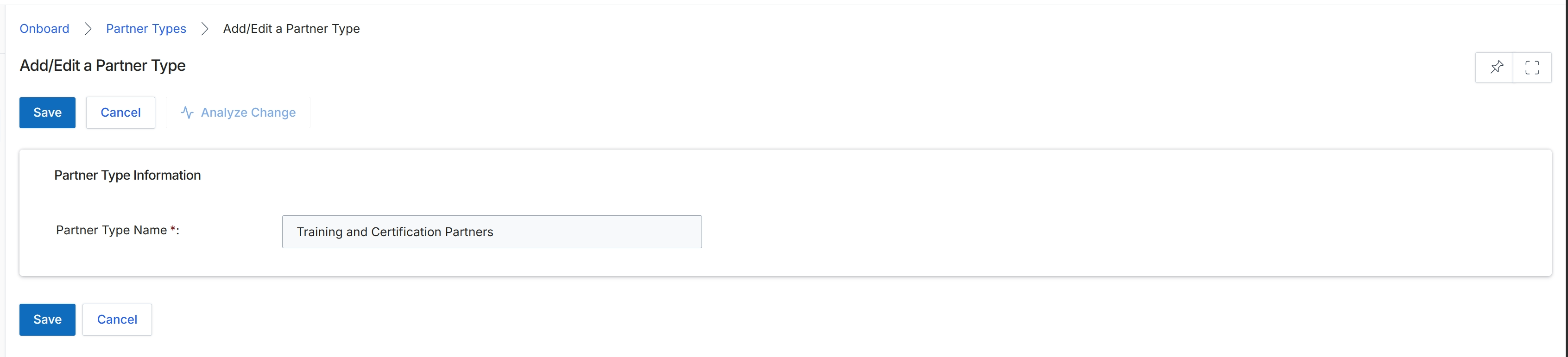
The Add/Edit a Partner Type form allows administrators to define or modify categories for partners within the platform. Partner Types are fundamental to segmenting the partner ecosystem, as they dictate which programs a partner can enroll in, influence content visibility, and determine eligibility for specific incentives and commission rules. This screen displays the details of an existing partner type, enabling administrators to update its name. The system uses these classifications to tailor the partner experience and manage various aspects of the partner lifecycle, from onboarding to rewards.
Update the 'Partner Type Name' field to modify the name of the existing partner type.
Buttons
| Button | Description |
|---|---|
| Save | Saves the changes made to the partner type. |
| Cancel | Discards any changes and returns to the previous screen. |
| Analyze Change | Analyzes the impact of the proposed changes before saving. |
Partner Type Information
| Field | Description |
|---|---|
| Partner Type Name * | The unique name identifying this partner category. This field is required. |