

Overview
Effective co-selling is crucial for maximizing revenue potential within a partner ecosystem. The Co-Sell Hub facilitates seamless collaboration between vendors and partners on specific sales opportunities, ensuring both parties are aligned and working together toward a common goal. This module provides a structured environment to manage the entire co-sell lifecycle, from initial request to deal closure, enhancing transparency and efficiency in joint sales efforts.
By centralizing all co-sell related activities—including communication, document sharing, and task management—the platform helps prevent deal conflicts, accelerates sales cycles, and provides clear visibility into the co-sell pipeline. This ensures that valuable sales opportunities are jointly pursued and properly attributed, ultimately driving greater success for both the vendor and its partners.
Accessing the Co-Sell Hub
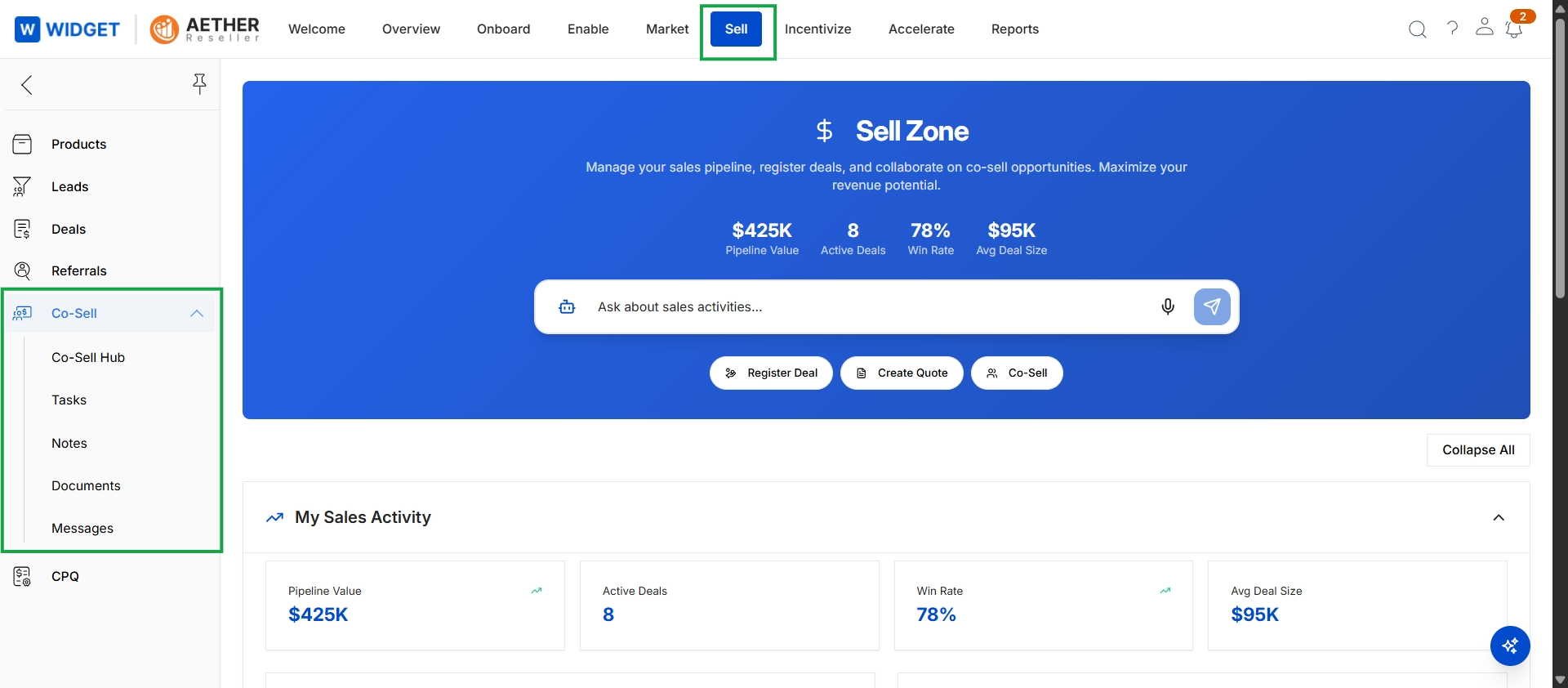
Click Sell → Co-Sell → Co-Sell Hub.
Viewing Co-Sell Opportunities
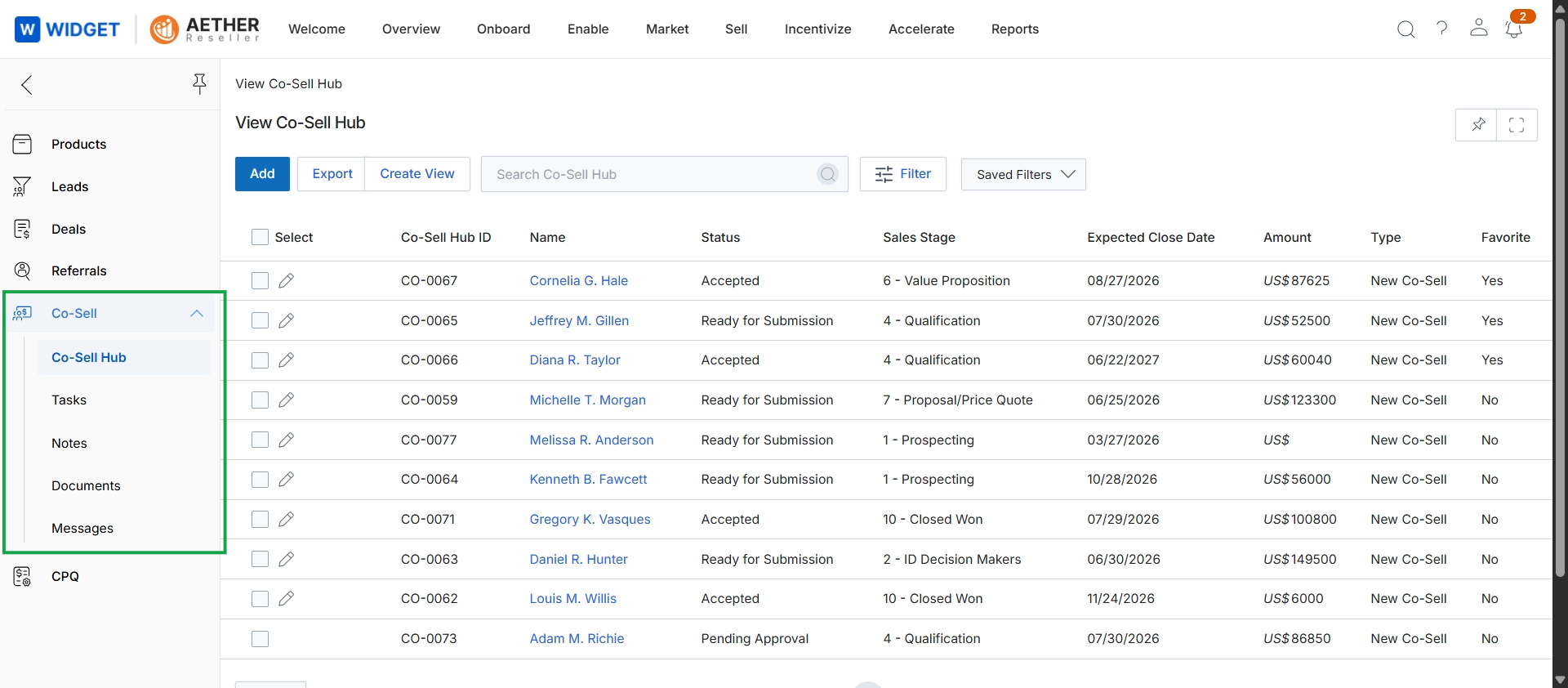
This screen displays the Co-Sell Hub, which is a central list view for managing joint selling engagements between the vendor and partners. It presents a tabular overview of various co-sell requests, showing key details such as the Co-Sell Hub ID, the name of the associated contact, the current status of the co-sell request, its sales stage, expected close date, and the deal amount. This view allows users to monitor the progress and status of all co-sell opportunities, supporting the collaborative sales workflow outlined in the Sell module.