

Overview
Rebates are a critical component of many partner incentive programs, offering retrospective rewards based on a partner's sales performance over a period. Unlike commissions, which are often tied to individual deals, rebates typically reward partners for achieving revenue thresholds or growth targets. This module provides administrators with the necessary tools to define these programs, ensuring that partners are motivated to drive higher sales volumes and meet strategic objectives.
Administrators can set up various rebate types, including revenue band, growth, and attainment rebates, and link them to specific partner types, tiers, or segments. The system automatically tracks eligible revenue and accrues rebates, which partners can then claim. This streamlined process ensures transparency and efficiency in managing these significant financial incentives, ultimately fostering stronger partner relationships and driving program success.
Accessing the Rebates Module
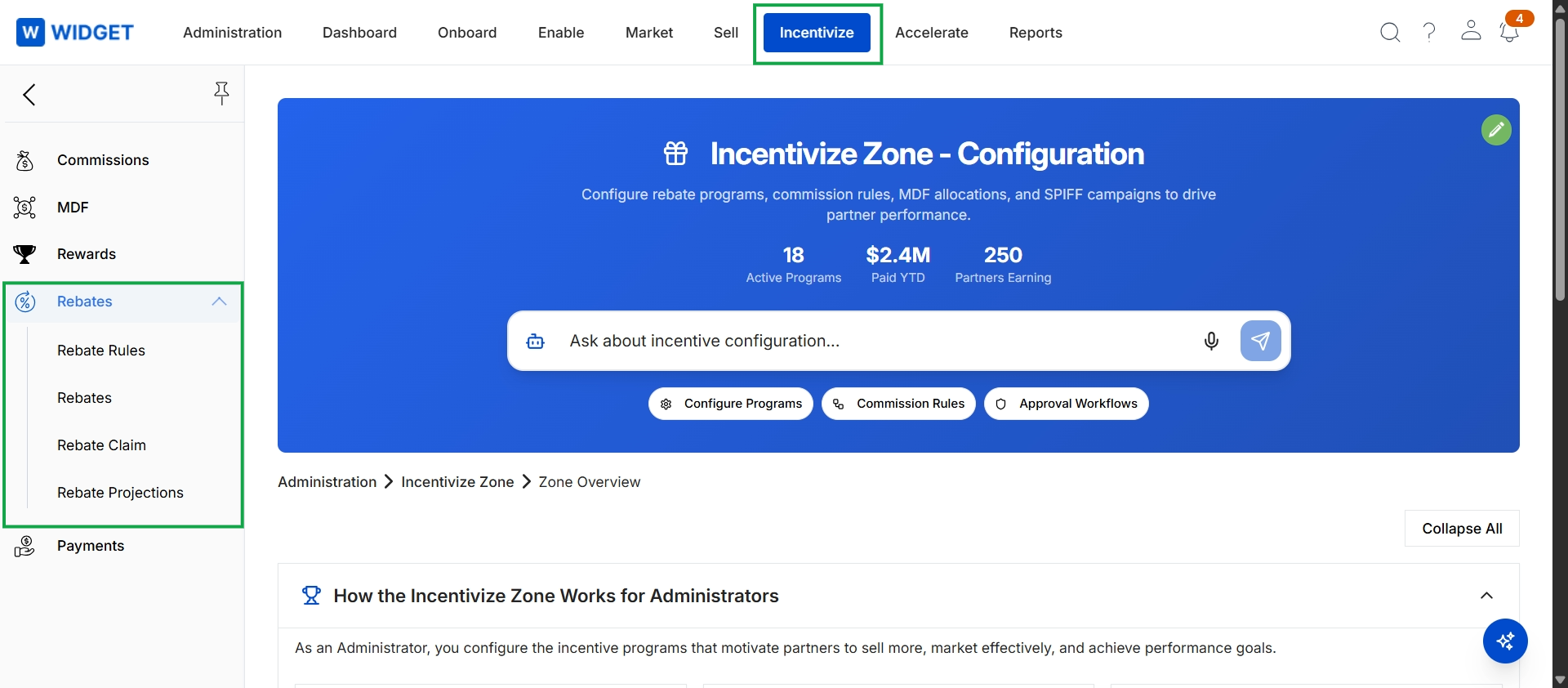
Click Incentivize in the top navigation bar, then click Rebates in the left navigation menu to expand its sub-menu, and then click Rebate Rules.
Viewing Accrued Rebates
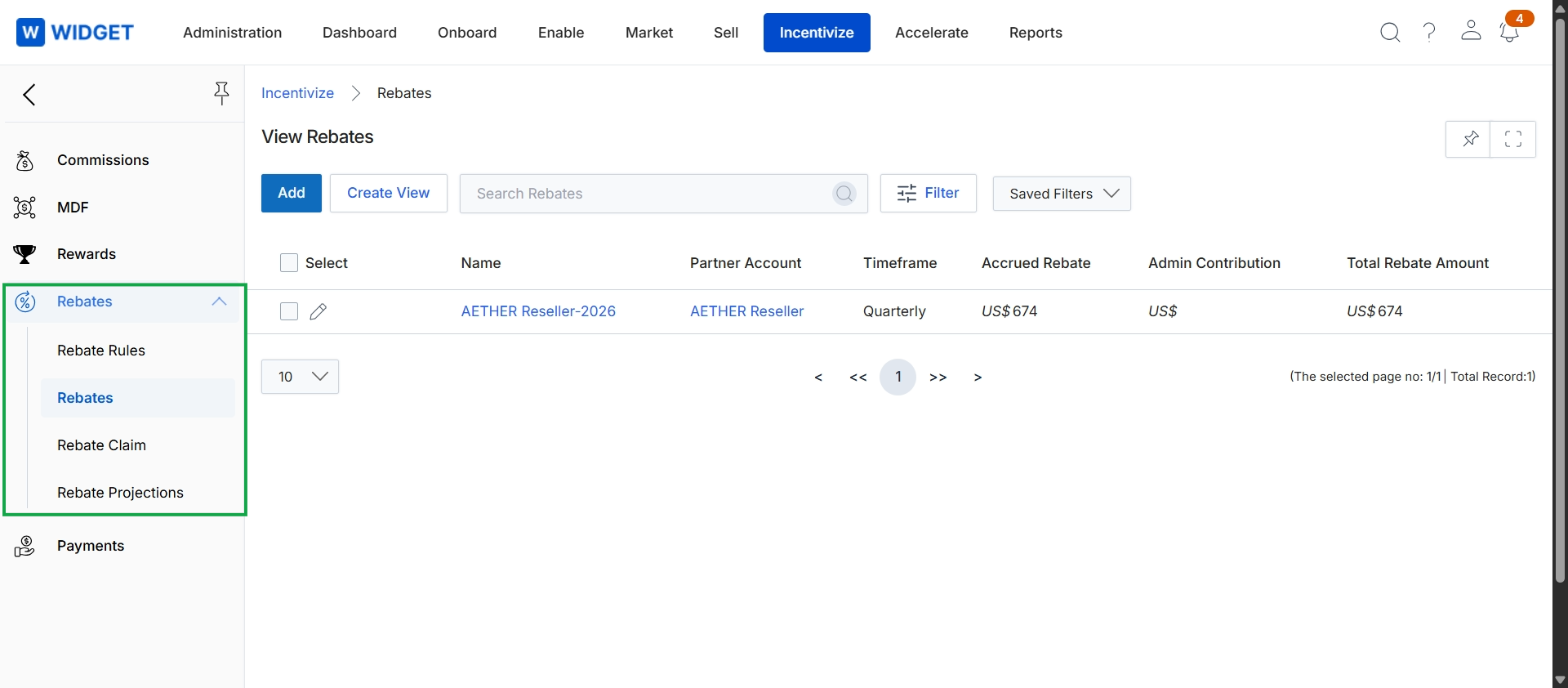
This screen displays a comprehensive list of all rebates within the Incentivize module, providing administrators with an overview of accrued and total rebate amounts for various partner accounts. It serves as a central repository for tracking the financial incentives provided to partners based on their performance over specific timeframes. Administrators can review individual rebate entries, which include details such as the rebate name, the associated partner account, the timeframe for which the rebate was calculated, and the accrued and total rebate amounts.