

Overview
Email marketing is a critical component of partner-driven demand generation. This module provides administrators with the tools to create and manage a library of pre-approved, co-branded email templates that partners can use. By providing these templates, the platform ensures that all partner communications align with brand guidelines and messaging, while still allowing partners to personalize specific sections to resonate with their local audience. This streamlines the marketing process for partners and maintains brand integrity for the vendor.
Selecting an Email Template for Setup
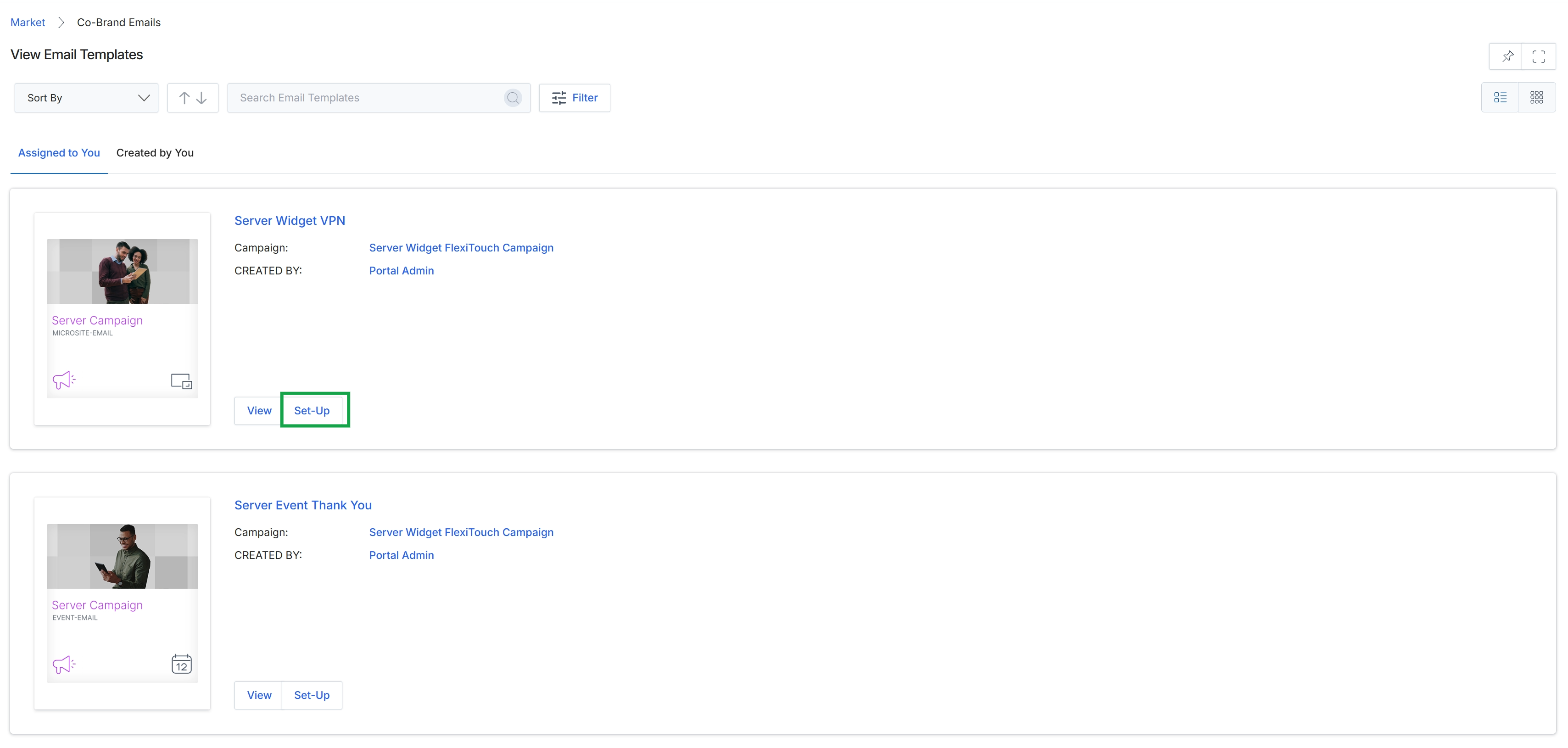
Click the Set-Up button for the "Server Widget VPN" email template.
Copying and Providing Template Details
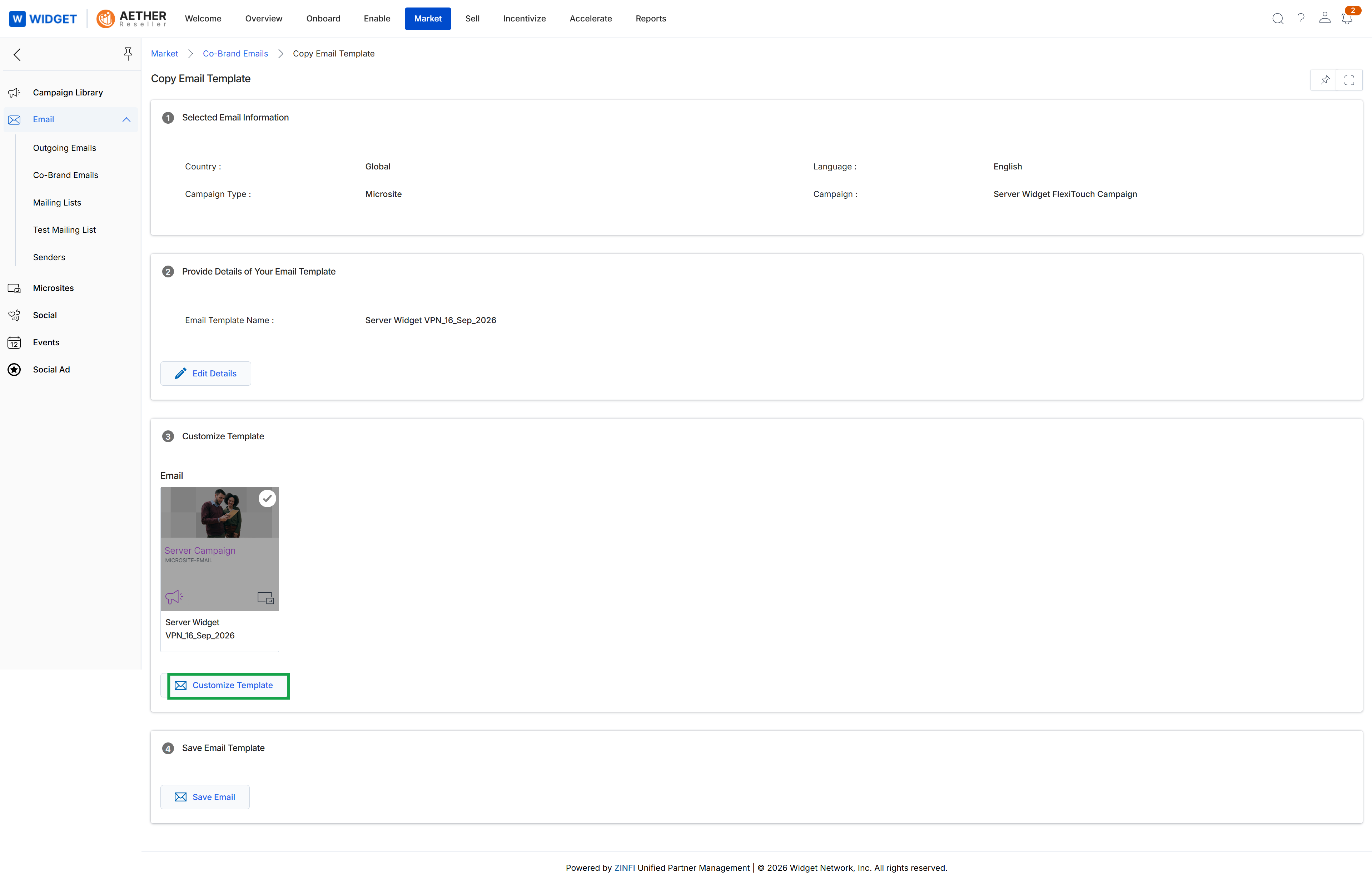
This screen facilitates the process of copying an existing email template within the Email Marketing Management module. It displays information about the original selected email, allows for the initial naming of the new template, and provides options to customize its content and save it. This functionality is crucial for vendors to efficiently reuse and adapt marketing assets, ensuring brand consistency while enabling rapid deployment of new campaigns. The screen presents a structured workflow, guiding the user through reviewing the source template's details, providing a name for the copy, and then proceeding to content customization before final saving.
Click the "Customize Template" button to proceed with editing the content of the copied email template.
Buttons
| Button | Description |
|---|---|
| Edit Details | Allows the user to modify the name and other basic details of the email template. |
| Customize Template | Initiates the process of editing the visual and textual content of the email template. |
| Save Email | Saves the newly copied email template with its current details and content. |
Selected Email Information
| Field | Description |
|---|---|
| Country | Indicates the geographical scope of the original email template, in this case, 'Global'. |
| Language | Specifies the language of the original email template, here shown as 'English'. |
| Campaign Type | Describes the type of campaign associated with the original template, such as 'Microsite'. |
| Campaign | Identifies the specific campaign the original template belongs to, for example, 'Server Widget FlexiTouch Campaign'. |
Provide Details of Your Email Template
| Field | Description |
|---|---|
| Email Template Name | Displays the current name of the email template being copied. This field is not directly editable on this screen but can be modified via the 'Edit Details' button. |
Customizing the Email Template Content
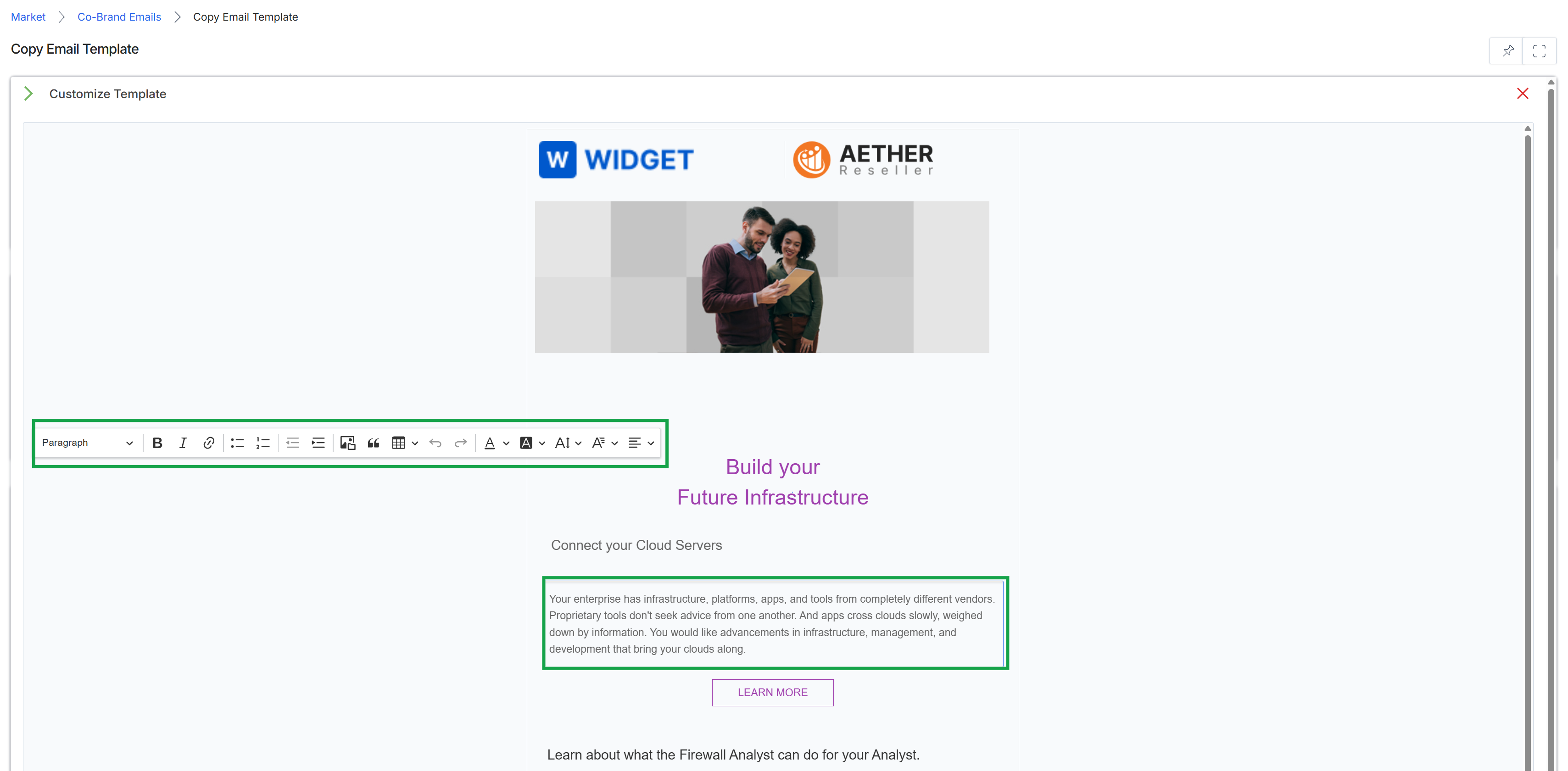
This screen displays an email template editor within the Market module, allowing users to customize the content and appearance of co-branded email campaigns. It presents a visual representation of the email layout, including vendor and partner branding, and provides a rich text editor toolbar for modifying text elements. This interface is used to prepare email templates for various marketing initiatives, ensuring they align with brand guidelines while enabling partner-specific customization within defined boundaries.