

Overview
Effective co-marketing is crucial for channel partners to successfully promote products and services. The Email Marketing Management module within the platform enables vendors to empower their partners with pre-designed, brand-compliant email templates. These templates are 'co-brandable,' meaning they allow partners to personalize certain sections, such as their logo, contact information, or specific messaging, while ensuring the core vendor branding and messaging remain intact. This approach streamlines campaign creation for partners and maintains brand consistency for the vendor.
Administrators use this section to manage the library of available email templates, ensuring partners have access to relevant and up-to-date marketing assets. Partners can then select these templates from their portal to execute email campaigns, leveraging the platform's email infrastructure and tracking capabilities.
Key Features
- Co-brandable Email Templates
- Template Library Management
- Search & Filter Templates
- List & Grid Views
- Template Assignment Tracking
- Campaign Association
Accessing Co-Brand Email Templates
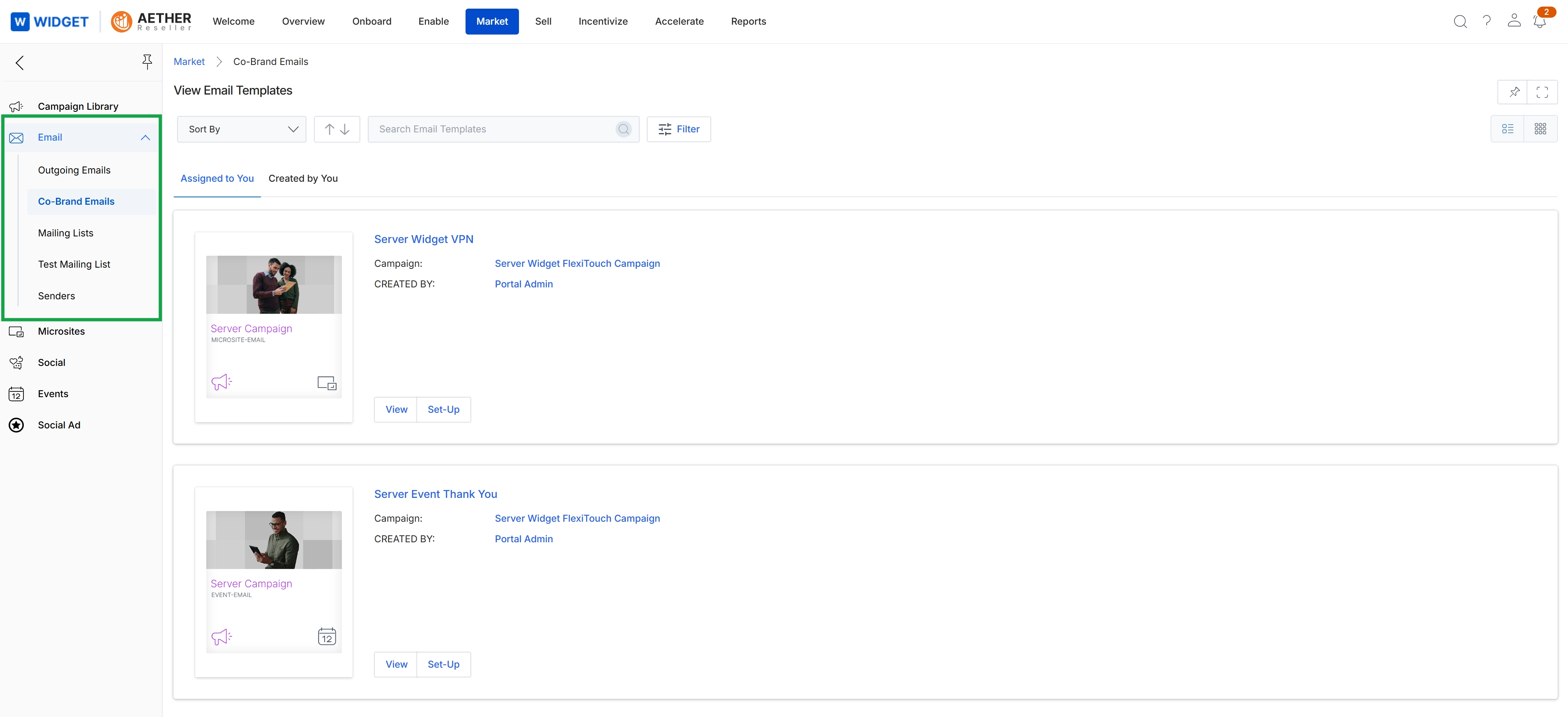
Click the Assigned to You tab.
Viewing Template Details and Actions
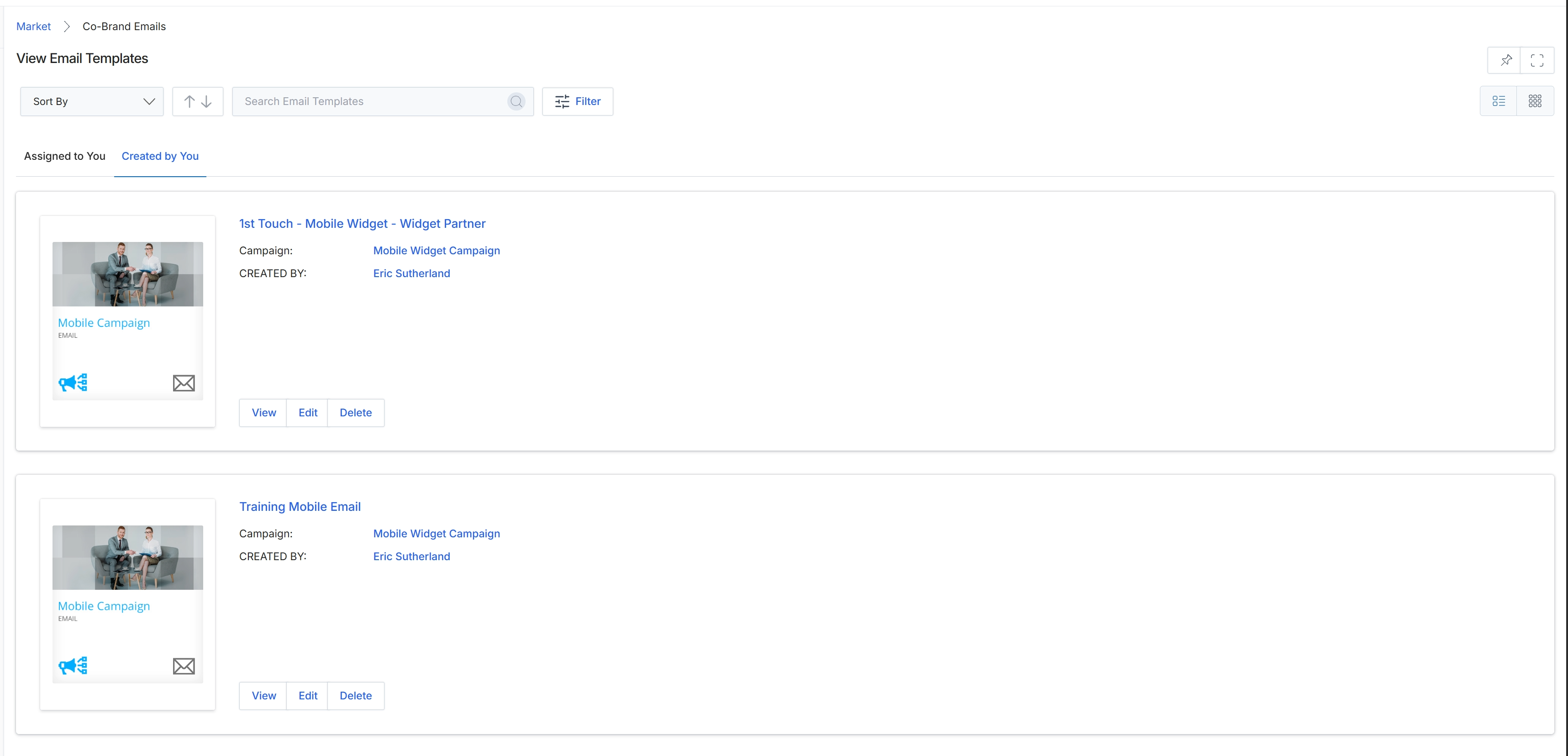
Click the Created by You tab.
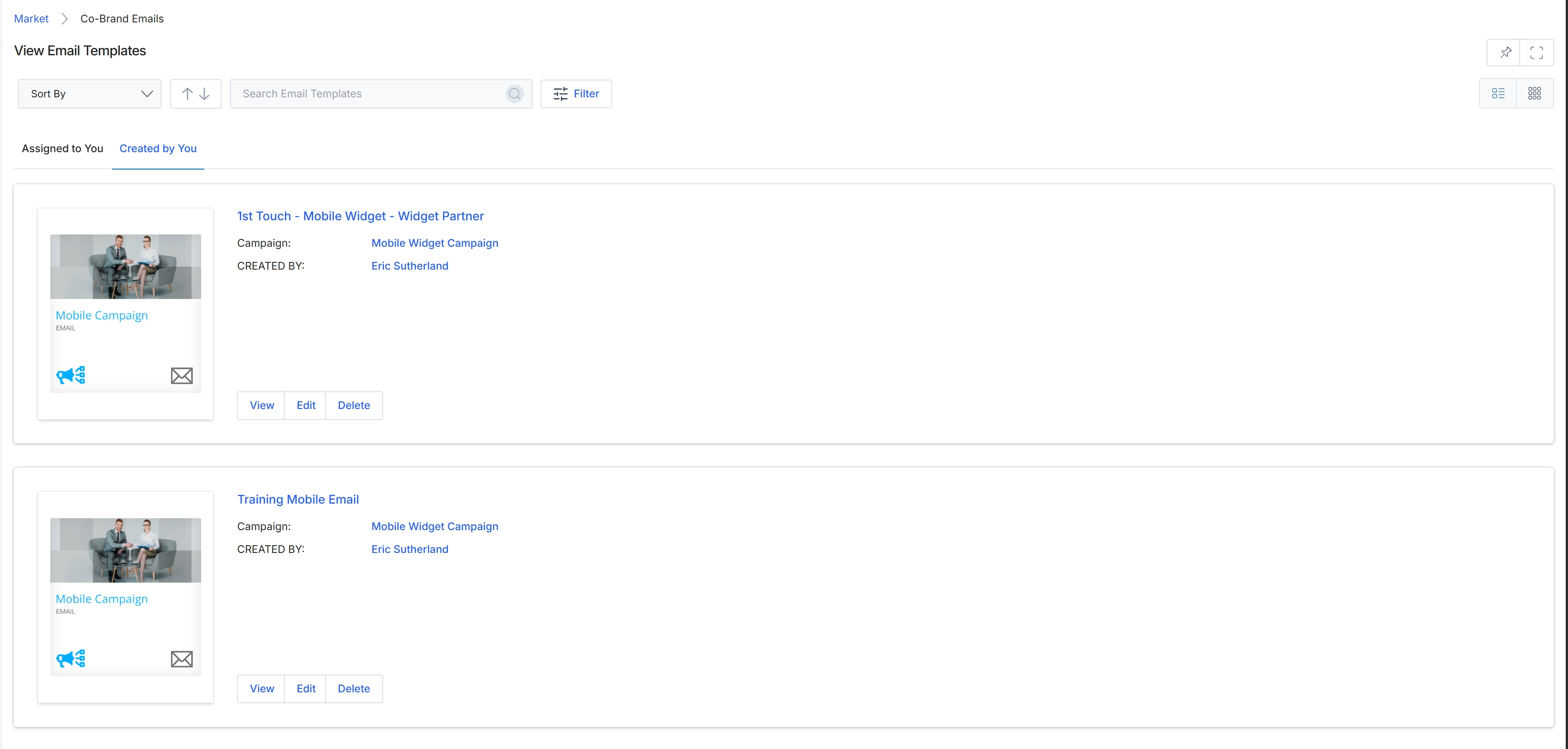
Click the List View icon.
Switching Display Layouts
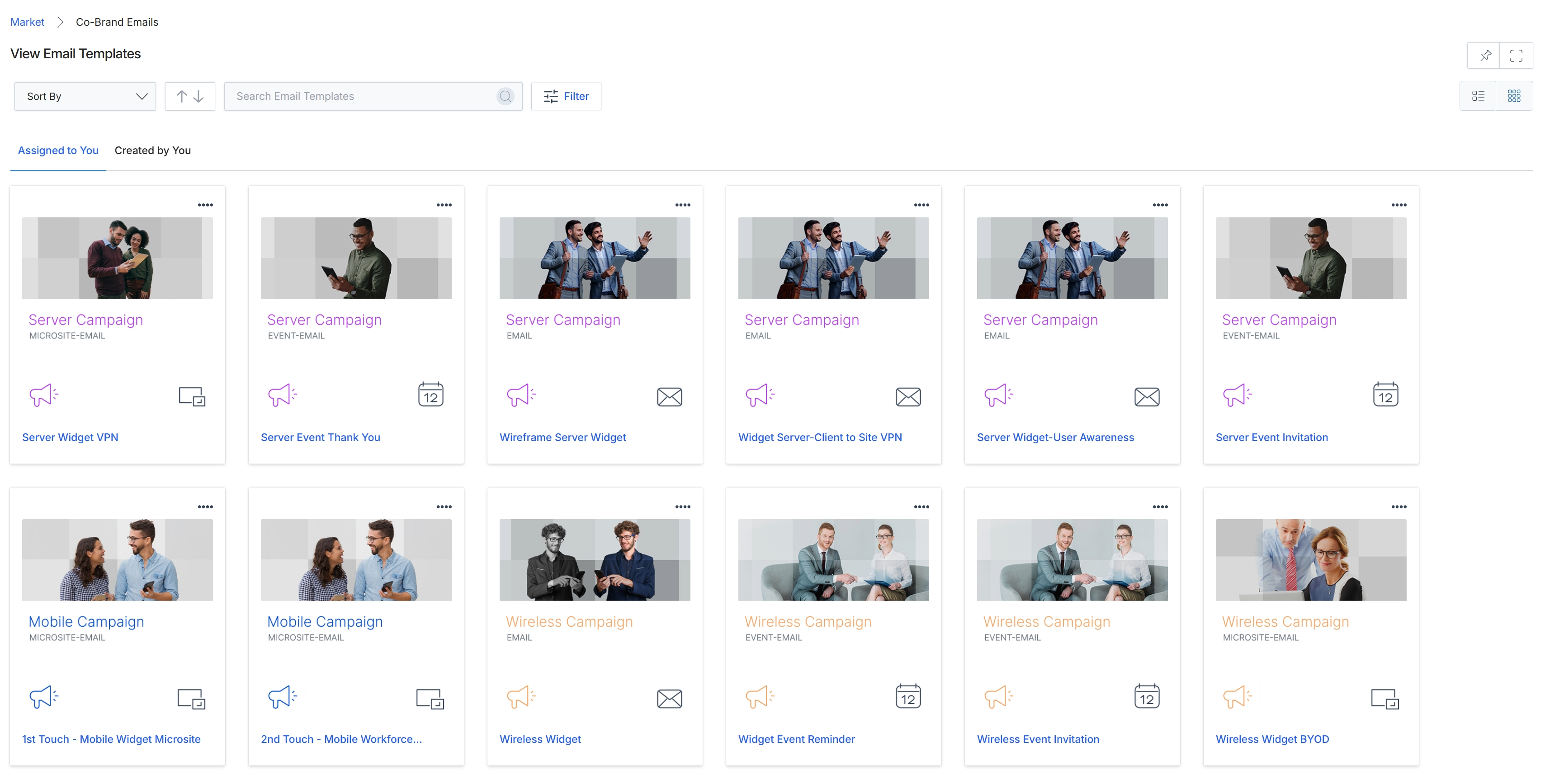
Click the Grid View icon.
Searching and Filtering Templates
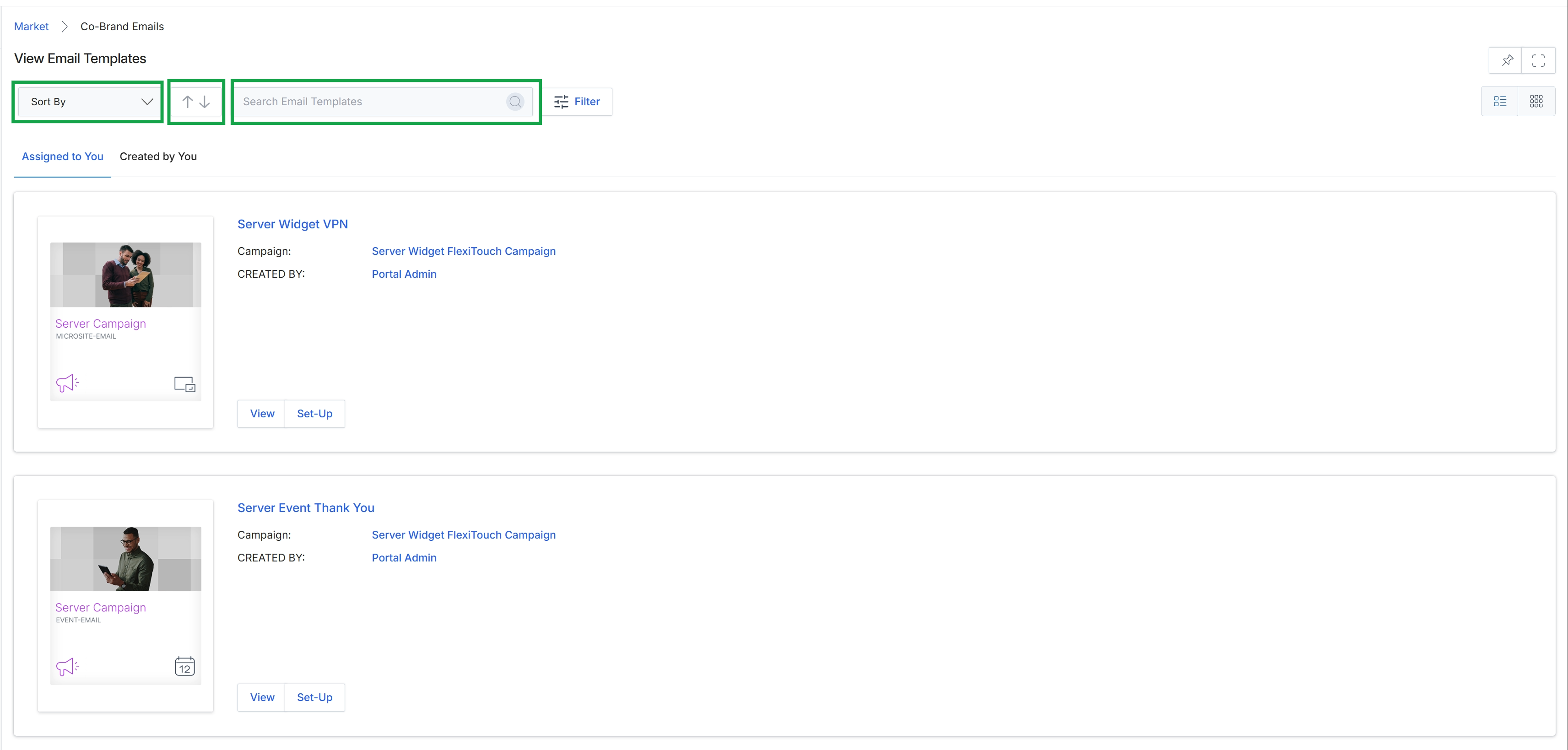
This screen presents a catalog of email templates within the Market module, which partners can utilize for co-branded marketing campaigns. It allows users to view and manage various email templates, each associated with a specific campaign and creator. The interface includes options to sort the displayed templates, change the order of the listing, and search for specific templates by name, facilitating efficient navigation and selection for marketing activities.
Frequently asked questions
- What is the purpose of the View Email Templates feature?
This feature provides a centralized location for managing co-brandable email templates. It allows partners to customize elements while preserving vendor brand consistency for marketing campaigns.
- Who uses this feature?
UPM administrators use it to manage the template library. Channel partners use it to select templates from their portal for email campaigns.
- What kind of templates are available?
The platform offers 'co-brandable' email templates. These allow partners to personalize sections like logos or contact information while maintaining core vendor branding.
- What are the key functionalities available in this section?
Users can view, search, and filter email templates. It also supports template library management, list and grid views, template assignment tracking, and campaign association.