

Overview
Effective email marketing relies on well-managed recipient lists. The Mailing Lists feature in the Market module allows administrators to organize and maintain these crucial lists. Whether targeting prospects for lead nurturing or partners for co-marketing initiatives, having accurate and segmented mailing lists is essential for successful campaign execution. This module ensures that email campaigns can be precisely targeted, improving engagement and compliance.
View Mailing Lists
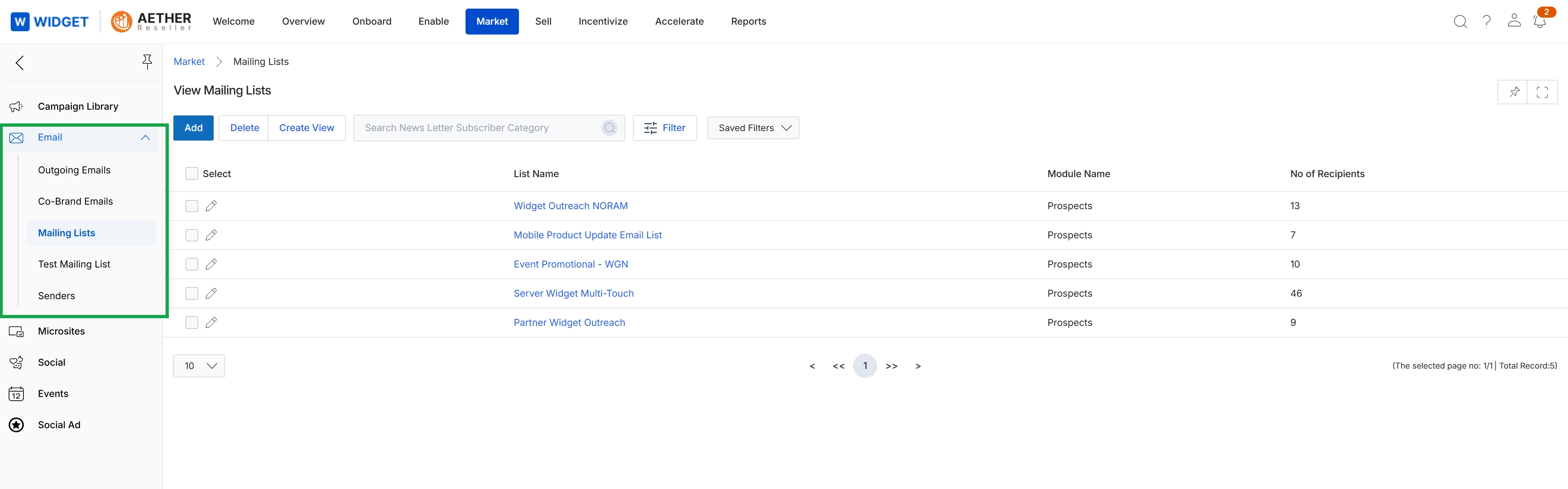
Click Market → Email → Mailing Lists.
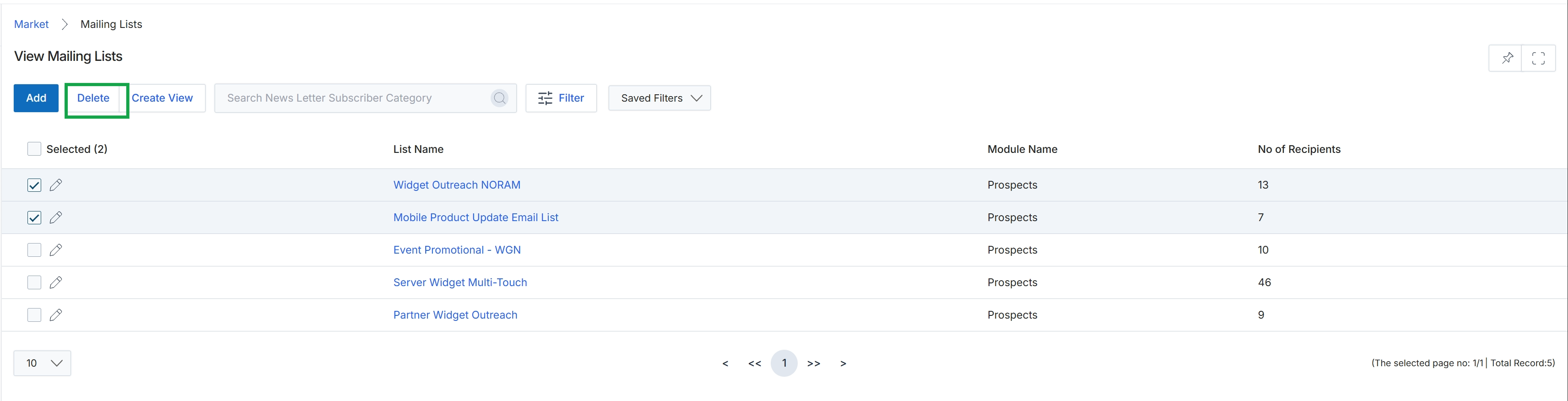
Click the Delete button.
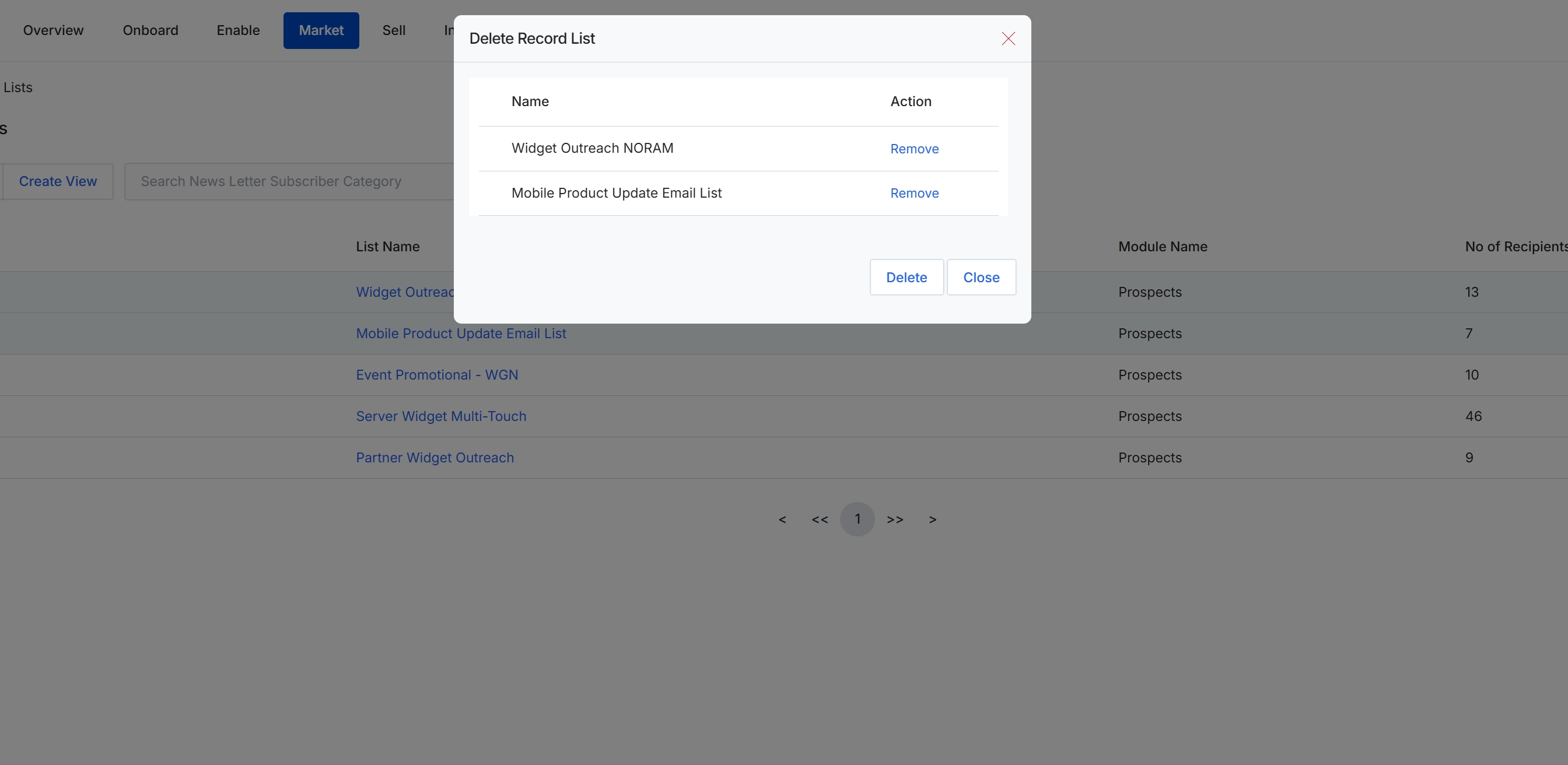
This screen displays a confirmation dialog for deleting one or more mailing lists within the Email Marketing Management module. It presents a summary of the selected mailing lists that are slated for removal, allowing the user to review the items before proceeding with the deletion. This dialog serves as a crucial step to prevent accidental data loss, ensuring that only intended mailing lists are permanently removed from the system.
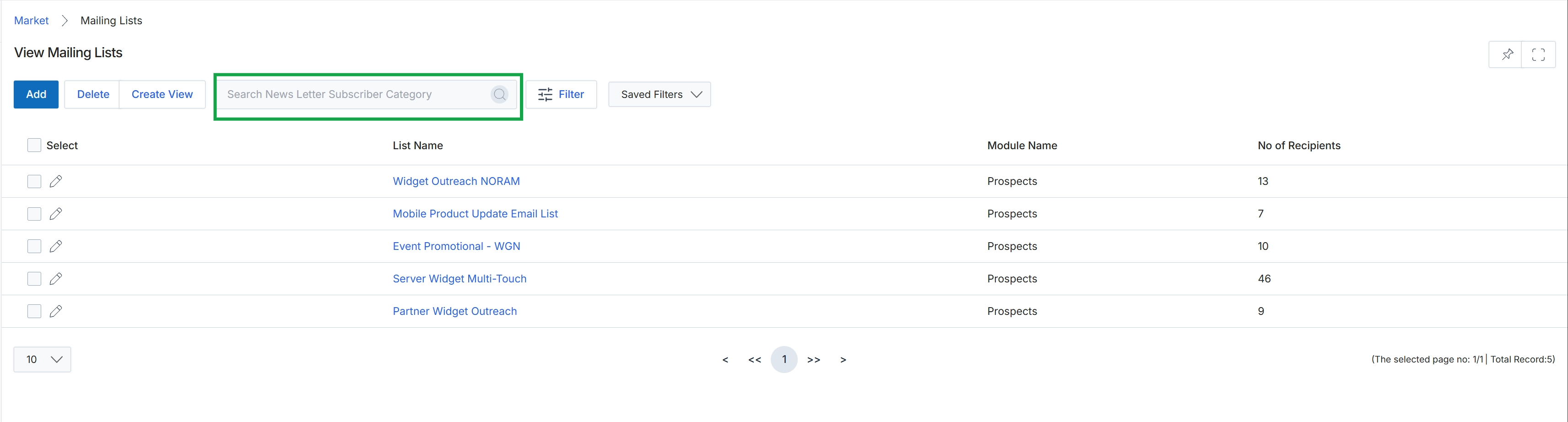
This screen displays a comprehensive list of all mailing lists configured within the Market module, which are used for email campaign execution. Each entry provides details such as the list's name, the module it is associated with, and the total number of recipients it contains. This view allows administrators to manage and organize the various contact segments available for targeted email communications, supporting the broader email marketing workflows within the platform.