

Overview
Effective partner management requires meticulous record-keeping, especially concerning legal and operational agreements. The Agreement Logs module addresses this need by providing a comprehensive audit trail for all partner agreements. This includes tracking when an agreement was signed, by whom, and its specific type, which is crucial for compliance, dispute resolution, and ensuring that partners are operating under the correct terms and conditions.
By centralizing this information, administrators can quickly access critical agreement details, verify partner statuses, and maintain an organized overview of all contractual relationships. This transparency helps in managing the partner lifecycle from onboarding through ongoing engagement, ensuring that all parties adhere to their respective commitments.
Accessing Agreement Logs
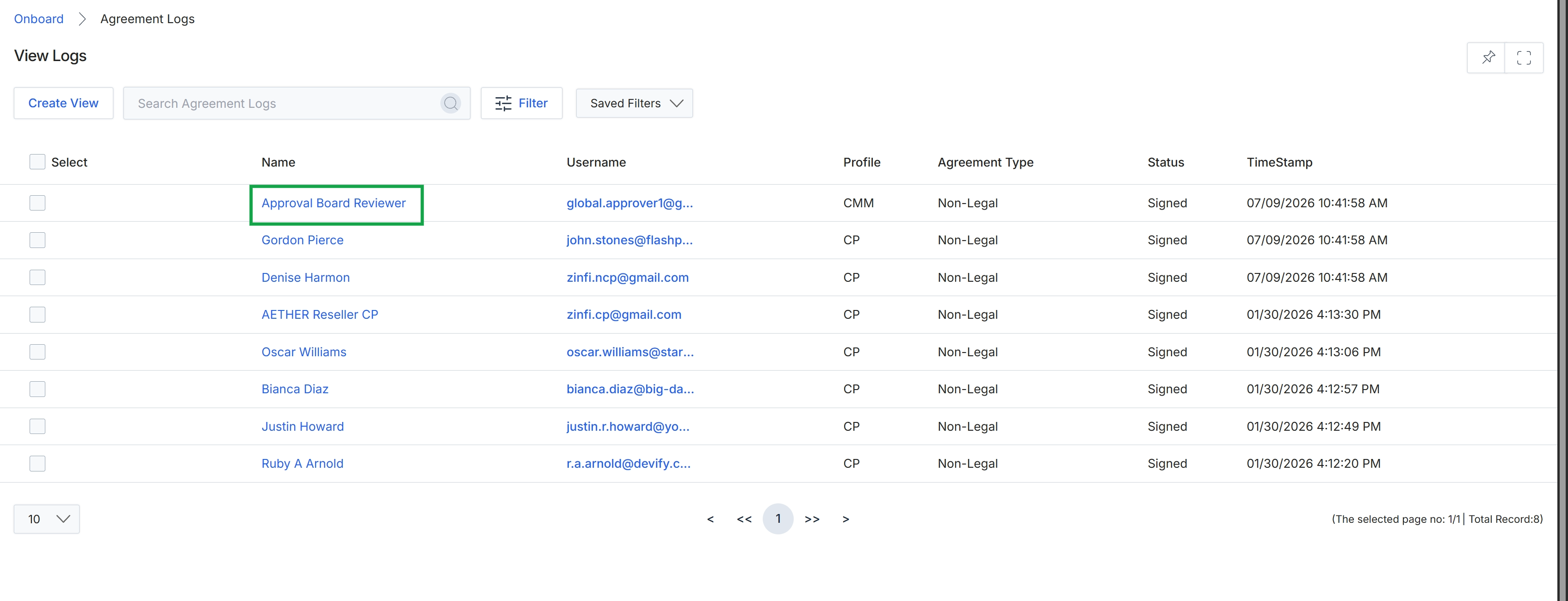
Click the Approval Board Reviewer link in the Name column.
Viewing Log Details
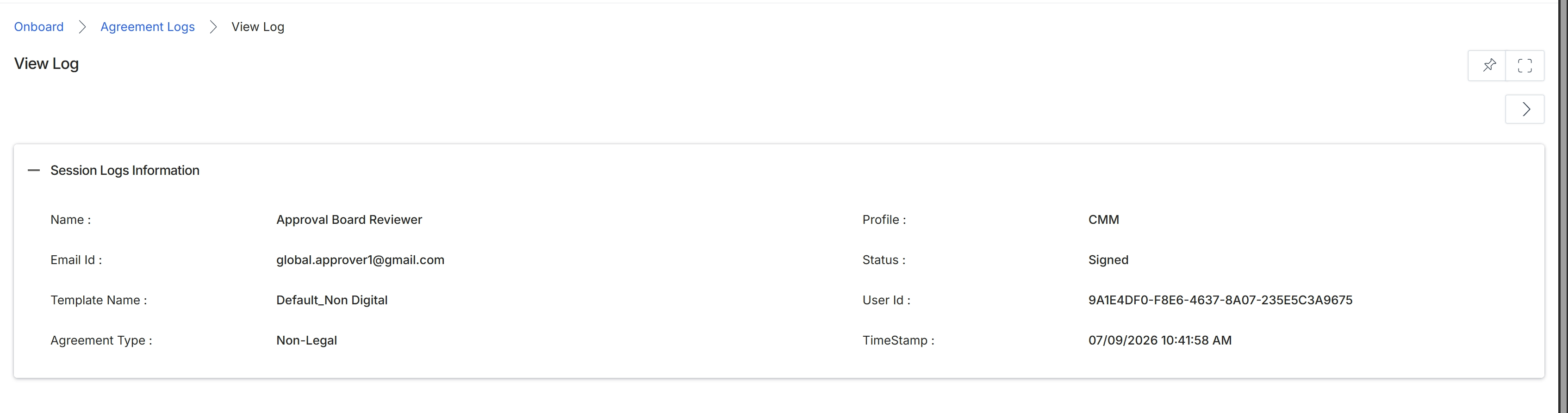
The View Log screen provides a detailed audit trail for a specific agreement log entry, offering administrators a comprehensive record of actions related to partner agreements. This screen is crucial for tracking the lifecycle of agreements, ensuring compliance with program policies, and investigating any discrepancies that may arise during the agreement signing or approval process. It displays key information such as the user involved, their role, the status of the agreement at the time of the log entry, and the exact timestamp of the action, thereby supporting governance and accountability within the partner program.
Review the session log information for the selected agreement to understand the details of the recorded action.
Session Logs Information
| Field | Description |
|---|---|
| Name | The name of the user associated with this agreement log entry. |
| Profile | The profile or role of the user associated with this log entry. |
| Email Id | The email address of the user associated with this agreement log entry. |
| Status | The status of the agreement at the time of this log entry, such as 'Signed'. |
| Template Name | The name of the agreement template used for this entry. |
| User Id | A unique identifier for the user associated with this log entry. |
| Agreement Type | The type of agreement, such as 'Non-Legal'. |
| TimeStamp | The date and time when the action recorded in this log entry occurred. |