

Overview
The 'Solutions Offered' catalog is a critical component of the Sell module, enabling administrators to define and organize the products and services that partners can market and sell. By maintaining a clear and up-to-date list of solutions, administrators ensure that partners have accurate information for their sales efforts, which directly impacts deal registration, quoting, and ultimately, commission calculations. This catalog supports the overall sales ecosystem by providing a foundational list of offerings.
Accessing and Viewing Solutions
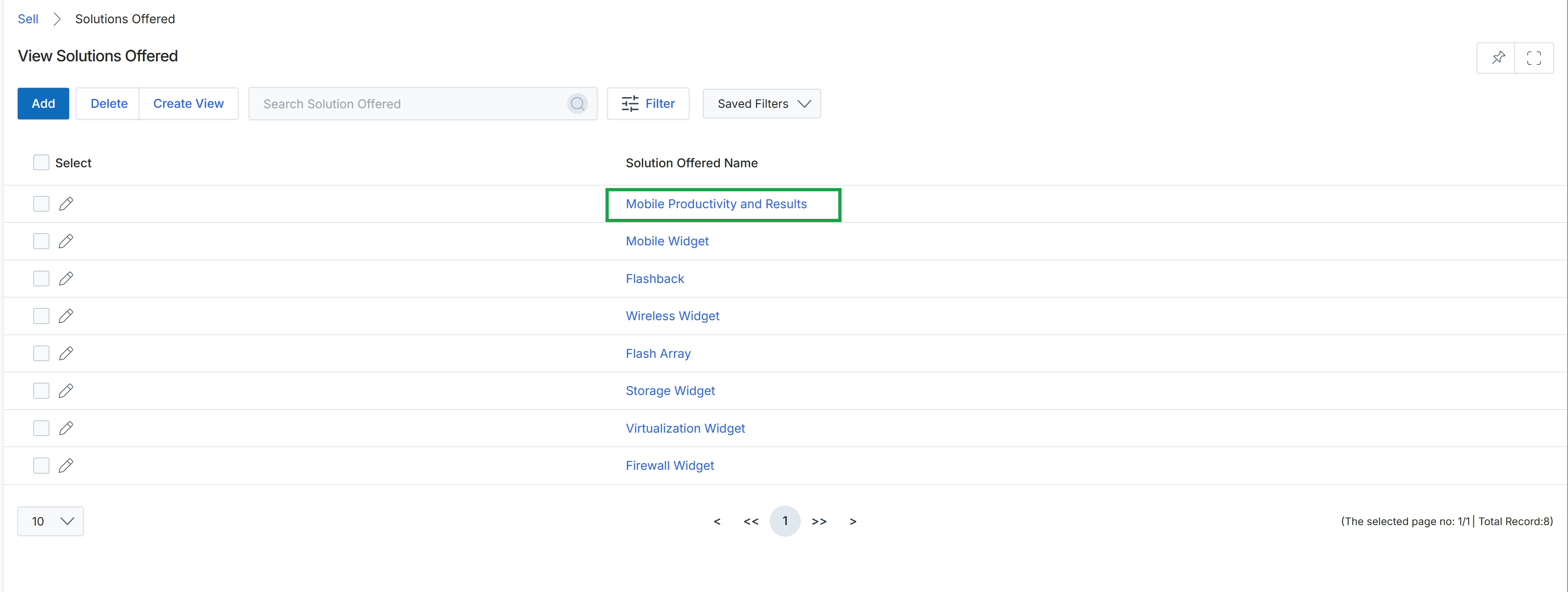
Click the Mobile Productivity and Results link in the "Solution Offered Name" column.
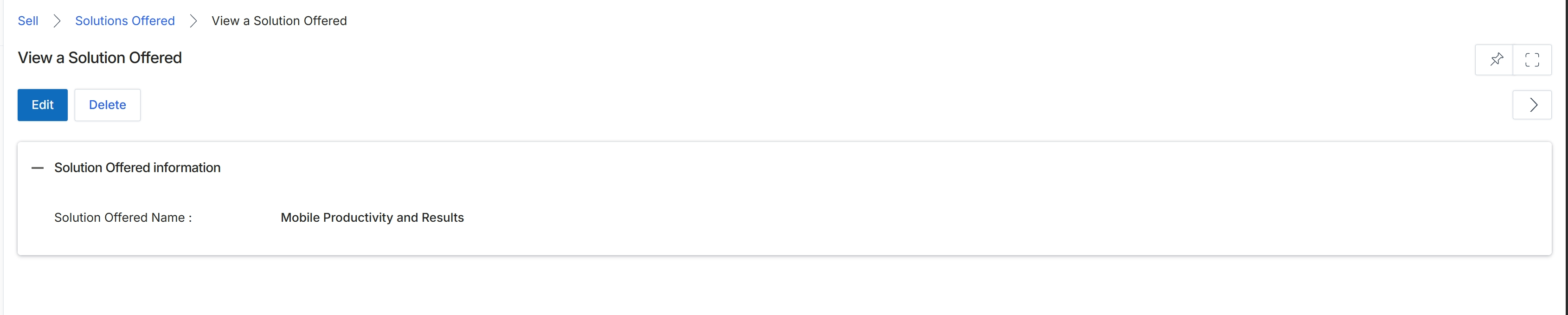
This screen displays the details of a specific 'Solution Offered' record within the platform. Solutions Offered are part of the Products Catalog Management functionality, allowing administrators to define and manage the various products or services that partners can sell. This view provides a read-only summary of the solution's key attributes, such as its name, after it has been created or updated. Administrators can use this screen to quickly review the configured details of a solution, and from here, they can choose to edit the solution's information or delete the record if it is no longer needed.
Review the details of the selected Solution Offered.
Buttons
| Button | Description |
|---|---|
| Edit | Click to modify the details of this Solution Offered. |
| Delete | Click to remove this Solution Offered from the system. |
Solution Offered information
| Field | Description |
|---|---|
| Solution Offered Name | Displays the name of the solution offered. |
Managing Solutions

Click the Delete button.