

Overview
In the context of partner sales, managing company accounts is crucial for tracking leads, deals, and overall pipeline performance. The Companies module provides a unified view of all companies that partners or the vendor are engaging with, whether they are potential customers (prospects) or existing clients. This central database ensures that all relevant information about an account—such as industry, size, and contact details—is readily accessible, facilitating effective sales strategies and collaboration.
Accessing the Companies List
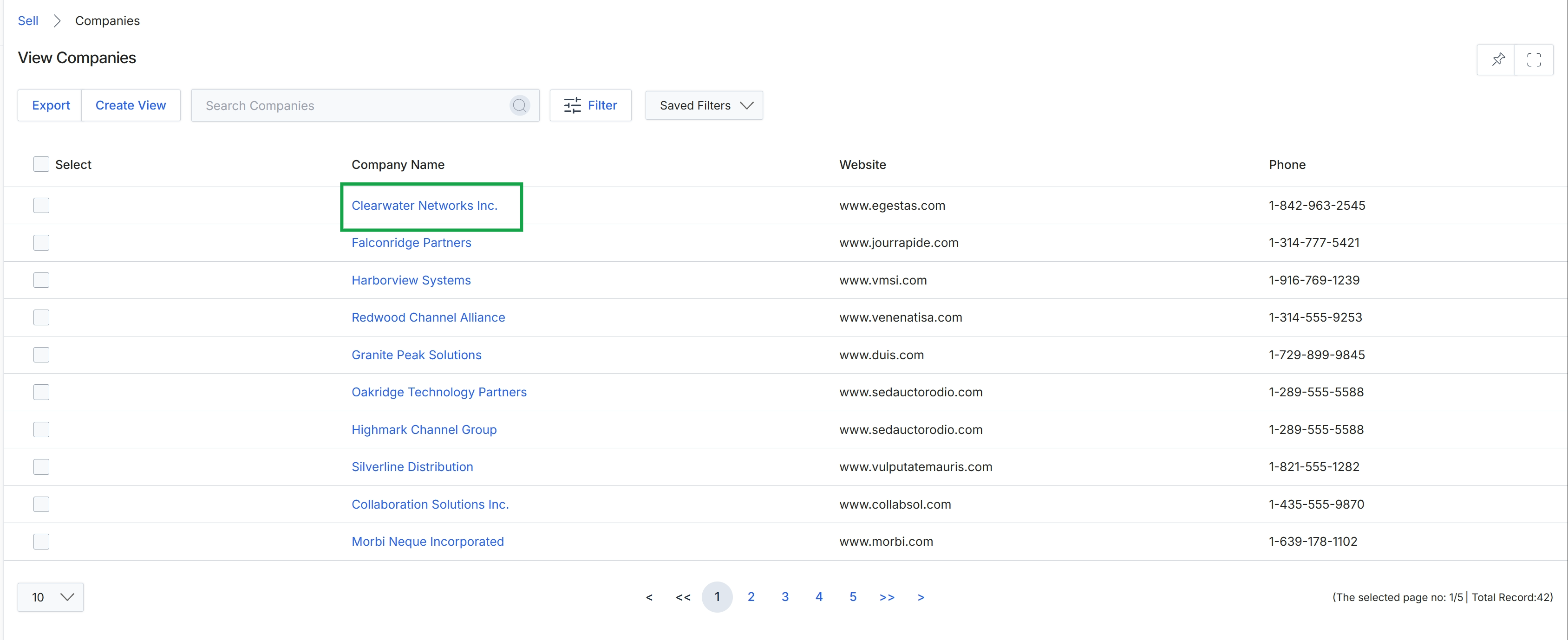
Click the company name Clearwater Networks Inc..
Viewing Company Details
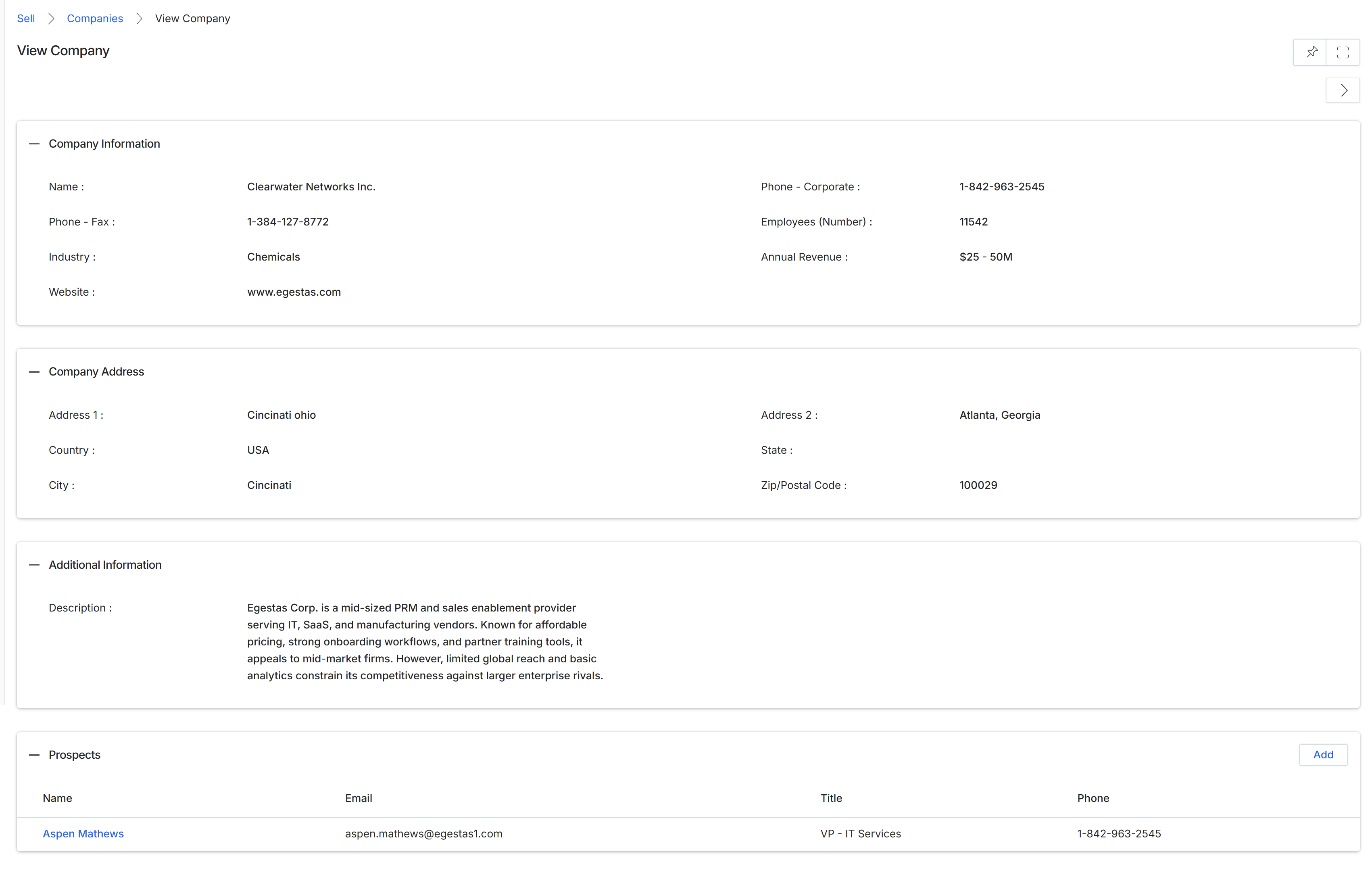
This screen displays the comprehensive details of a specific company record within the UPM platform, serving as a central repository for account information. It consolidates essential data points such as general company information, address details, and a list of associated prospects. This view is crucial for channel managers and other vendor-side users to gain a holistic understanding of a target account, which can be linked to leads, deals, or co-sell requests in the Sell module. The presence of associated prospects indicates potential sales opportunities or contacts within this company that partners might engage with. This detailed view supports informed decision-making regarding partner assignments, deal registration approvals, and overall account management.
Review the detailed information for the selected company, including its general data, address, and associated prospects, after clicking on the company name from a list view.
Buttons
| Button | Description |
|---|---|
| Add | Adds a new prospect record to be associated with this company. |
Company Information
| Field | Description |
|---|---|
| Name | The official name of the company. |
| Phone - Fax | The fax number for the company. |
| Industry | The industry sector to which the company belongs. |
| Website | The official website URL for the company. |
| Phone - Corporate | The main corporate phone number for the company. |
| Employees (Number) | The total number of employees working at the company. |
| Annual Revenue | The estimated annual revenue of the company. |
Company Address
| Field | Description |
|---|---|
| Address 1 | The primary street address line for the company. |
| Country | The country where the company's primary address is located. |
| City | The city where the company's primary address is located. |
| Address 2 | The secondary street address line for the company, if applicable. |
| State | The state or province where the company's primary address is located. |
| Zip/Postal Code | The postal code for the company's primary address. |
Additional Information
| Field | Description |
|---|---|
| Description | A detailed description of the company, its business, and its market position. |
Prospects
| Column | Description |
|---|---|
| Name | The name of the prospect associated with this company. |
| The email address of the prospect. | |
| Title | The job title of the prospect within the company. |
| Phone | The contact phone number for the prospect. |