

Overview
The Administration Zone is the overarching module where UPM administrators manage all aspects of their partner portal. Within this zone, Global Settings is a critical section for defining the foundational operational parameters of the entire platform. This includes configuring how various applications and modules behave, customizing the partner portal's appearance and functionality, and setting up essential business-related configurations like fiscal calendars and accepted currencies.
By centralizing these global configurations, the platform ensures consistency and adherence to the vendor's business logic across all partner interactions. Administrators can precisely control data entry through validation rules, optimize partner experience via portal and search settings, and align financial reporting with their organizational structure through fiscal year and currency definitions. This comprehensive control allows for a highly tailored and efficient partner program management.
Accessing Global Settings
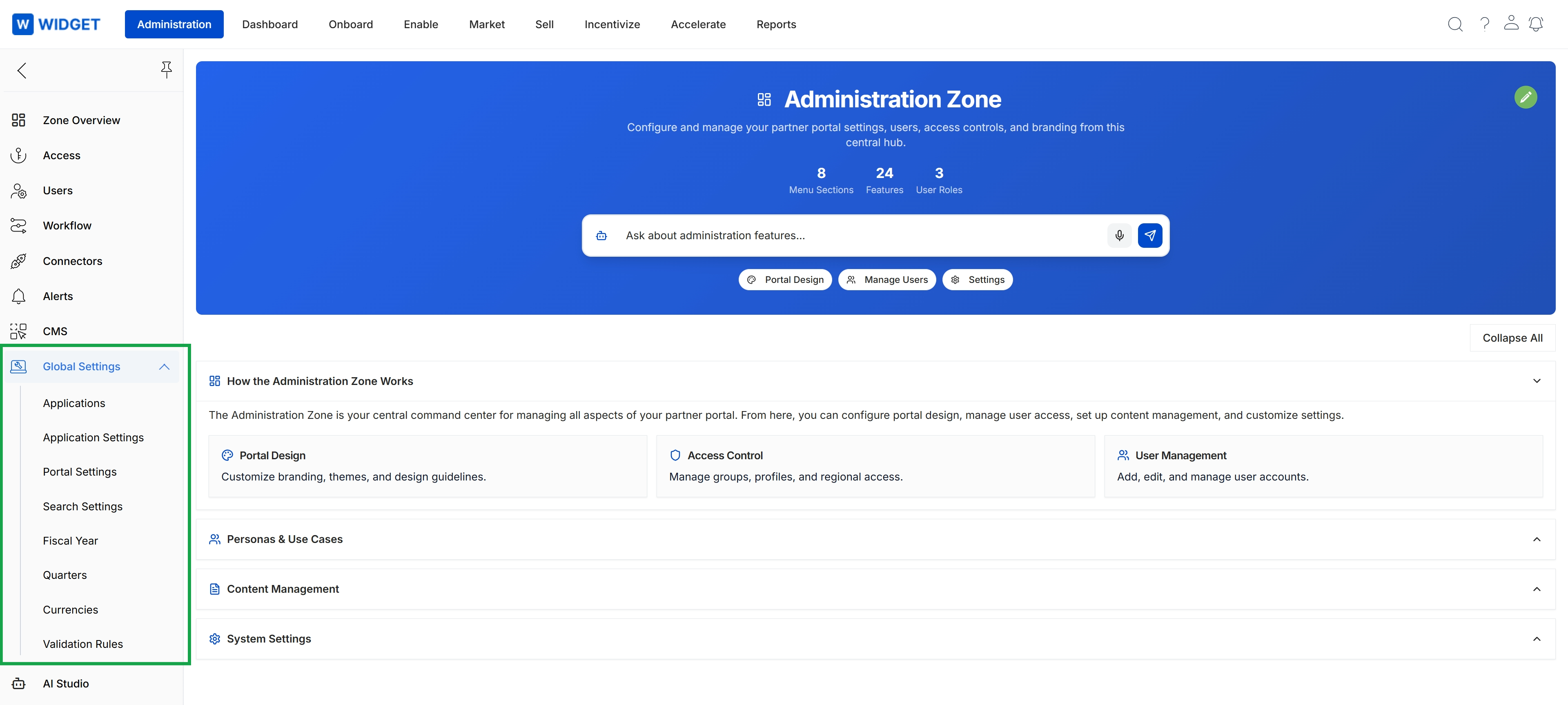
Click Global Settings in the left navigation menu to expand its sub-menu, then click Application Settings.
Managing Applications
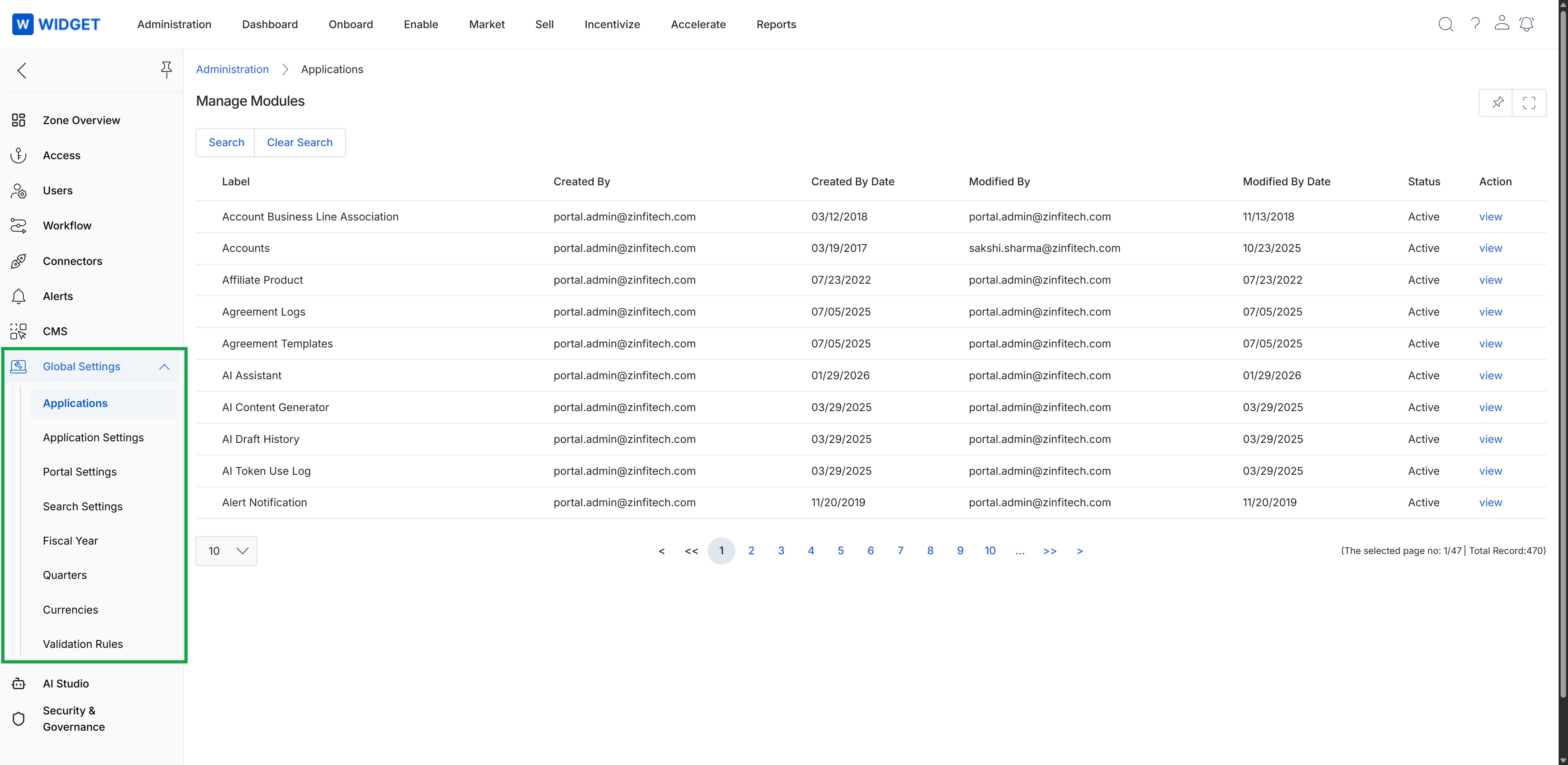
This screen displays a list of applications or modules within the platform's administrative section, specifically under Global Settings. It provides an overview of various system components, showing their labels, creation and modification details, and current status. Administrators use this view to manage and monitor the different functional modules and applications that comprise the platform's capabilities, ensuring they are active and properly configured.