

Overview
The platform's global search functionality is crucial for users to quickly find information across various modules, such as contacts, help content, or deals. This administrative section provides a comprehensive overview of how these search capabilities are configured. Administrators can see which modules have active search settings, the name associated with each setting, and the specific module or zone it applies to. This ensures that the search experience is optimized and aligns with the organization's data management and accessibility requirements.
By centralizing the management of search settings, administrators can maintain consistency and efficiency in how data is discovered throughout the platform. This helps in troubleshooting search-related issues, auditing configurations, and making informed decisions about enabling or disabling search for specific content types or modules based on evolving business needs.
Managing Global Search Settings
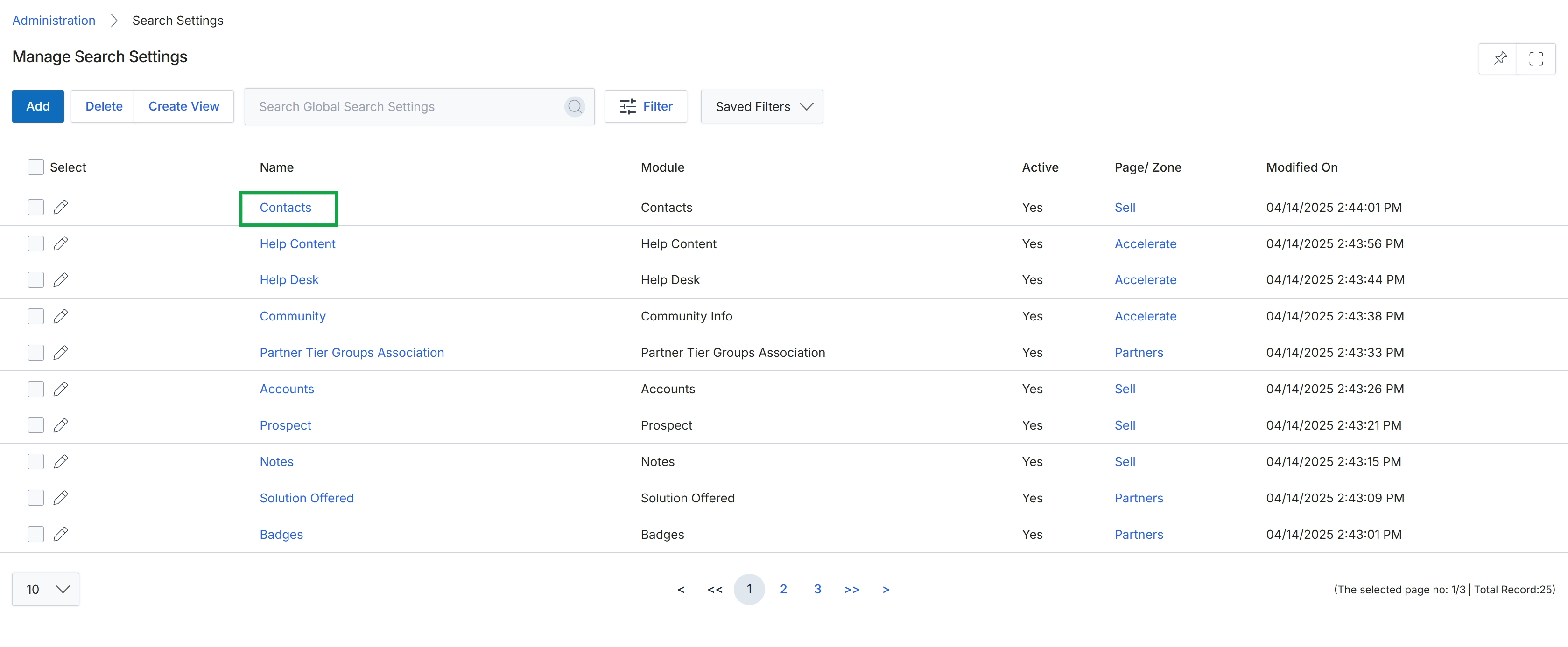
Click the Contacts link in the 'Name' column to view its search settings.
Viewing Specific Search Setting Details
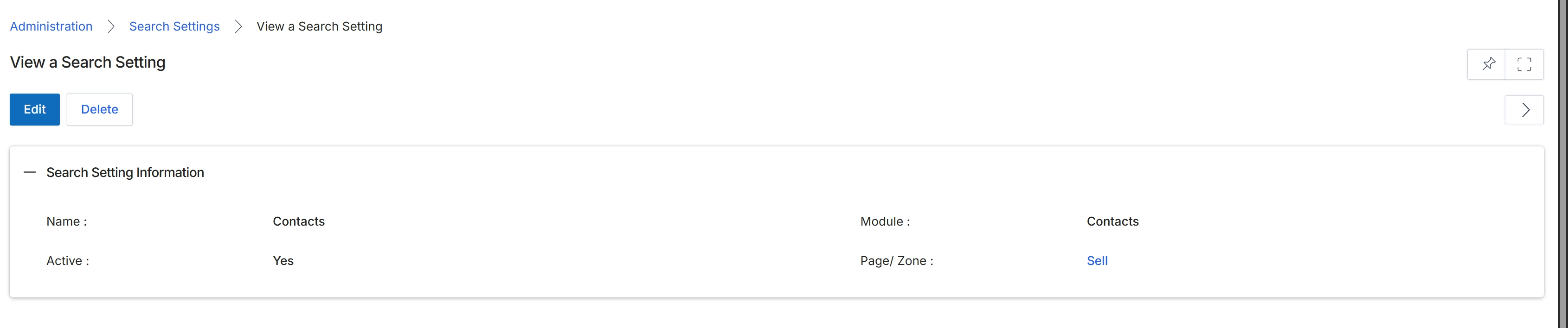
This screen displays the details of a specific search setting configured within the UPM. Search settings define how the platform's search functionality behaves for different modules and entities, allowing administrators to customize what fields are searchable, which modules are included in search results, and whether a particular search configuration is active. This view provides a summary of the selected setting, including its name, the module it applies to, its active status, and the specific page or zone where it is utilized. Administrators can review these details to understand the scope and configuration of existing search settings before making any modifications or deletions.
Review the details of the selected search setting.
Buttons
| Button | Description |
|---|---|
| Edit | Click to modify the details of this search setting. |
| Delete | Click to remove this search setting from the platform. |
Search Setting Information
| Field | Description |
|---|---|
| Name | The name assigned to this search setting. |
| Active | Indicates whether this search setting is currently active ('Yes') or inactive ('No'). |
| Module | The UPM module to which this search setting applies. |
| Page/ Zone | The specific page or zone within the UPM where this search setting is implemented. |